Free Slideshow Maker with Music
Who Needs This Slideshow Maker with Music for Content Creation
Whether you are promoting a track or sharing a podcast, our tool simplifies your workflow and helps your audio get noticed on video platforms.

Independent Musicians
Need to release a new track on YouTube or TikTok? Turn your song into a dynamic video with audio waveforms to keep listeners visually engaged.

Podcasters & Storytellers
Stop posting plain audio links that get ignored on social media. Convert your best audio clips into short, shareable slideshows using our preset visual styles

Audio Book Narrators
Give your audience a clear visual element to focus on while listening. Choose a photo style that fits your story and add auto-captions to highlight key dialogue.
Slideshow Maker with Music Online
How to Make a Video Using Our Slideshow Maker with Music
You do not need any video editing experience to get professional results. Follow these simple steps to generate your visual audio content online.
Upload Your Audio File
Add your local audio track or select an existing file directly from your FreeMusic workspace. Our system securely processes your music within minutes.
Choose Visuals and Layout
Select from our high-quality AI photo themes and pick your format (16:9 for desktop or 9:16 for mobile).
Generate and Export Video
Enable audio waveforms or auto-captions if needed, then click generate. The AI instantly compiles your audio and selected visual settings into a complete video.
Free Slideshow Maker with Music
Practical Features Inside Our Slideshow Maker with Music
We focus on practical tools that save time and produce clear visual content. Here is how our platform helps you build video slideshows efficiently.
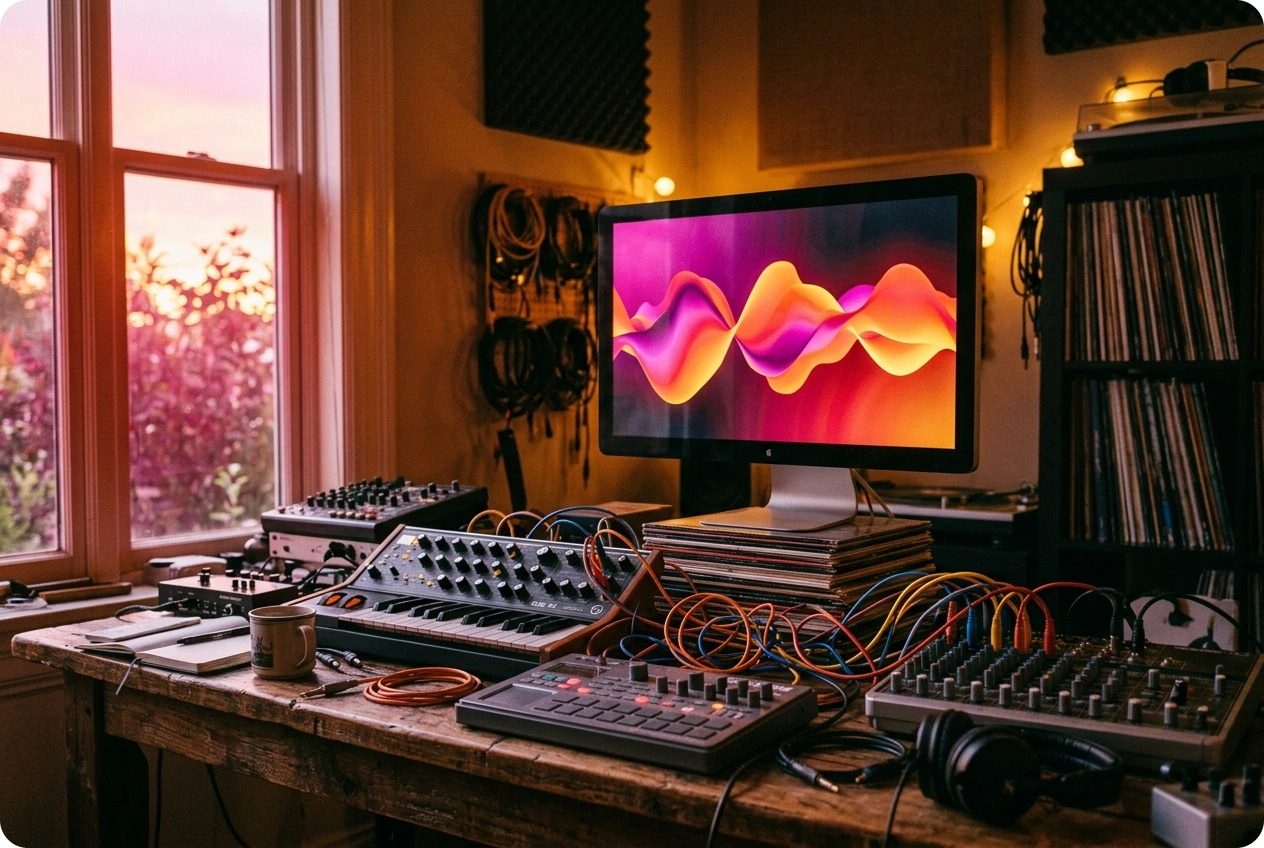
Curated AI Photo Styles
Stop searching for stock images online. Choose from our built-in library of visual themes that match the mood of your audio perfectly.

Accurate Auto-Captions
Make your videos accessible to viewers watching on mute. Generate text automatically and pin your captions to the top, middle, or bottom of the screen.

Dynamic Audio Waveforms
Add a reactive visual element to your music or speech. The rhythm waveform effect syncs exactly with your audio track to create a better viewing experience.
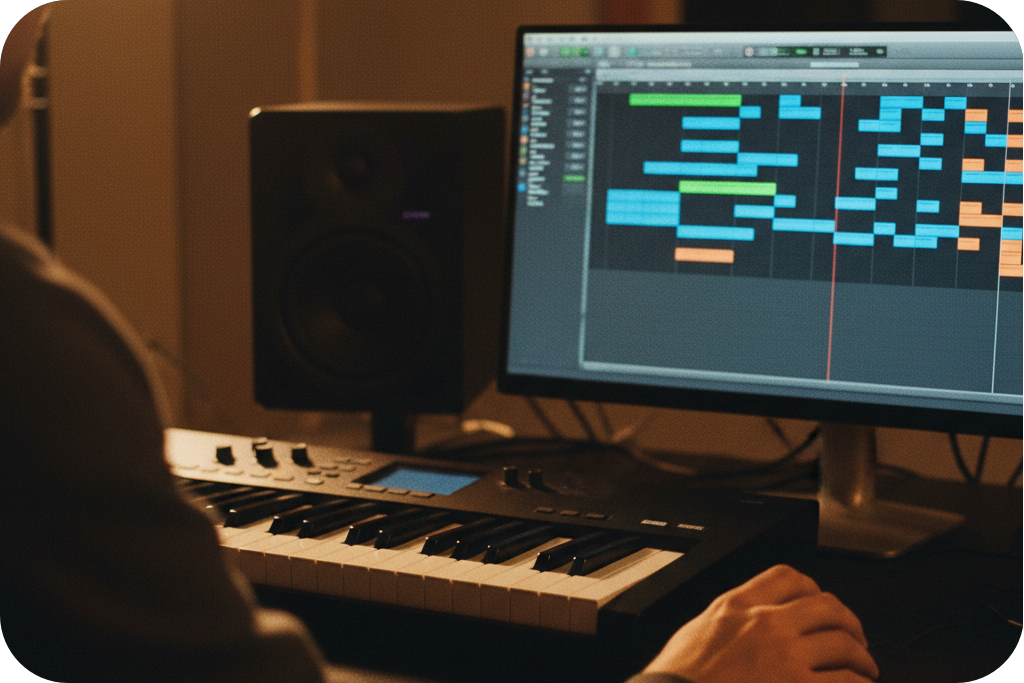
Web-Based Processing
Avoid heavy software installations and local computer crashes. Everything processes directly in your browser, so you can make a slideshow video from any device.
Frequently Asked Questions
What is a slideshow maker with music?
It is a web-based tool by FreeMusic that converts your audio tracks into dynamic visual videos. You can combine your music with platform-provided photo styles, moving waveforms, and synchronized captions.
How to make a slideshow video with music?
Upload an audio file from your device or select a track from your FreeMusic workspace. Choose your preferred visual style, select your display mode, and click generate to create the video.
What display modes does this photo slideshow maker with music offer?
Users can select a single-image static background or a multiple-image dynamic mode. Both options utilize our high-quality, pre-set photo styles.
Do I need to download an app to make a video slideshow with music?
You do not need to download any software to use this service. Our online slideshow video maker with music works directly in your web browser.
Can I make a video slideshow with music for vertical social media?
Yes, you can choose a 9:16 aspect ratio for vertical formats or a 16:9 aspect ratio for standard screens. This ensures your final video fits the specific requirements of your chosen platform.

Build Professional Videos Using Our Slideshow Maker with Music
Transform your audio tracks into highly engaging visual content through the precise AI settings inside our slideshow maker with music.