Best AI Singing Voice Generator for Training Your Own Voice
The best AI singing voice generator learns from your own recordings. Upload a few minutes of clean vocals, train a personal voice model, and hear songs sung back in your tone. Free to try in a browser.
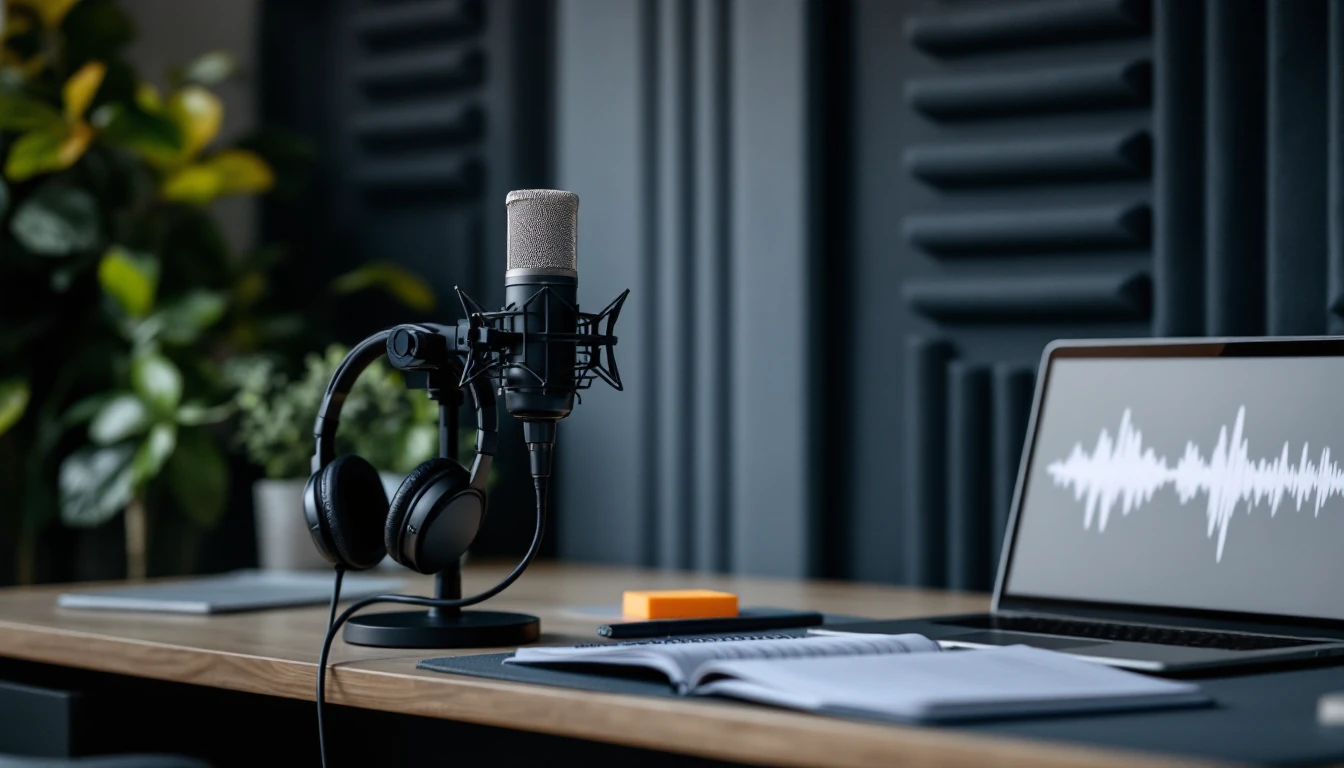
What the Best AI Singing Voice Generator Learns
The best AI singing voice generator listens to your recordings and builds a voice model around the parts of your sound that make it yours. That model can then sing melodies you never recorded.
Tone
The color of your voice, from warm and breathy to bright and clear.
Range
How your voice sounds across low and high notes.
Diction
The way you shape vowels and consonants when you sing or speak.
Vocal gender
A setting you choose so the model processes your voice accurately.
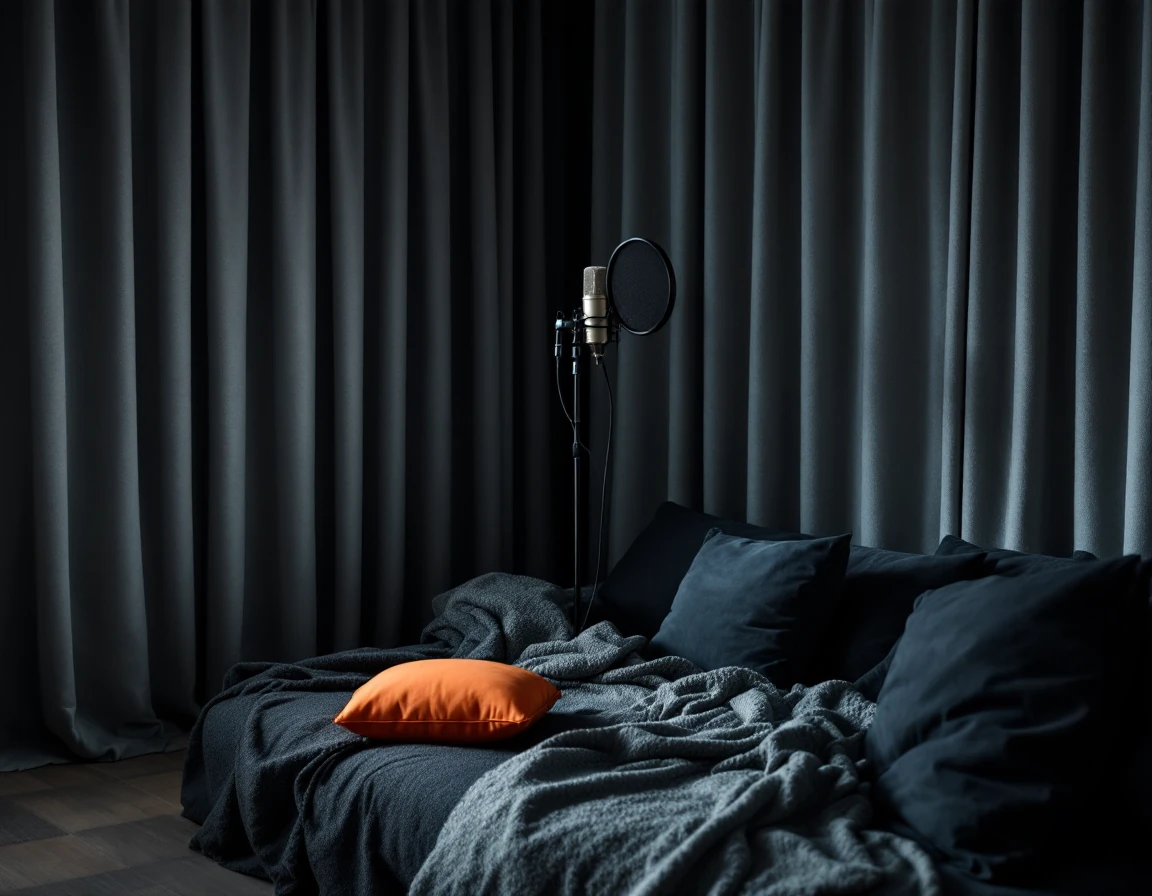
Record Clean Audio for Your AI Singing Voice
A voice model is only as clear as the audio it learns from. Keep these points in mind before you upload.
- Aim for about 10 minutes. Training accepts 1 to 30 minutes in total.
- Use up to five clips. Several takes give the model more of your voice to work with.
- Record in a quiet room. Soft furnishings help keep the sound dry.
- Leave out music and effects. Background tracks, echo and reverb blur what the model hears.
Train the Best AI Singing Voice Generator in Three Steps
The best AI singing voice generator runs on one page in the browser.
Add your audio
Open the AI Singing Voice Generator, name your voice model, then upload clips or record directly.
Set the details
Choose the vocal gender and decide whether the model is private or public.
Start training
Click train and the finished model appears under My Voices, ready for covers.
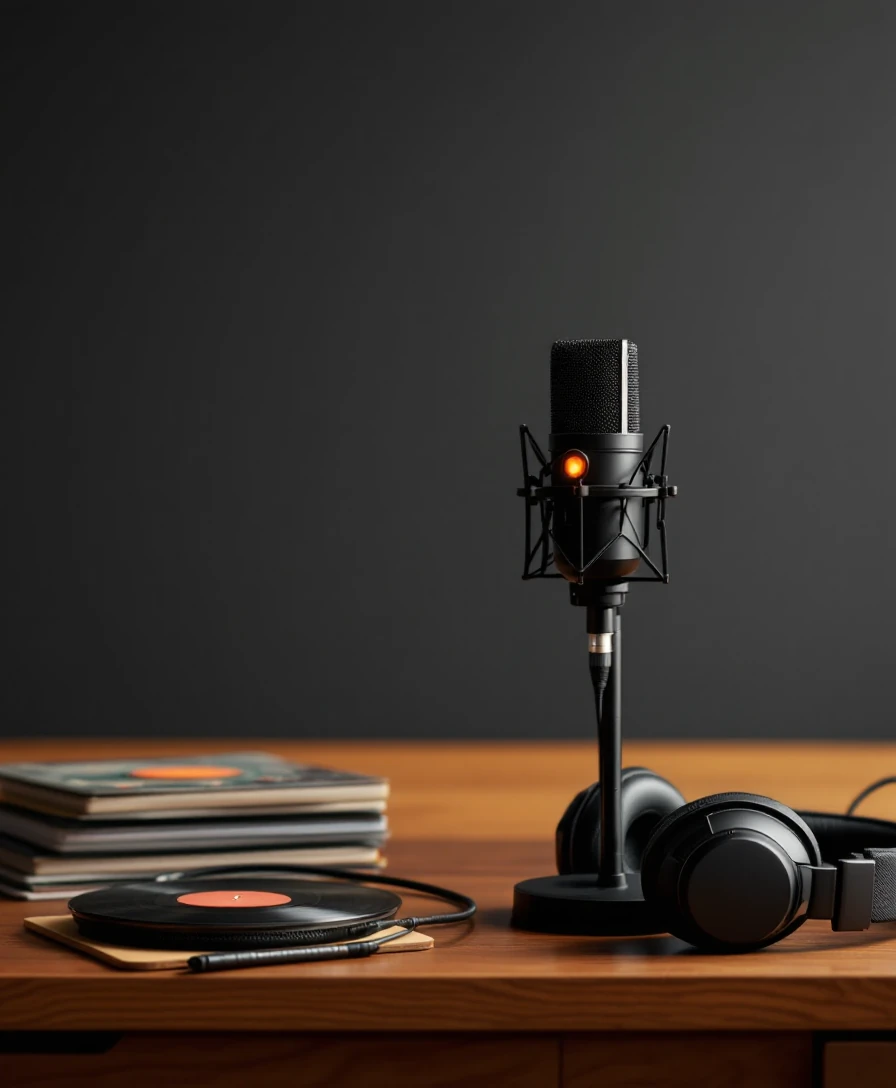
Turn Your Singing Voice Model Into AI Covers
Once trained, your model works inside the AI Song Cover Generator. Three choices shape each cover.
Pick the voice
Select your model under My Voice Model, or a ready-made voice from the Library.
Pick the song
Upload an audio file or choose a track from My Music.
Set vocal gender
Match the target gender to the singing style you want, then click Cover.
Key Settings in the Best AI Singing Voice Generator
The best AI singing voice generator keeps the controls short. These are the only ones you need.
Frequently Asked Questions
How much audio do I need to train a voice model?
Training accepts 1 to 30 minutes of audio. About 10 minutes of clean vocals is recommended, and you can upload up to five clips or record in the browser.
Does my recording need to be professional?
A home setup works well. What matters most is a quiet room and a dry voice, free of background music, noise, echo or added reverb.
Can other people use my voice model?
Only if you choose. Set the model to private to keep it to yourself, or public to let it appear in the shared voice library.
How long does an AI cover take?
A cover usually finishes in about one to two minutes. You can preview it in the browser and save the audio when it is ready.
Which songs can I cover with my voice model?
Upload an audio file of up to 20MB, or pick any track from My Music, including songs you created with the AI Music Generator.
Try the Best AI Singing Voice Generator With Your Voice
Record a few minutes, train your model, and hear it sing in the AI Song Cover Generator.
Train My Voice