Browser Based Processing
Keep your workflow entirely online without installing heavy software. Upload your video and let the engine analyze the audio track directly in your active tab.
Transform video soundtracks into editable note events instantly. Our online Mp4 To Midi converter gives you total freedom to download precise musical sequences.

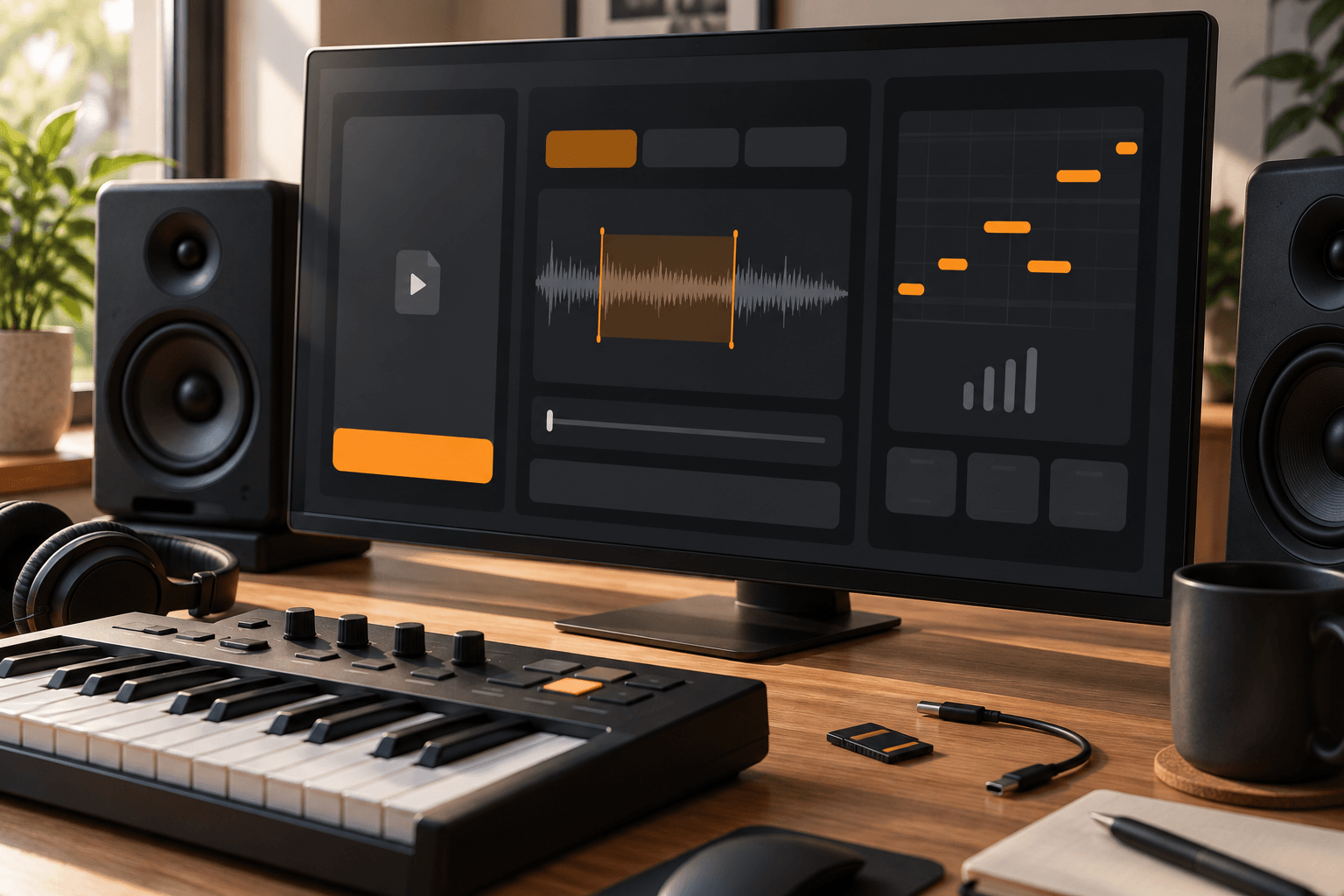
Keep your workflow entirely online without installing heavy software. Upload your video and let the engine analyze the audio track directly in your active tab.
Focus only on the exact musical phrase you need. Highlight specific start and end points in your video to extract notes without processing unnecessary noise.
Turn static audio into flexible data you can manipulate. The system maps frequencies to standard events so you can rearrange pitches and adjust timing freely.
Grab your results immediately after the transcription finishes. Save the generated sequence straight to your hard drive and drop it into your favorite digital workstation.
Stop wasting hours transcribing by ear. We built this extraction engine to give musicians absolute freedom over their creative sampling process entirely online.
You decide exactly which part of the video matters. By setting custom timestamps, you avoid cluttered data and only extract the melodies you actually want to remix.
Keep your computer clean and your workflow fast. Everything happens right inside your web browser, turning complex audio analysis into a smooth, accessible experience.
We output standard formats that drop seamlessly into any digital audio workstation. You get clean, editable sequences that you can immediately assign to your own virtual instruments.
Unlock new production possibilities from existing video files. Our Mp4 To Midi tool helps different creators download raw note data for endless musical experimentation.
Grab a catchy vocal run or synth line from a video clip and instantly turn it into flexible note data to trigger your own custom synthesizers.
Stop guessing complex chord progressions from live performance videos. Extract the exact notes played and use them as a foundational guide for your own unique arrangements.
Isolate interesting rhythmic patterns from video soundtracks. Transform those audio transients into trigger events to build entirely new percussive loops and experimental soundscapes.
Turn your favorite clips into workable data fast. Follow these simple steps to use our Mp4 To Midi tool and download your sequences instantly.
Select any standard video from your device and load it directly into the secure browser interface of FreeMusic AI to begin the extraction process.
Listen through the track and highlight the specific timeframe you want to capture. This ensures you only transcribe the exact musical phrase you need.
Hit the process button to let the engine map the frequencies. Once complete, save the standard sequence file to your computer for immediate editing.
The engine analyzes dominant frequencies within your selected timeframe to map out standard note events. While it works best on clear monophonic melodies, you can easily edit the downloaded file to clean up any complex polyphonic artifacts.
Yes, your privacy is fully protected during the entire transcription process. All audio analysis happens securely, and we never store your personal media files on our servers after you finish.
You can open the generated sequences in any standard digital audio workstation or notation software. The format is universally recognized, giving you total freedom to assign your own virtual instruments.
Currently, the tool processes one specific continuous timeframe per extraction to ensure maximum accuracy. You can simply reload the media to target a different section and grab another sequence.
We optimize the browser engine to handle standard media sizes efficiently without crashing your tab. For massive files, we recommend trimming the video locally before uploading to speed up the analysis.

Experience total creative freedom with our Mp4 To Midi converter and download your notes today.