Why Choose FreeMusic AI
Create Videos Your Way with Complete Creative Control
FreeMusic AI's photo video maker gives you full freedom to transform images into videos without limits. Adjust every element, explore different styles, and express your vision exactly as you imagine it.
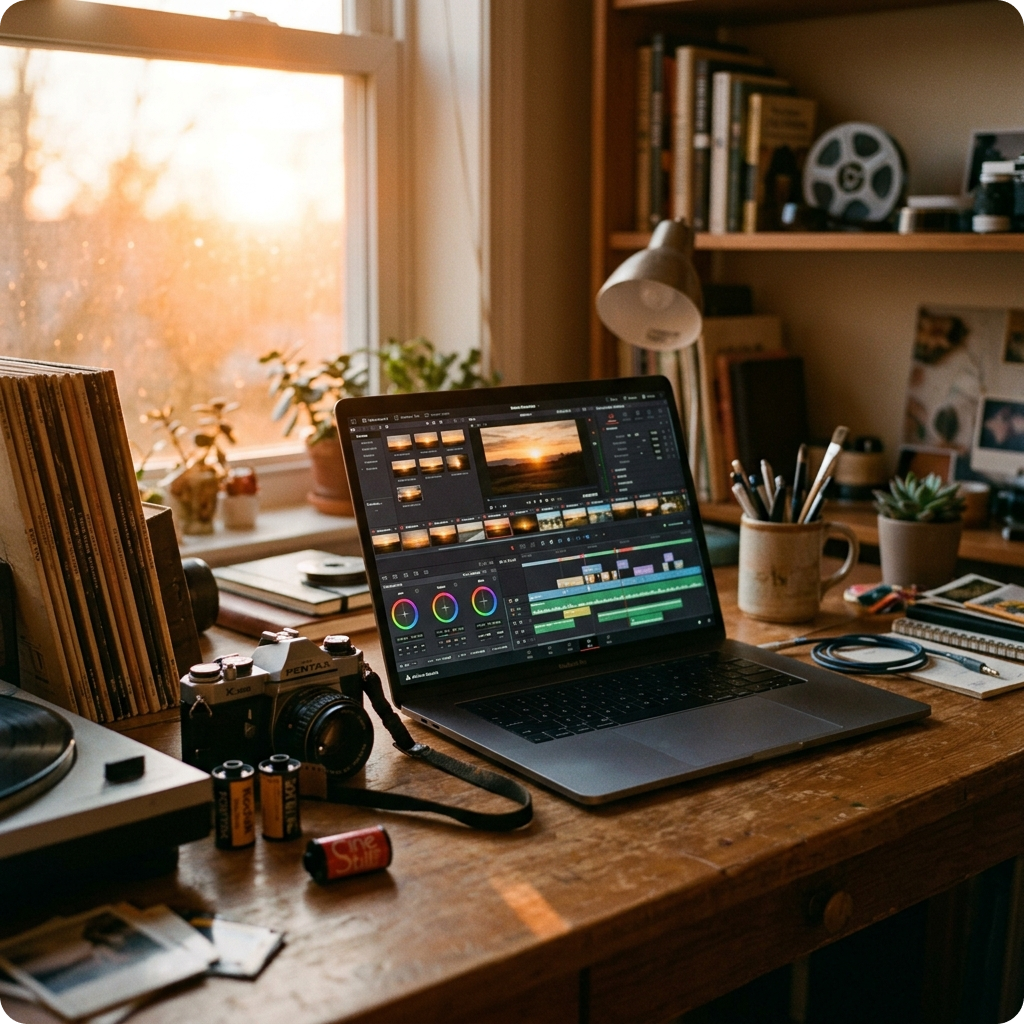
Full Creative Freedom
Unlike rigid templates, FreeMusic AI lets you customize every aspect of your photo video maker experience. Adjust timing, effects, transitions, and music placement to match your exact vision. Experiment with different combinations until your video feels right.
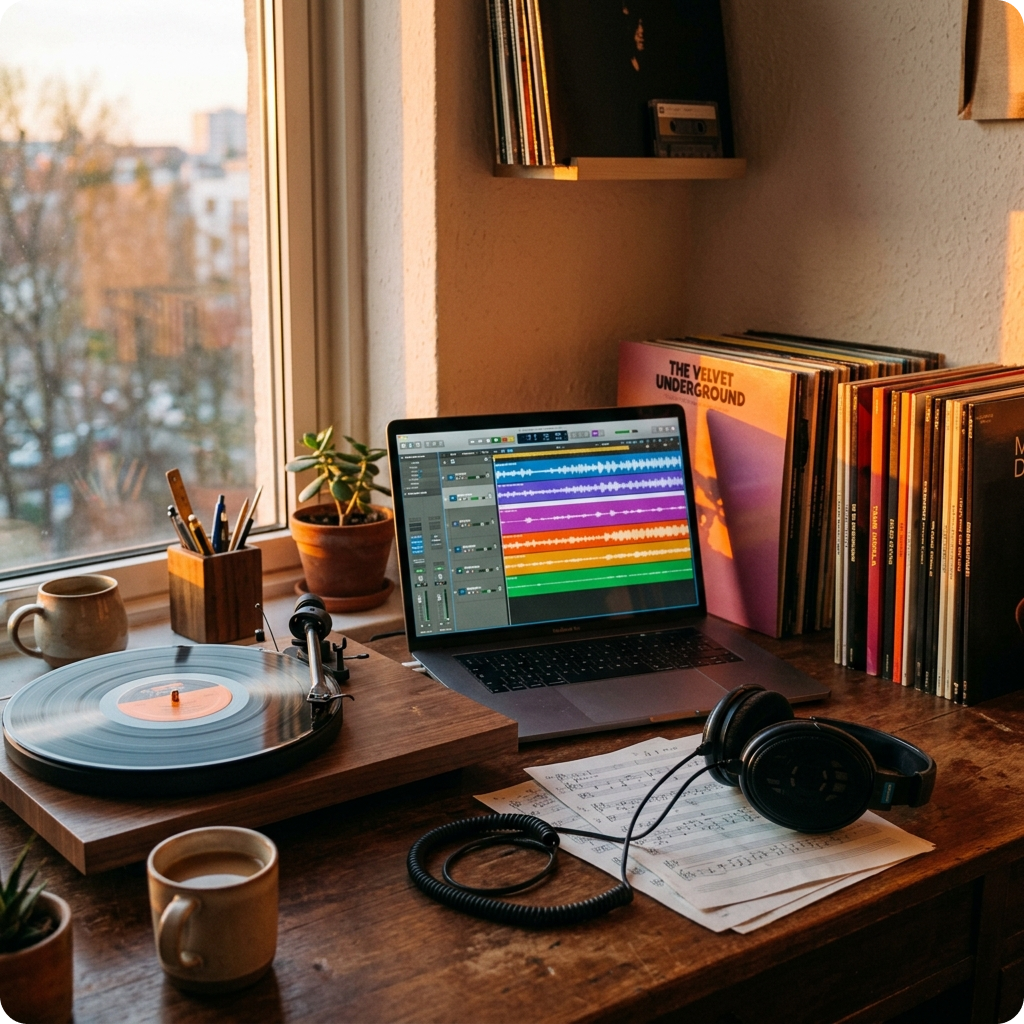
Royalty-Free Music Integration
Access our library of royalty-free music designed specifically for video creation. Your video maker projects come with built-in audio that's cleared for use, so you can publish without copyright concerns. Mix, match, and layer sounds freely.
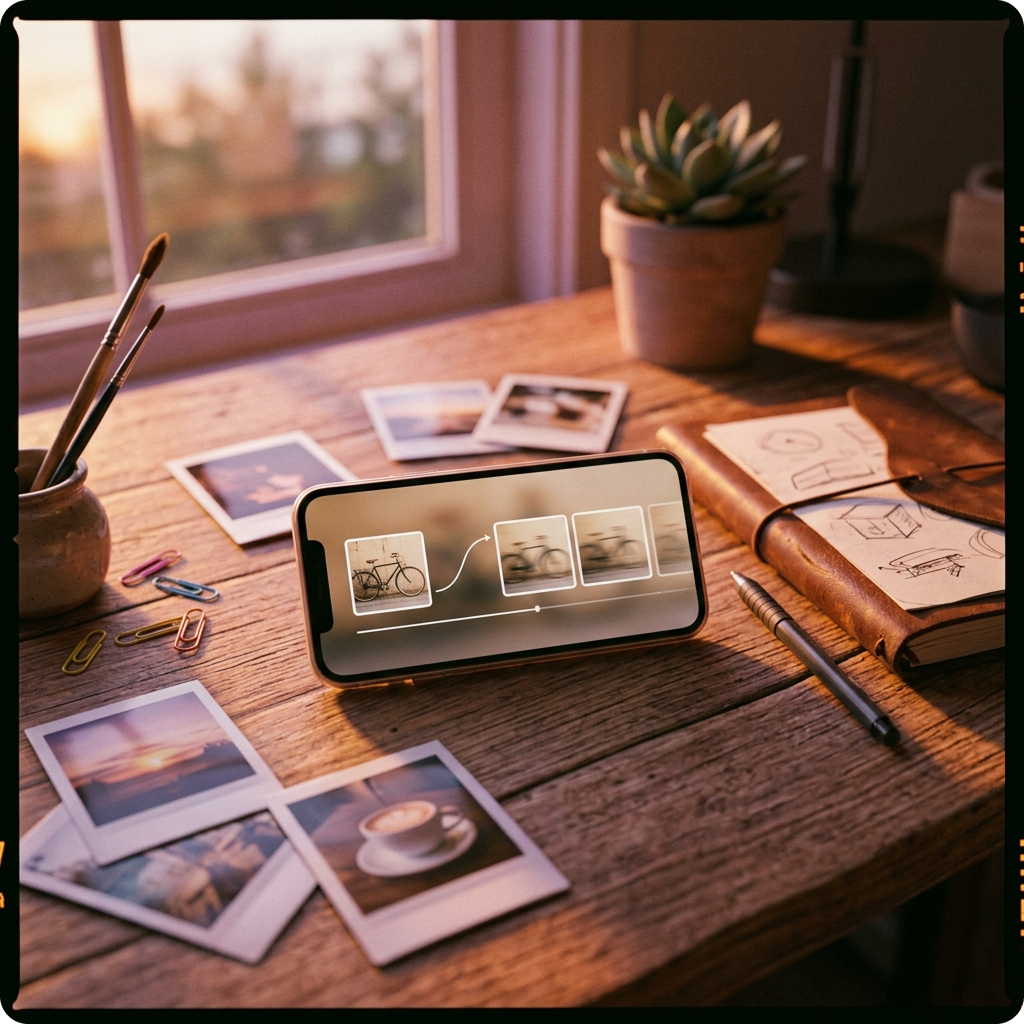
No Skill Required
Transform images to video in minutes, even if you've never edited before. Our intuitive interface guides you through each step while keeping advanced controls accessible. Create professional-looking videos without learning complex software.
How Photo Video Maker Works
Turn Your Photos into Videos in Three Simple Steps
FreeMusic AI simplifies the image to video process. Upload your photos, customize your video, and download instantly. No complicated workflows, just straightforward creation.
Upload Your Photos
Select and upload the images you want to transform. Our video maker accepts multiple formats and lets you arrange them in any order. Adjust the duration each image appears on screen to control your video's pacing.
Customize Your Video
Choose transitions, effects, and timing that match your style. Add royalty-free music from our library or upload your own audio. Use our free photo video maker tools to adjust colors, add text, and fine-tune every detail until it's perfect.
Download and Share
Export your finished photo to video creation in high quality. Download instantly and share across social media, websites, or keep for personal use. Your video maker project is ready to go in seconds.
POWERFUL PHOTO VIDEO MAKER FEATURES
Everything You Need to Make Professional Photo Videos
FreeMusic AI's photo video maker combines intuitive design with powerful tools. Create image to video content with effects, music, and transitions that bring your photos to life.
Instant Photo to Video Conversion
Transform static images into dynamic videos in seconds. Our photo video maker automatically handles the technical work while you focus on creativity. Upload multiple photos and watch them become a cohesive video story without manual rendering.
Royalty-Free Music Library
Access thousands of copyright-free tracks perfect for your free photo video maker projects. Every song is cleared for commercial and personal use. Layer, mix, and sync audio to your video maker timeline with complete creative control.
Advanced Editing Controls
Adjust timing, add transitions, apply filters, and insert text overlays. Your photo video maker gives you granular control over every element. Experiment with different effects, redo sections, and refine your video until it matches your vision perfectly.
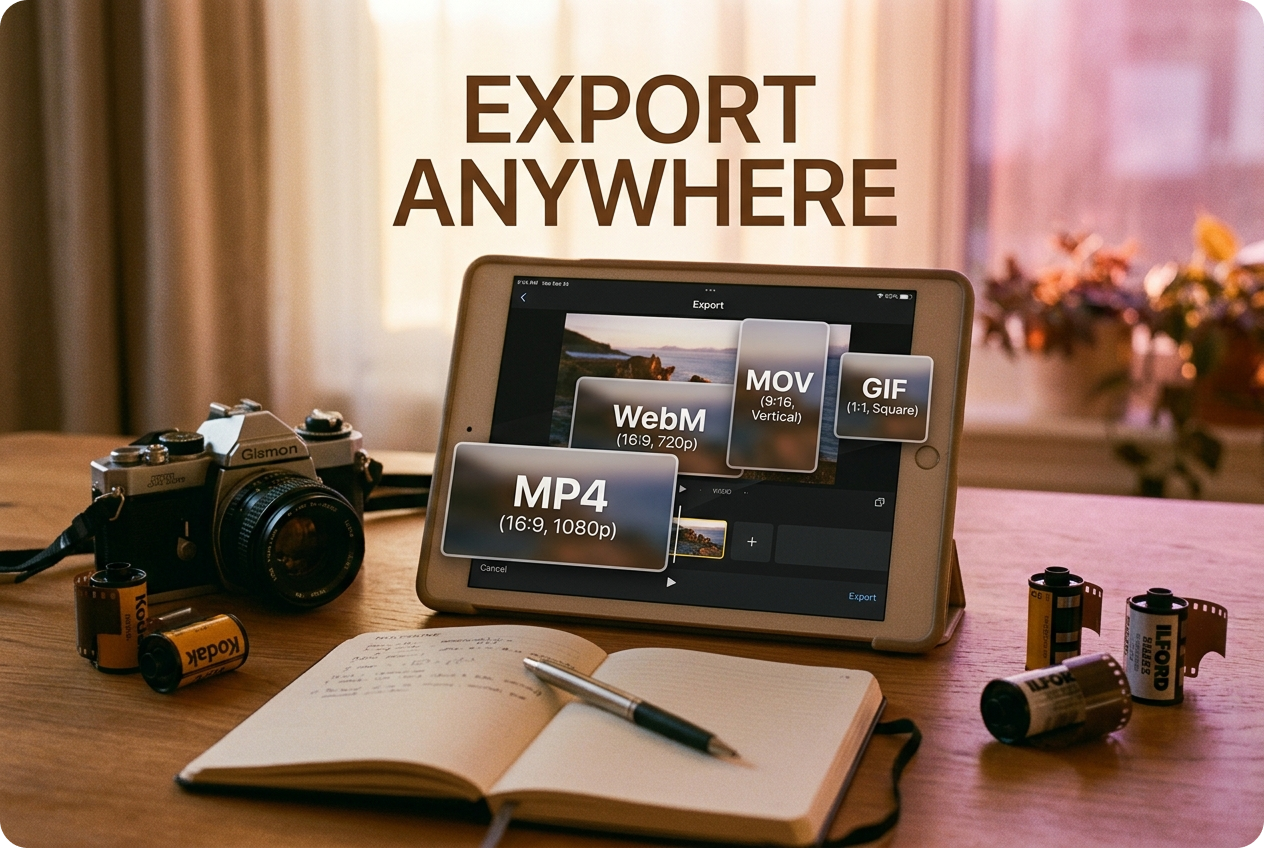
Multi-Format Export
Download your image to video creation in formats optimized for any platform. Whether you need MP4, WebM, or other formats, our free photo video maker handles it. Export in different resolutions and aspect ratios for social media or professional use.
Frequently Asked Questions
Can I use my own music in the video maker?
Yes, absolutely. Upload your own audio files or choose from our royalty-free library. FreeMusic AI lets you sync custom music to your image to video timeline with full control over timing and volume levels.
What image formats does the free photo video maker support?
Our photo video maker accepts JPG, PNG, GIF, WebP, and other common formats. Upload as many images as you need, arrange them in any order, and adjust individual timing for each photo in your video.
How long can my photo to video project be?
Create videos of any length with FreeMusic AI's image video maker. Whether you need a 10-second clip or a 10-minute compilation, there are no artificial limits on your creative projects.
Is my photo video maker content copyright protected?
Videos you create with our royalty-free music are yours to use. All music in FreeMusic AI is cleared for both personal and commercial purposes, so you can publish without copyright concerns.
Can I edit my video after downloading it?
Yes, you can always return to edit your video maker project. Save your work, make changes anytime, and re-export in different formats. Your image to video creation stays flexible throughout the process.

Start Making Your Photo Video Today
Create stunning image to video content with FreeMusic AI's free photo video maker. No experience needed, full creative control included.