Instant Browser Access
Skip tedious installations. Route your microphone or drop an audio file directly into the web interface to begin analyzing sound balance immediately.
This Audio Spectrum Analyzer is a free online tool revealing audio frequency details. Check sound balance and peak frequencies instantly right inside your browser.
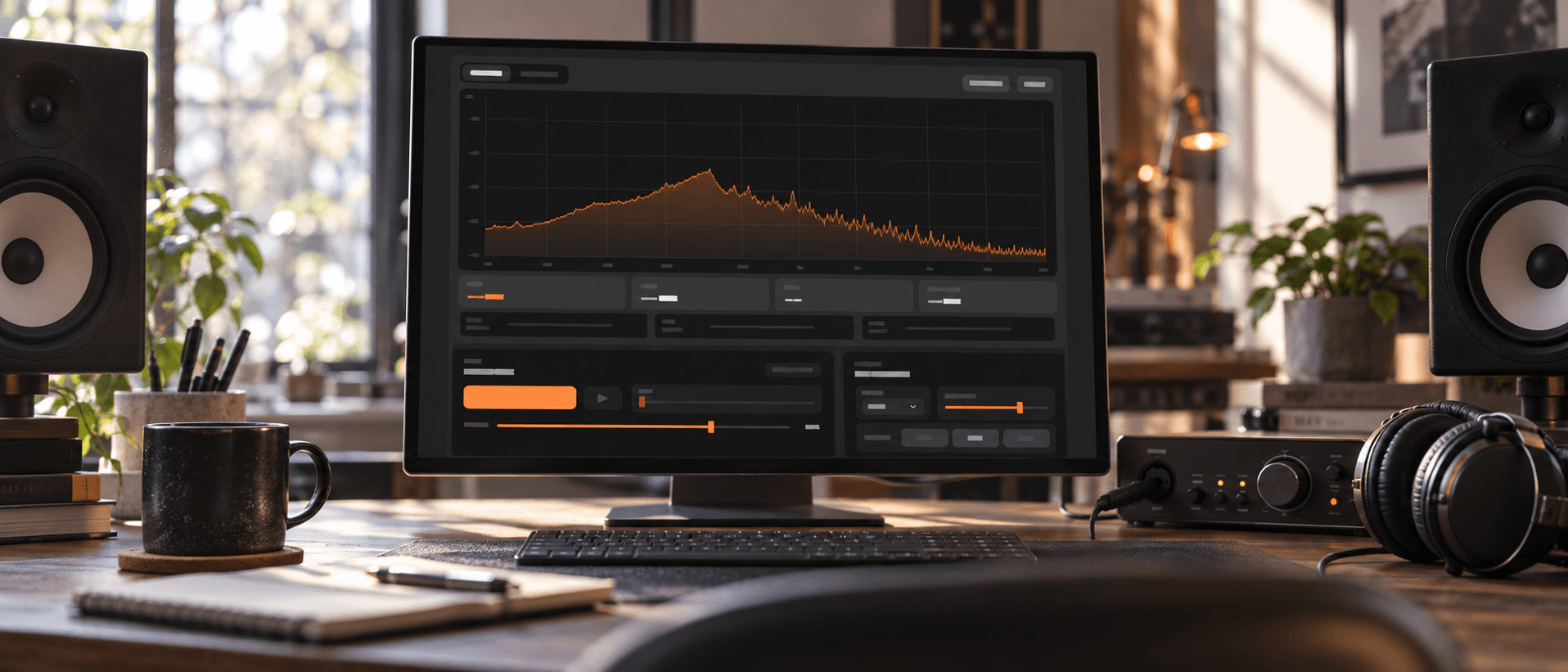
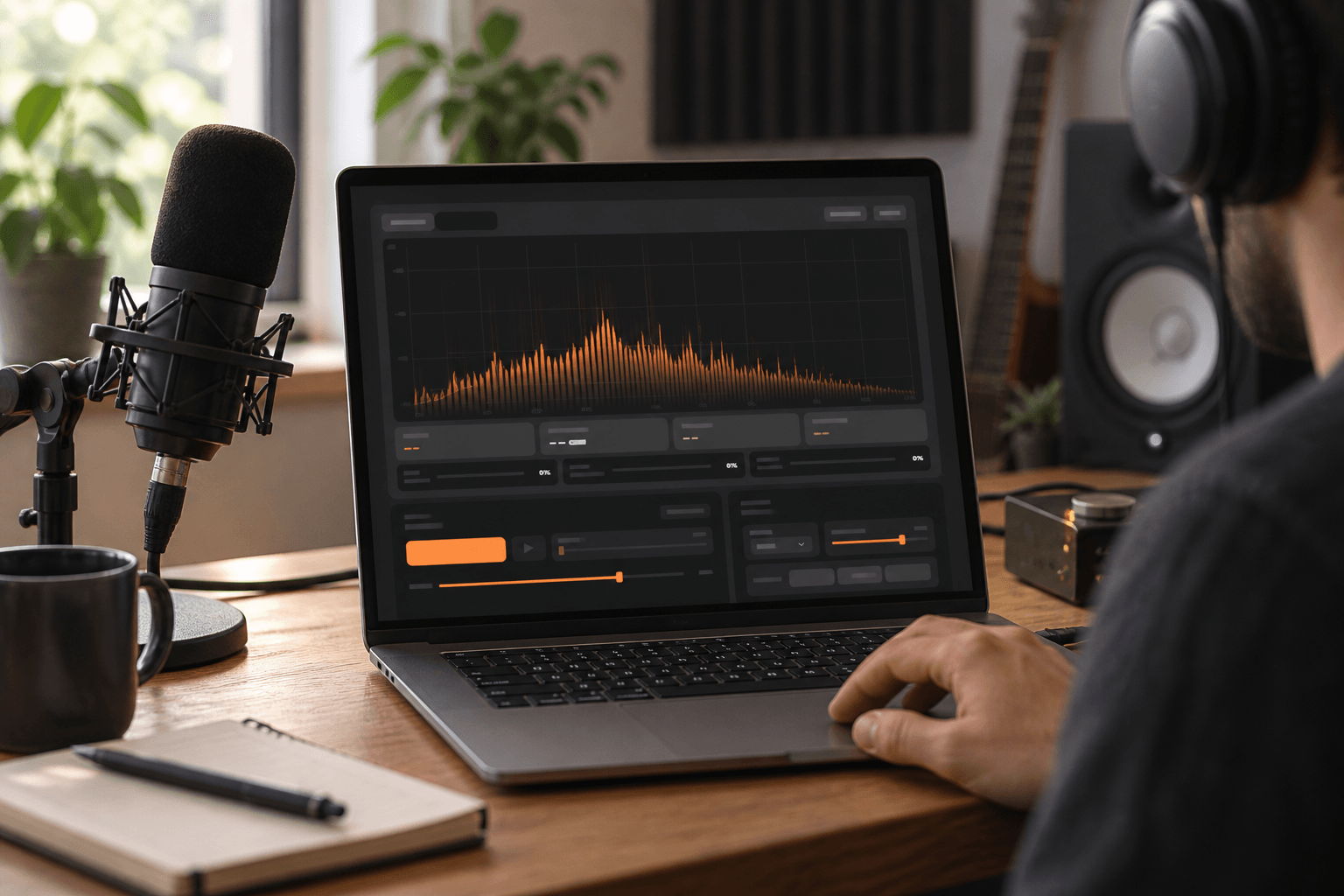
Play local files or activate your microphone to watch logarithmic spectrum changes instantly. Identify musical notes and track precise level meters without leaving your workspace.
Isolate low mid and high frequency distribution to spot muddy mixes or harsh tones. Pinpoint peak frequencies accurately to make confident EQ analyzer adjustments.
Skip tedious installations. Route your microphone or drop an audio file directly into the web interface to begin analyzing sound balance immediately.
View frequencies exactly how human ears perceive them. The 20 Hz to 20 kHz logarithmic display ensures your mixing decisions translate perfectly everywhere.
Stop guessing pitch values. The system translates raw audio data into readable musical notes to help you tune instruments and vocal tracks.
You control the input and the process. Test unlimited audio files with zero restrictions ensuring complete creative freedom over your final sonic output.
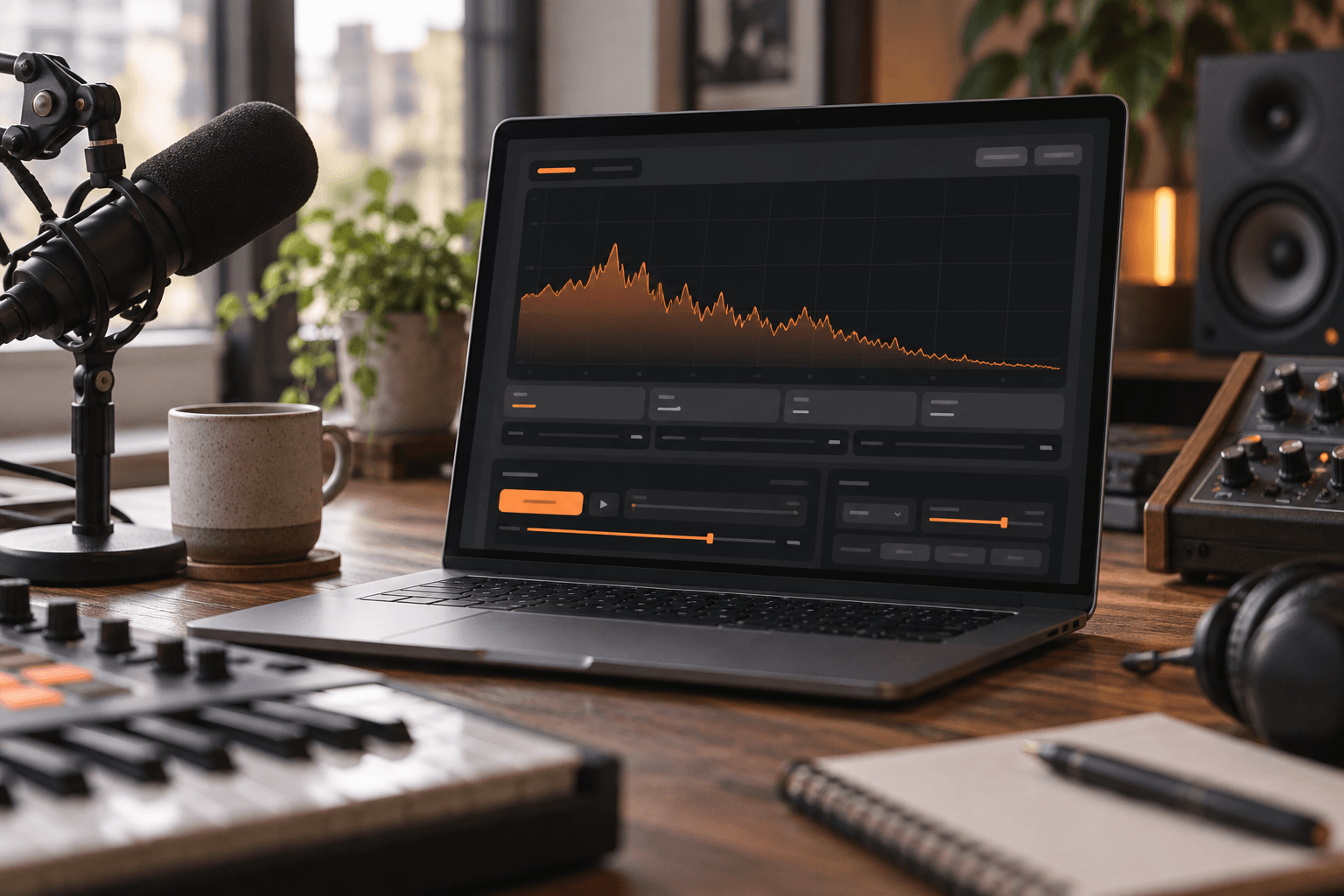
Identify clashing frequencies in your mix. Use the EQ analyzer features to carve out space for vocals and ensure your low end hits hard.
Remove unwanted room resonance and harsh sibilance. Monitor your voice recordings to maintain a consistent and professional audio mix across every single episode.
Shape unique textures with absolute precision. Observe the exact frequency distribution of your synthesized sounds to ensure they fit perfectly within your project.
Test your microphone setup before going live. Check your real time audio visualizer levels to guarantee your audience hears clear and distortion free audio.
Getting started is incredibly simple. Launch the online Audio Spectrum Analyzer to evaluate your sound profile and refine your mix in three easy steps.
Upload a local track or grant microphone access. FreeMusic AI instantly prepares your audio for real time monitoring without any complex routing.
Watch the logarithmic display react to your audio. Track peak frequencies and monitor the exact distribution across low mid and high bands.
Use the visual feedback to guide your mixing decisions. Tweak your external equalizer settings and retest the audio until you achieve perfect balance.
You can upload standard formats like WAV and MP3 directly into your browser. The system processes your files locally to ensure fast and secure playback.
The tool maps frequencies to exact musical notes with high precision. This makes it incredibly easy to tune instruments or verify the pitch of your samples.
Your privacy and security are our top priorities. All microphone inputs are processed strictly within your local browser and are never uploaded to external servers.
Yes you can easily track the distribution across low mid and high bands. The logarithmic display provides a clear visual representation of your entire mix.
Simply play your track and watch for sudden spikes on the visual graph. You can then use your preferred equalizer to reduce those specific problem areas.

Take full control of your frequency spectrum and perfect your audio mix online right now.