Free Anime & Animated Music Video Maker
Who Uses This Anime & Animated Music Video Maker
This anime & animated music video maker helps all types of audio professionals build visual content easily.

Indie Musicians
Share your beats on YouTube or TikTok quickly. Make your own animated music video to keep listeners engaged without hiring expensive animators.

Content Creators
Need to know how to make anime music videos for your channel? Generate high-quality visuals instantly to match your song covers or original tracks.
Podcast Hosts
Turn audio clips into engaging social media posts. Use this music animation video maker to add clear captions and dynamic elements to your highlights.
Free Anime & Animated Music Video Maker
How to Use Our Anime & Animated Music Video Maker
Wondering how to make an animated music video without technical skills? Just follow these three simple steps to turn your sound into a complete visual experience.
Upload Your Audio Track
Select a local audio file from your device or choose one directly from your FreeMusic workspace. The system will process your sound instantly.
Choose Your Visual Style
Pick single or multi-image modes and select styles like Anime Key Visual, Claymation Stop Motion, or Ghibli Storybook. Set your format to 16:9 or 9:16.
Add Captions and Export
Turn on auto-captions and lock the text to the top, middle, or bottom of the screen. Enable the rhythmic waveform effect and click to generate your video.
Free Anime & Animated Music Video Maker
Why Creators Choose This Anime & Animated Music Video Maker
We built this tool to solve real workflow problems. See how our specific features help you make animated music videos faster and better.

Easy Audio Import
Upload tracks straight from your local device to start working immediately. You can also pull audio directly from your saved workspace files.
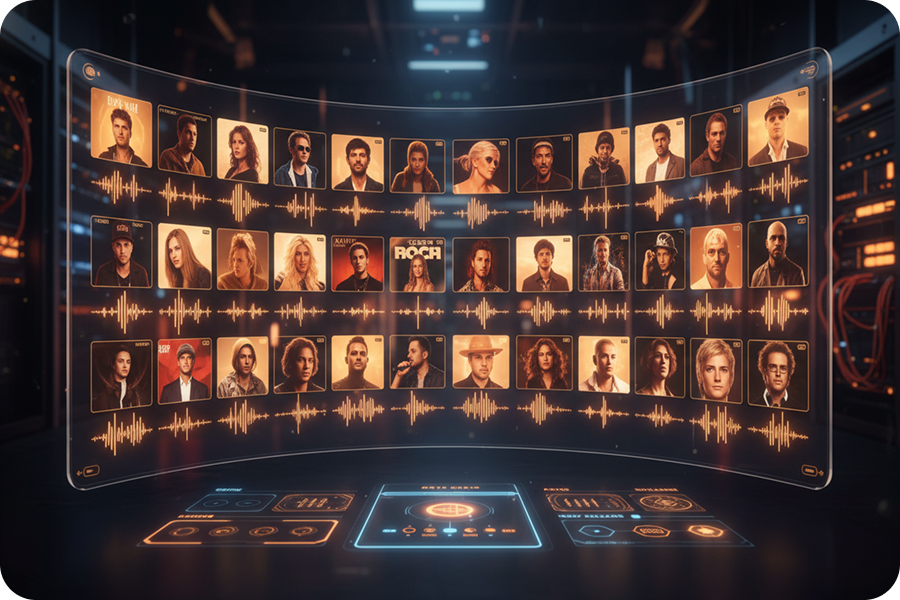
One-Click Art Themes
Browse through specific preset aesthetics like Retro Jazz Blocks. Apply a consistent visual theme to your entire project instantly.
Precise Text Placement
Edit the font style to make your lyrics fit the video aesthetic. Lock your text to the top, middle, or bottom screen to keep the artwork visible.
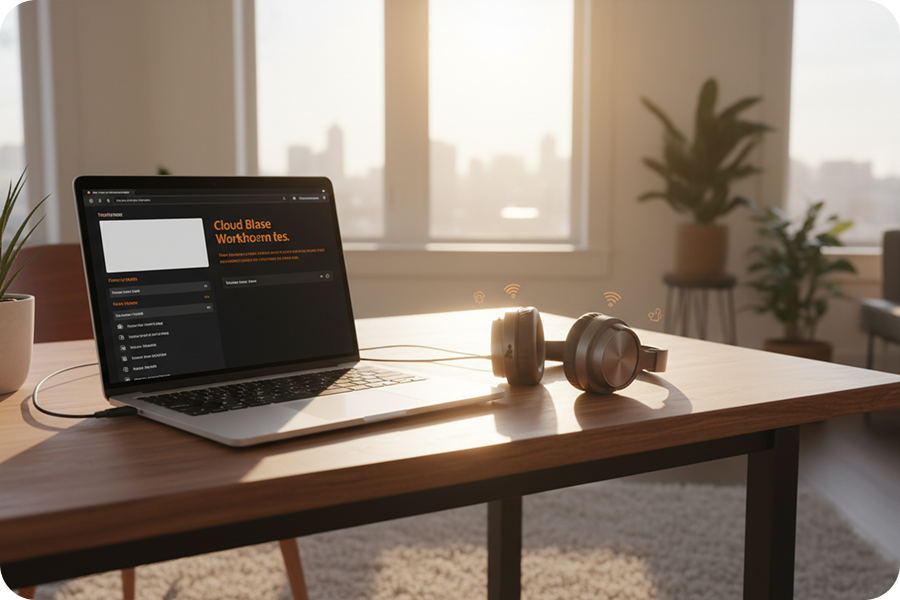
Dynamic Audio Waveforms
Keep viewers watching by adding moving elements to static images. This animated video maker for music lets you turn on waveforms that match your beat.
Frequently Asked Questions
What is an AI anime & animated music video maker?
It is a web-based tool that uses artificial intelligence to transform your audio files into professional anime-style visual content. You can generate studio-quality music videos directly in your browser without any manual editing.
How to make anime music videos using AI?
Simply upload your audio track, select a visual style like "Anime Key Visual," and choose your preferred aspect ratio. The AI will automatically synchronize the visuals to your music, providing a finished video in minutes.
Can I add automatic subtitles to my animated music video?
Yes, the platform includes an auto-subtitle feature that detects lyrics or audio, allowing you to customize the style and fix the position at the top, middle, or bottom of the screen.
How to make an animated music video with specific aspect ratios?
Within the project settings, you can toggle between 16:9 for YouTube and 9:16 for TikTok or Shorts. The tool ensures your visuals are perfectly framed for your chosen platform.
Can I visualize music beats in my anime music video?
Absolutely, you can enable the "Sound Wave" effect in the settings. This feature adds dynamic movement to the video that pulses in sync with your music’s rhythm.

Build Your Anime & Animated Music Video Maker Project
Leverage advanced AI technology to simplify complex animation workflows and produce high-quality visual content using our web-based Anime & Animated Music Video Maker.