Source Audio
Separation Mode
AI Vocal Splitter - Separate Vocals Instantly

Show Case
Fast & Free Vocal Splitter
Separate Any Song with Our Vocal Splitter
Instantly isolate vocals and instrumentals from your favorite tracks. Our advanced AI engine ensures no quality loss, delivering clean stems for remixing or karaoke.

Free AI Vocal Splitter
A Vocal Splitter for Every Music Creator
See how our AI vocal splitter simplifies audio separation for your specific needs, from making karaoke tracks to professional remixing.

Musicians & Learners
Isolate specific instruments or remove them to play along with the virtual band. Hear every detail of a guitar solo or bass line to make transcription easier.
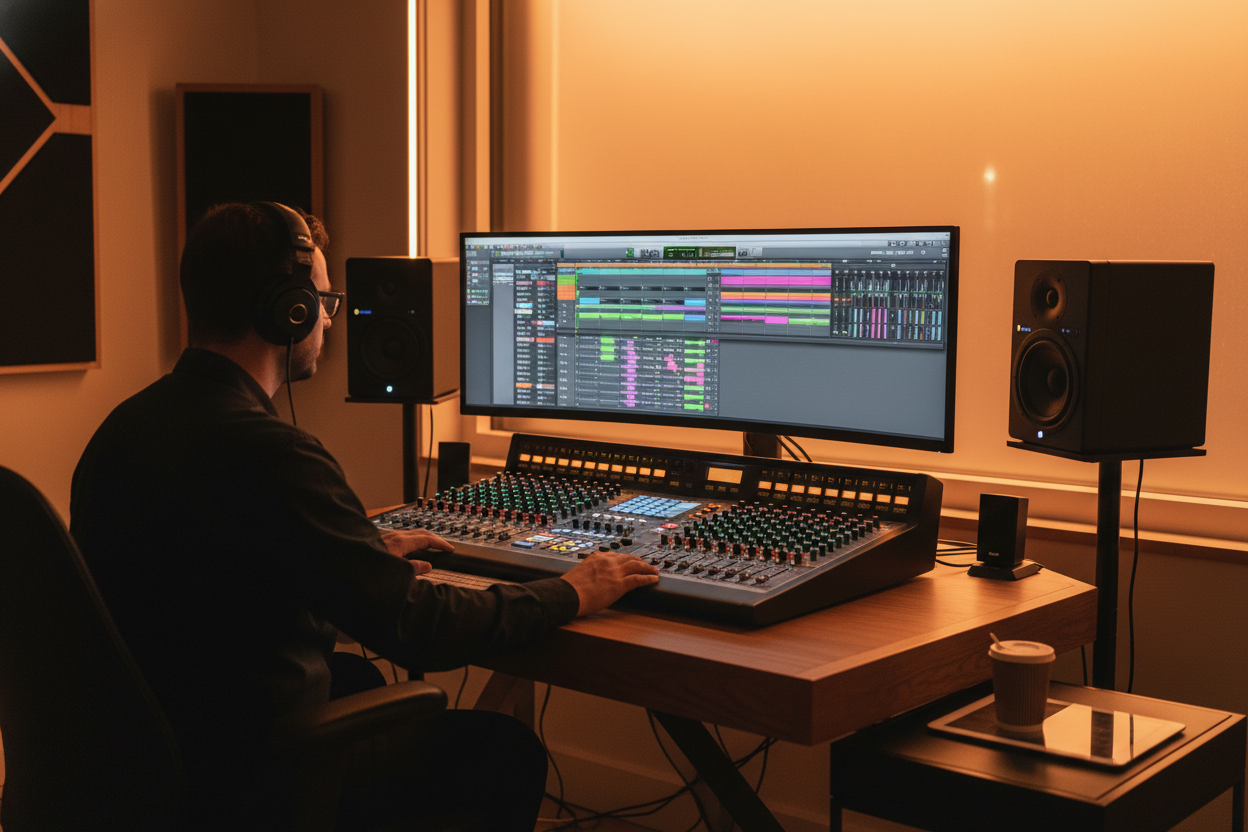
Music Producers & DJs
Extract clean acapellas and instrumentals to create unique remixes and mashups. Sample classic tracks effortlessly without quality loss for your next big hit.

Singers & Karaoke Lovers
Remove vocals from any song instantly to generate high-quality backing tracks. Practice your favorite tunes or host a fun karaoke night anytime you want.
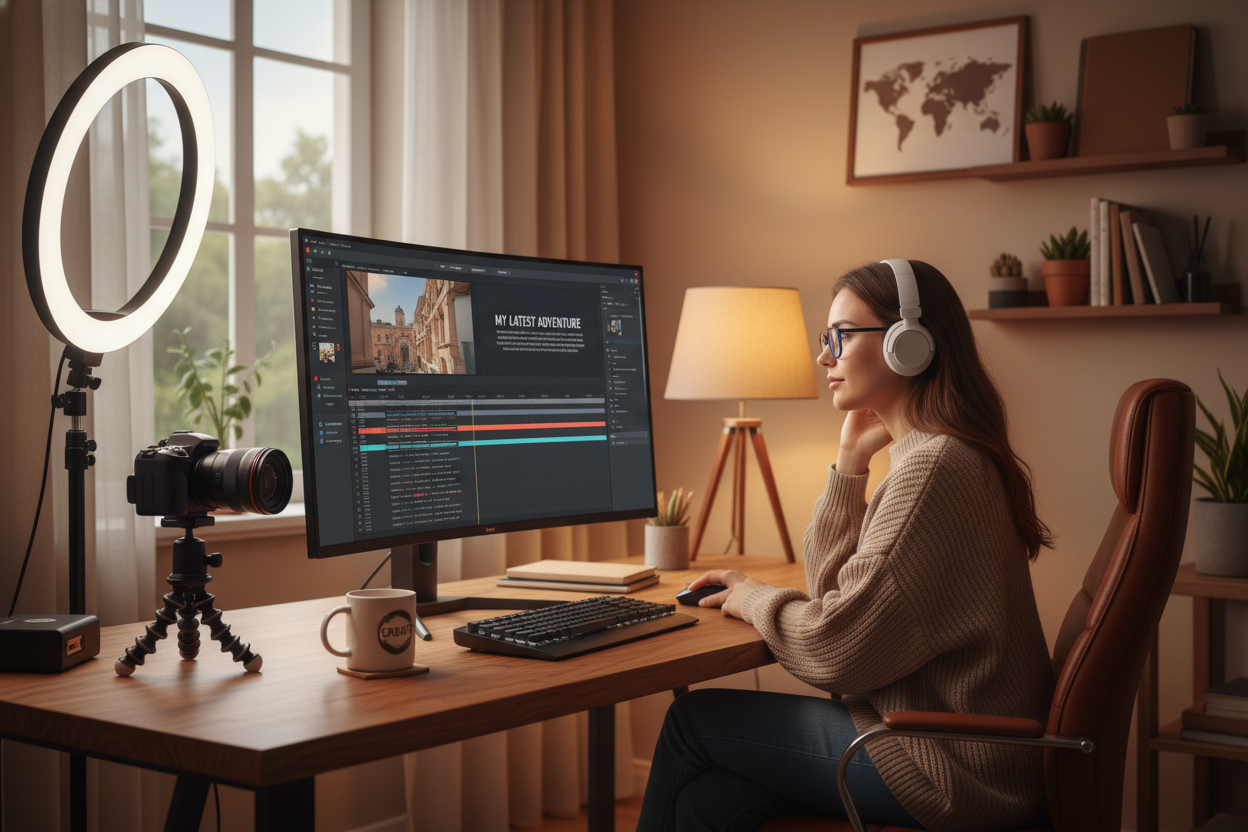
Video Creators
Strip away lyrics to create the perfect background music for your vlogs and streams. Keep the vibe of the song without distracting the audience from your voiceover.
Vocal Splitter Usage Steps
How to Use Vocal Splitter Online in 3 Simple Steps?
See how easy it is to separate vocals from music with our intuitive online tool. No technical skills required.
Upload Your Song
Drag and drop your audio file directly into our song vocal splitter. We support MP3, WAV, OGG, M4A, AAC, FLAC, and WMA formats.
Automatic AI Separation
Wait a few seconds while our AI vocal isolator analyzes the track. It automatically extracts the voice from the background music.
Download Your Stems
Preview the results and download your vocal and instrumental tracks separately. Save them to your device instantly.
Vocal Splitter Free Online
Why Choose Our Vocal Splitter Online?
Experience the perfect balance of speed, quality, and simplicity. Here is what makes our free AI vocal splitter stand out from the crowd.
Studio-Quality Isolation
Our advanced AI engine ensures clean vocal isolation without audio artifacts. You get professional results that sound great for any project.
Get Vocals & Instrumentals
We don't just remove voices. Our AI vocal splitter serves as a complete vocal and instrumental splitter, giving you two usable tracks from one song.
Lightning-Fast Processing
Don't waste time waiting for slow software. Our online vocal splitter processes your files in seconds, so you can keep creating.

Complete Privacy Protection
All files uploaded to our song vocal separation tool are protected by encryption and automatically deleted after processing. No one can hear your tracks except for you.
Frequently Asked Questions
How do I separate vocals from music online?
Simply upload your track to our vocal splitter online. Our AI will automatically identify the voice and the instruments, splitting them into two separate audio files for you to download.
Does the vocal isolation affect audio quality?
Our AI vocal isolator is trained to minimize quality loss. While no separation is 100% perfect, our technology delivers clear, studio-grade stems suitable for remixing and karaoke.
What file formats does the AI vocal isolator support?
Our AI vocal isolator supports all major audio formats to ensure maximum compatibility. You can upload MP3, WAV, OGG, M4A, AAC, FLAC, and WMA files to our vocals splitter.
Can I use the vocal splitter to isolate vocals for remixing and karaoke tracks?
Absolutely. Our vocal splitter is specifically designed as a powerful vocal and instrumental splitter. Once you upload your track, the system generates two distinct high-quality stems: an isolated vocals track (acapella) and an instrumental track (karaoke version).
Is my audio data safe when using the FreeMusic online vocal splitter?
Your privacy is our top priority. As a secure online vocal splitter, FreeMusic employs advanced encryption protocols. Any file you upload to separate vocals from music is processed automatically and deleted from our servers shortly after you download your stems.

Unleash Your Creativity with Our Precise AI Vocal Splitter
Instantly separate vocals from music with our studio-grade technology that guarantees crystal-clear isolation.