Shape Your Sound
Online Audio Equalizer For Creators
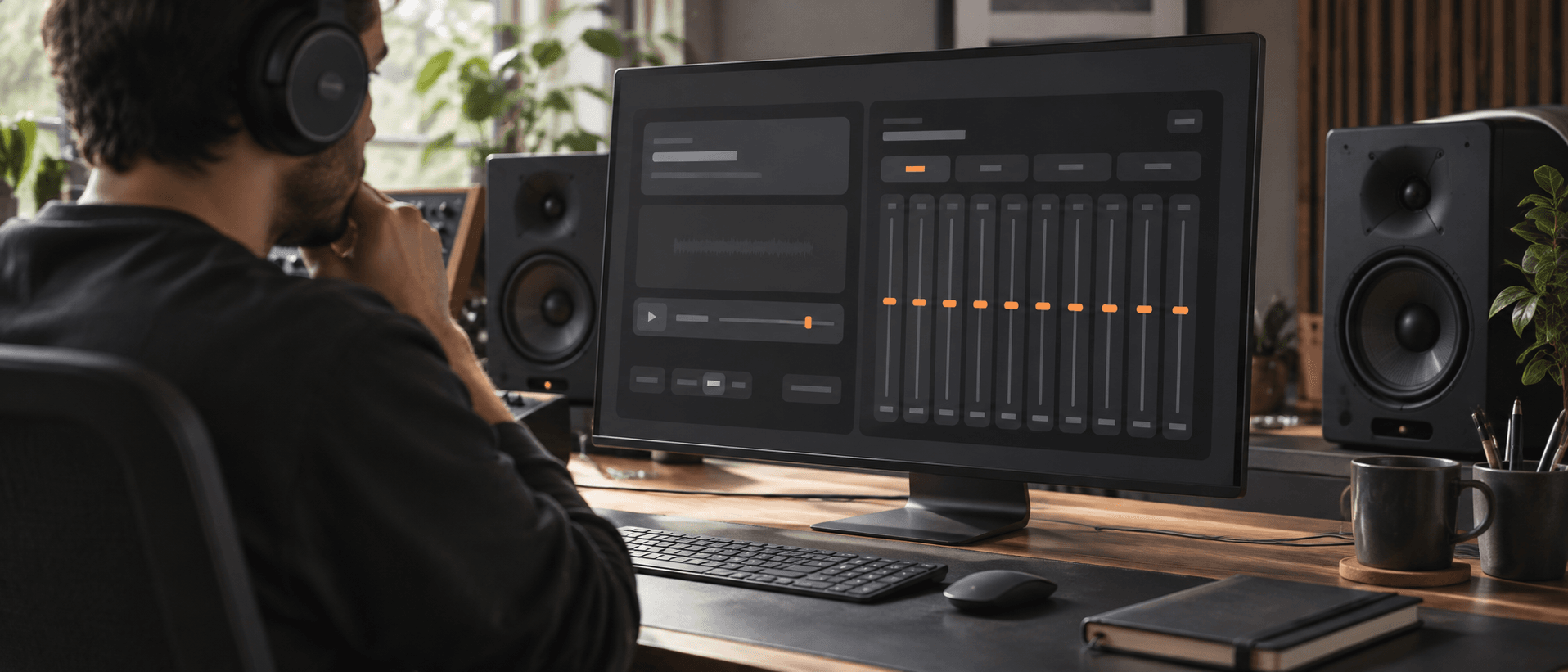
Take full control of your tracks using the FreeMusic AI Audio Equalizer. Adjust frequencies directly in your browser to achieve the perfect sonic balance.
Explore Sound Control
Master Tracks With Our Audio Equalizer
Fine tune every detail of your mix. This online Music Audio Equalizer gives you the exact tools needed to shape frequencies effortlessly.
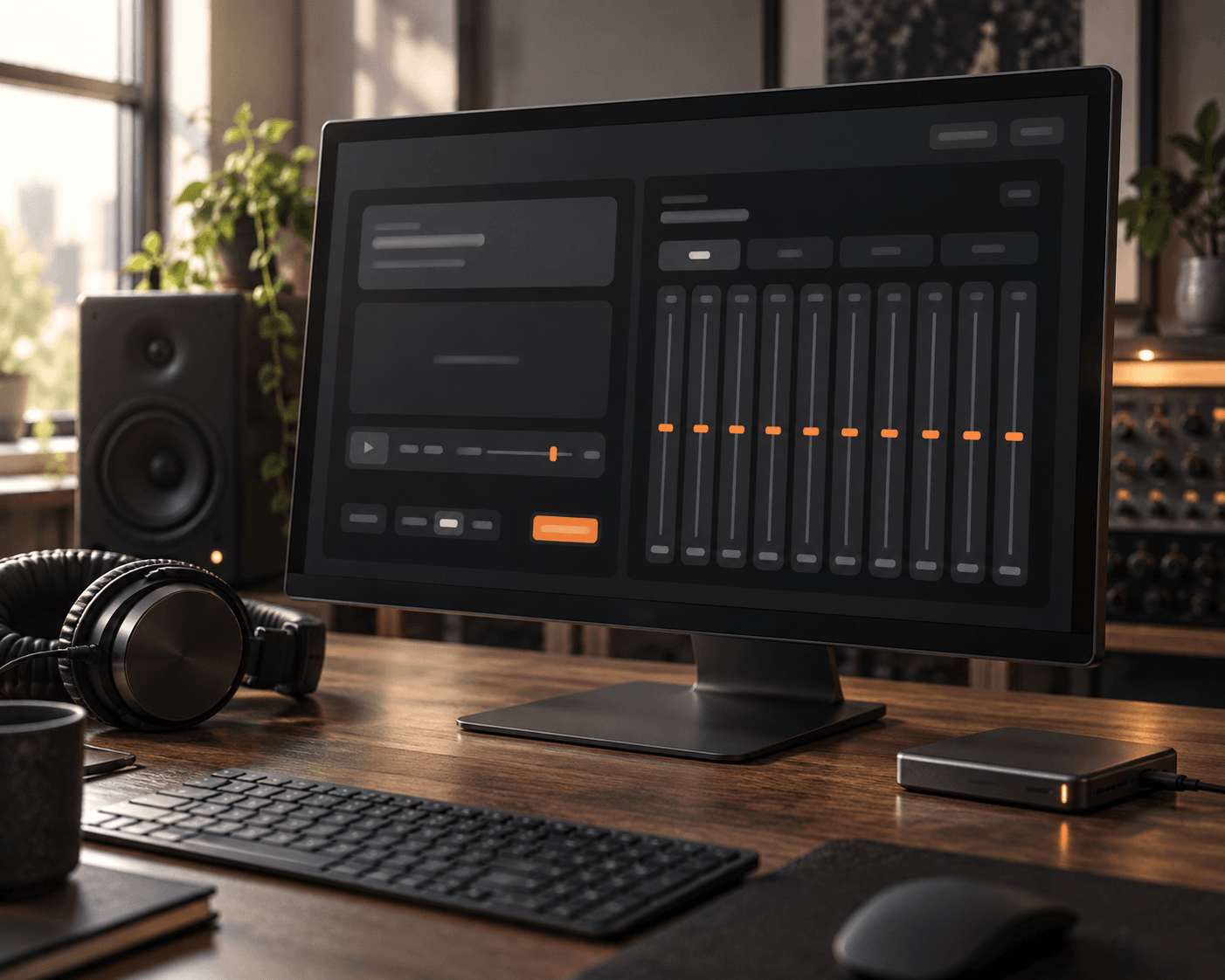
10 Band Precision
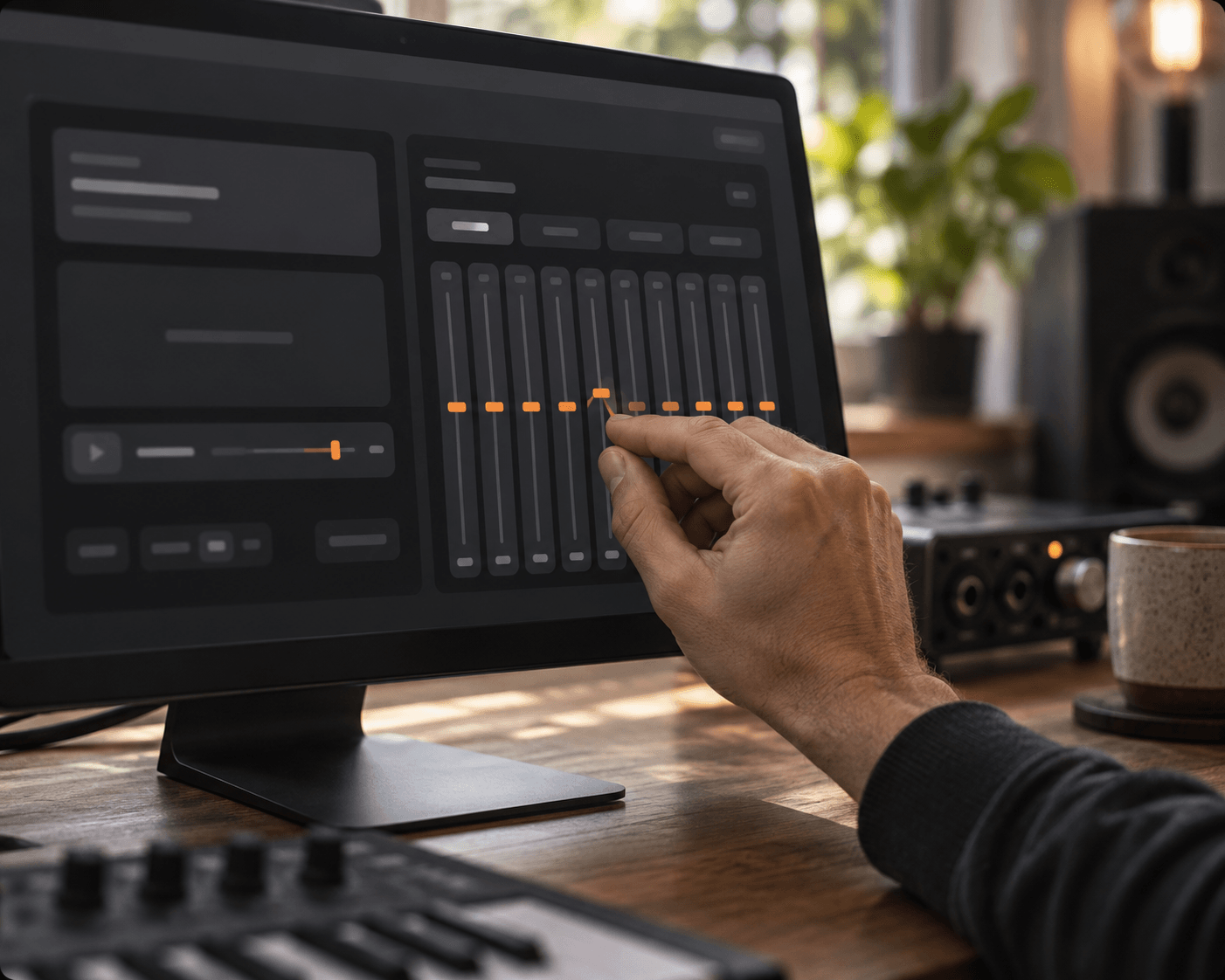
Target specific frequencies from 31 Hz up to 16 kHz. Boost or cut by 12 dB to carve out space for every instrument in your mix.
Instant Sound Profiles
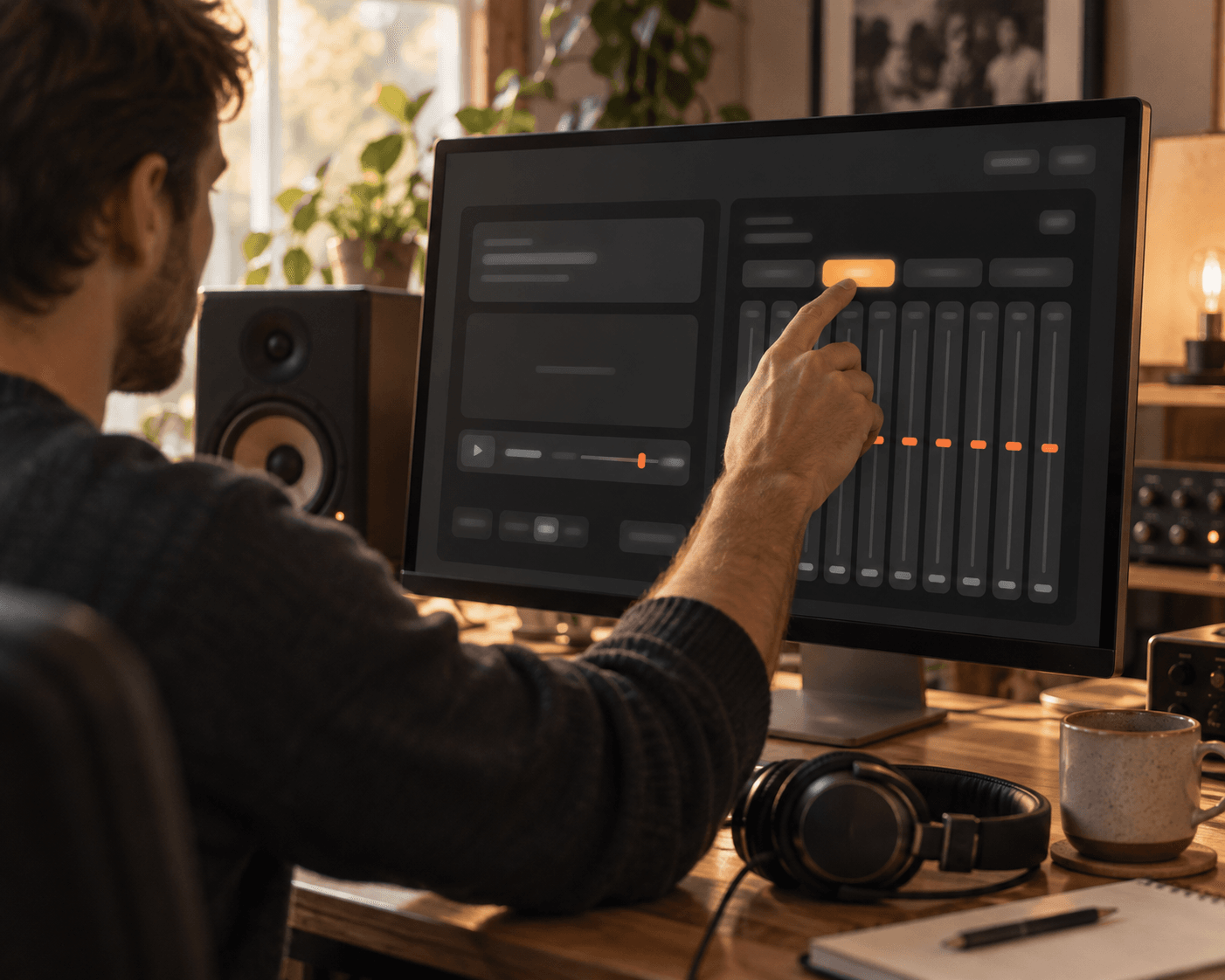
Jumpstart your mixing process with built in curves. Apply Flat, Bass, Vocal, or Bright settings to instantly change the character of your track without manual tweaking.
Browser Based Editing
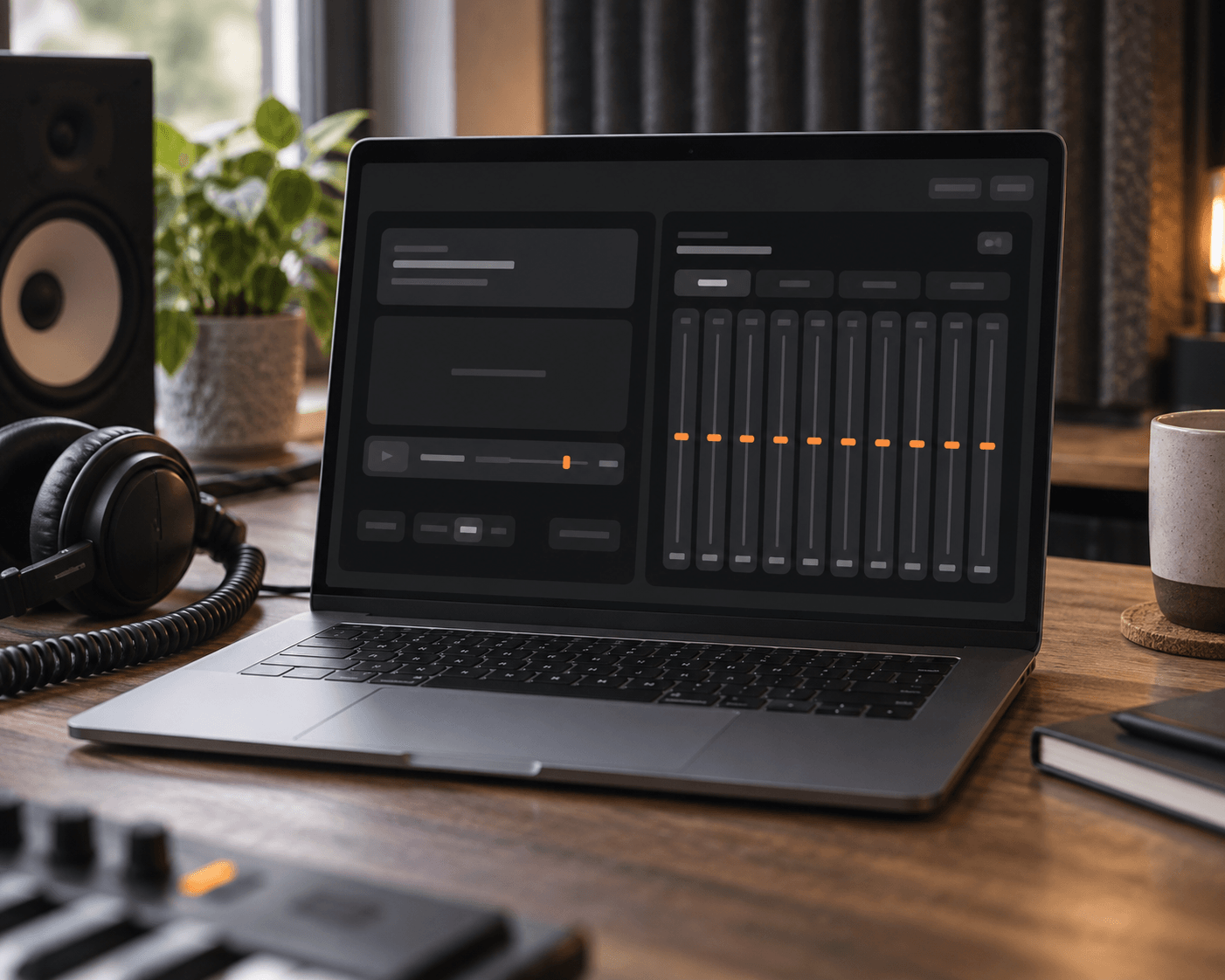
Load your files directly into the web interface. You can manipulate your sound immediately without installing heavy plugins or navigating through complex studio software environments.
High Quality Export
Preview your custom frequency adjustments in real time. Once satisfied with the overall mix, download your finished project immediately as a crisp WAV or MP3 file.
Why Choose Us
Total Freedom Over Your Sound Profile
We prioritize your creative choices. Our platform removes technical barriers so you can focus entirely on crafting the perfect sonic atmosphere for your listeners.

Unrestricted Tweaking
Push the sliders to their absolute limits or make incredibly subtle cuts. You dictate exactly how the final mix translates to your audience through precise control.
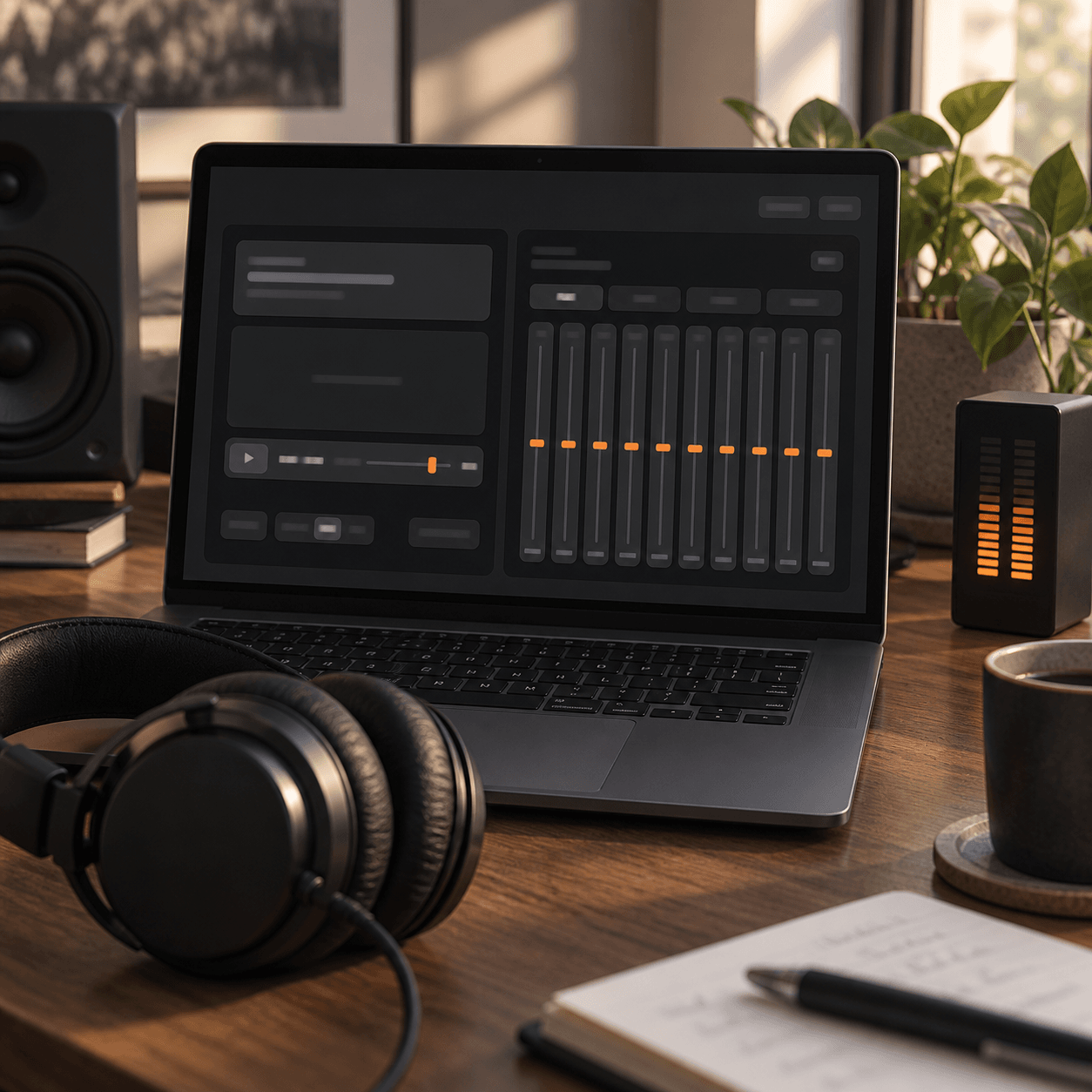
Immediate Playback
Hear every single decibel change the exact moment you move a slider. Real time feedback ensures your creative decisions hit the mark instantly without any delay.
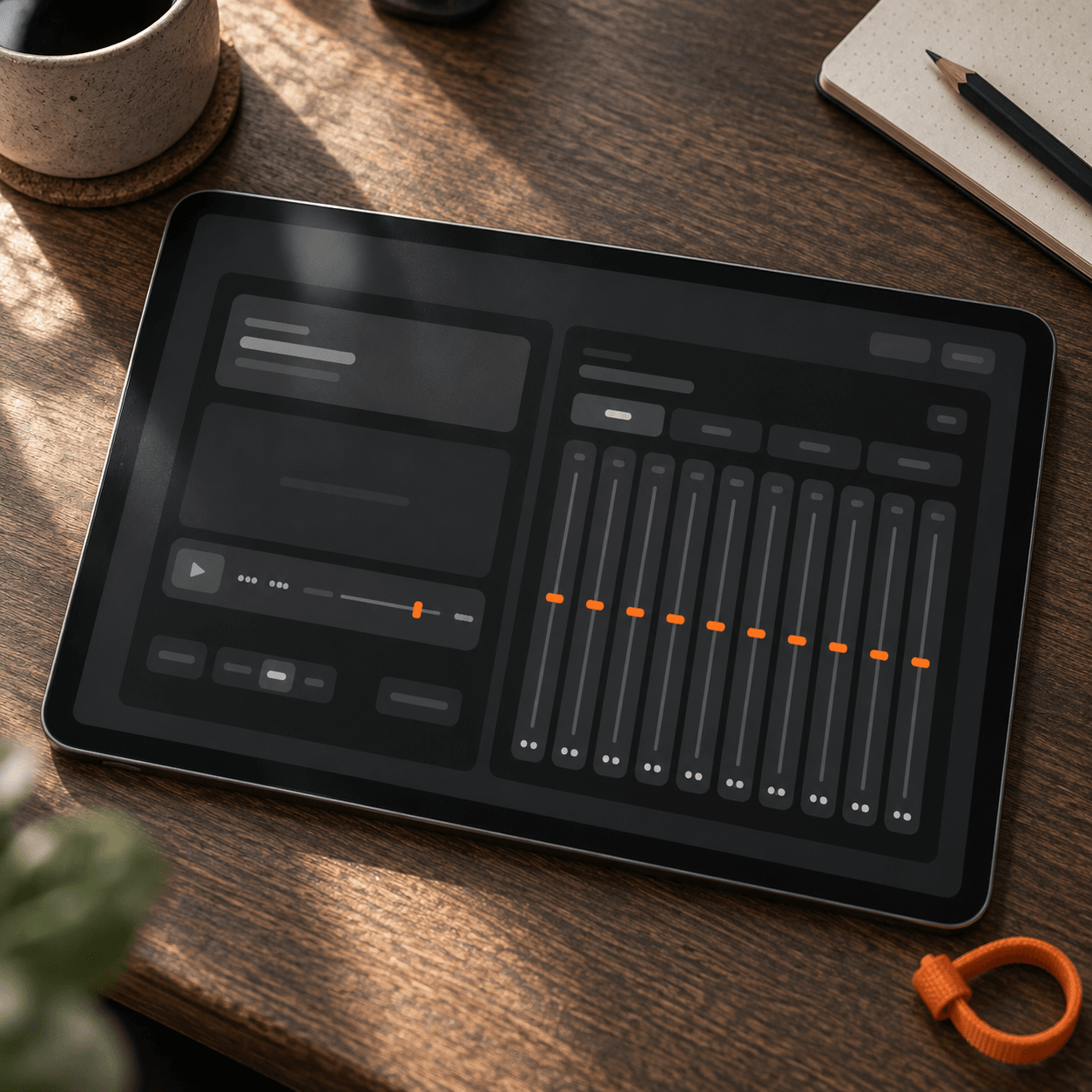
Zero Learning Curve
Skip the complicated routing and confusing menus entirely. The straightforward graphic interface lets you shape frequencies purely by listening and reacting to the audio playback.
Built For Creators
Perfect For Every Audio Project
Different projects require distinct sonic treatments. Use our intuitive tools to fix muddy recordings or enhance the punch of your latest studio beat.
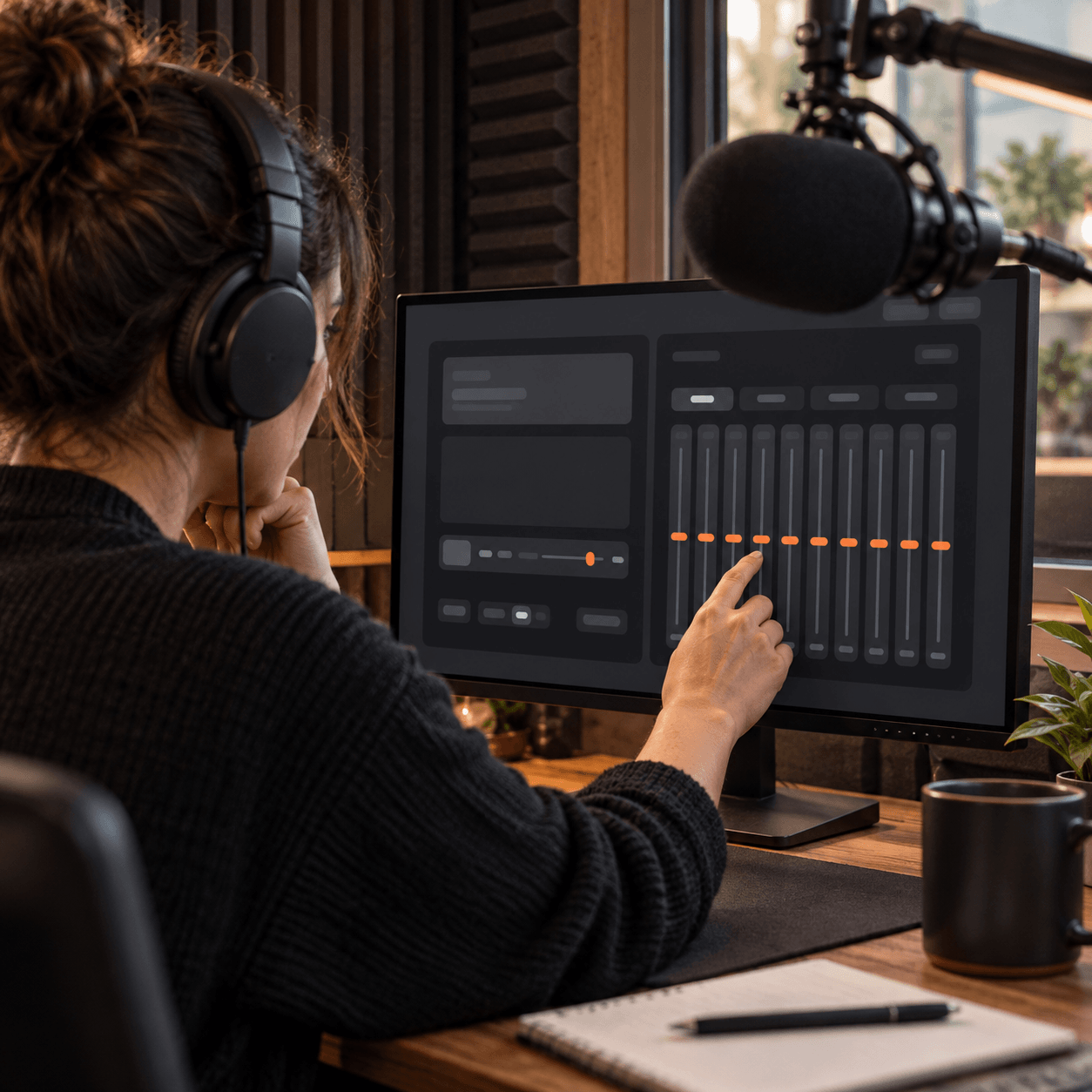
Podcasters
Clean up muddy voice recordings and reduce unwanted background rumble. Enhance vocal clarity so your listeners catch every single word of your podcast episode clearly.
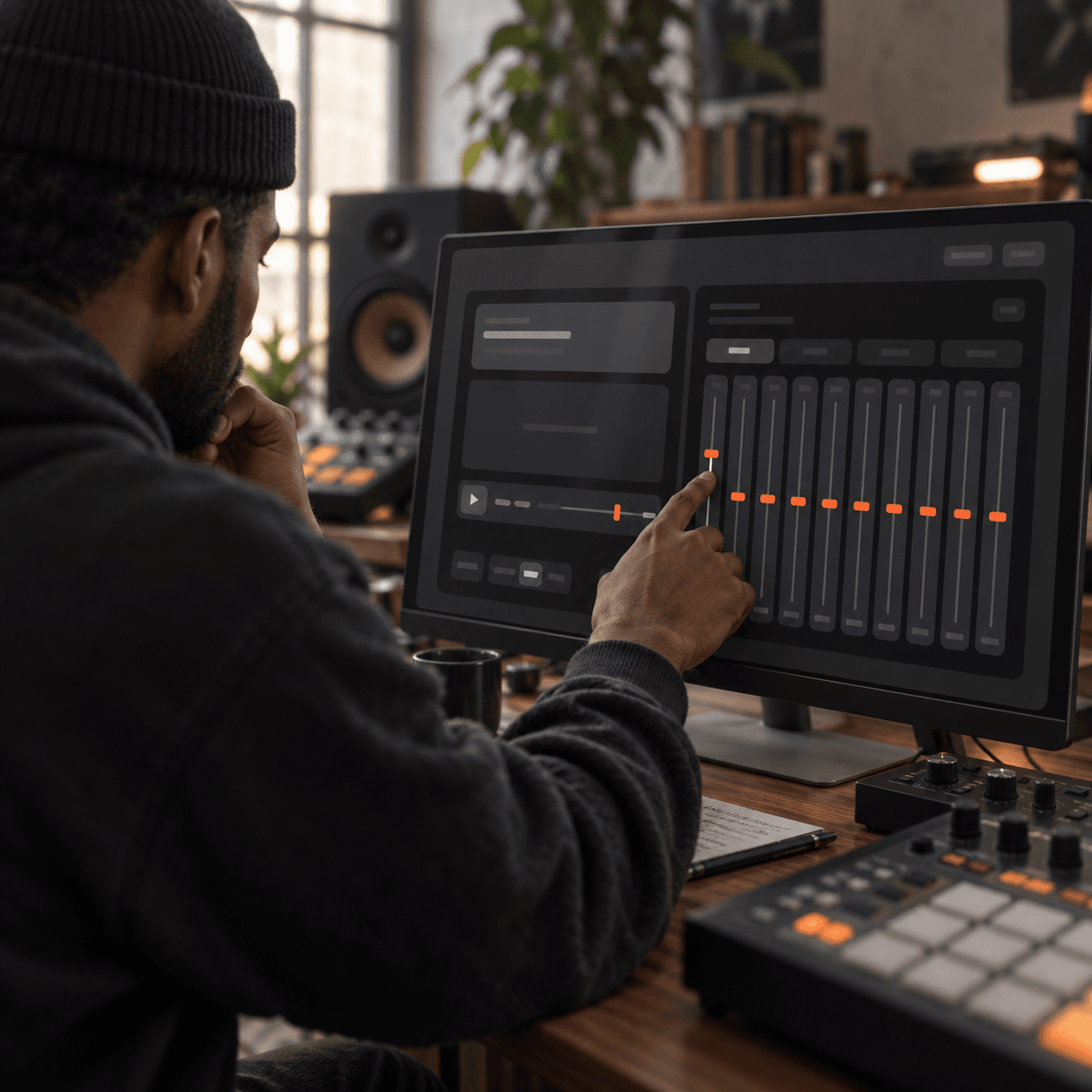
Beatmakers
Isolate your kick drums and make your basslines hit significantly harder. Carve out specific frequency ranges to ensure your samples blend together perfectly every time.
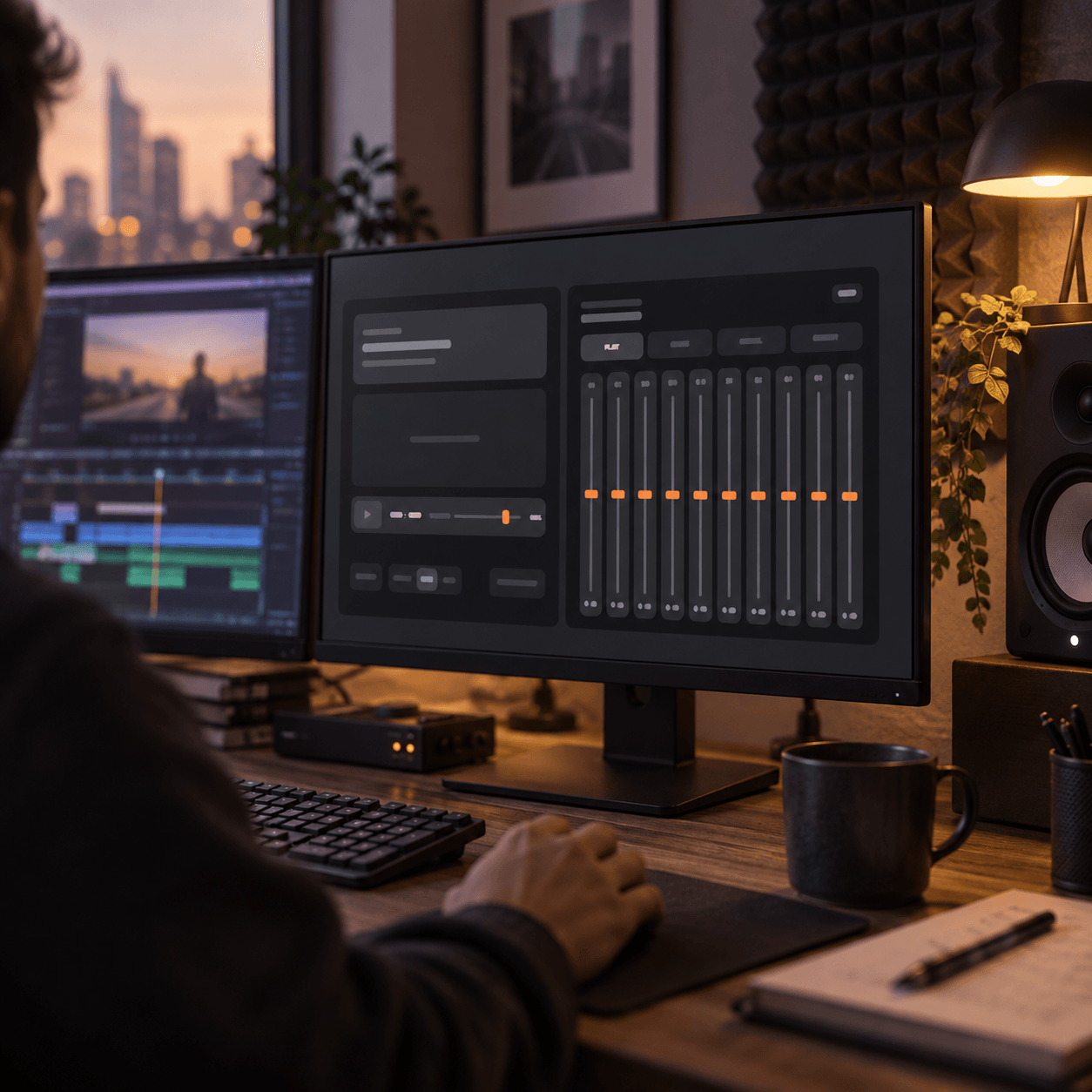
Video Editors
Balance dialogue against heavy background scores effortlessly. Smooth out harsh high frequencies to deliver a professional and polished soundtrack for your visual content and films.
Simple Workflow
Master Your Mix In Three Steps
Getting started is incredibly straightforward. Load up your track into our online Music Audio Equalizer and begin shaping your frequencies in mere seconds.
Upload Your Track
Drag and drop your existing audio file directly into the browser workspace to begin your mixing session. The platform supports standard formats for quick loading.
Shape The Frequencies
Move the ten sliders to cut or boost specific bands. You can also select a pre made curve to instantly alter the vibe of the track.
Preview And Download
Listen to your adjustments in real time as the track plays. When the mix sounds right, export the final result directly as a WAV or MP3.
Frequently Asked Questions
What file formats can I upload to the Audio Equalizer?
You can load standard formats directly into your browser workspace. Once you finish tweaking the bands, you can download the result as an MP3 or WAV file.
How do I know which frequency bands to adjust for better vocals?
Start by applying the built in vocal preset to see the suggested curve. From there, you can manually tweak the mid range sliders to suit your specific recording perfectly.
Can I use this tool to boost the bass on my tracks?
Absolutely. Simply raise the sliders on the lower end, typically around 31 Hz to 62 Hz, to give your beat a much heavier punch and deeper resonance.
Do I need to install any plugins to access the best features?
No installation is required to shape your sound effectively. The entire graphic interface runs smoothly within your web browser for immediate access to the best tools.
Are my uploaded files stored permanently on your servers after editing?
We respect your privacy and data security at all times. Your files are processed temporarily for your session and are not kept after you close the page.

Shape Your Perfect Mix With Our Audio Equalizer
Take control of your frequencies today. Adjust your tracks and download the polished mix instantly.