Free Birthday & Event Video Maker with Music
Reach Your Audience with Birthday & Event Video Maker with Music
FreeMusic provides a streamlined workflow for creators and professionals to produce polished visual content for every milestone.
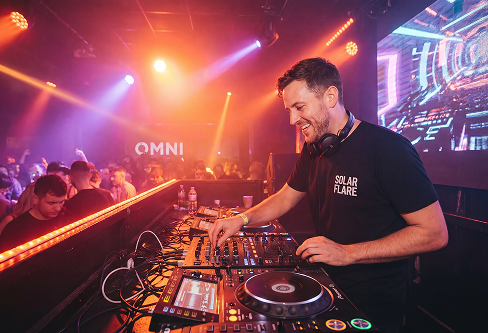
Event Organizers
Produce high-definition background videos for celebrations and milestones with perfectly synced audio and text.
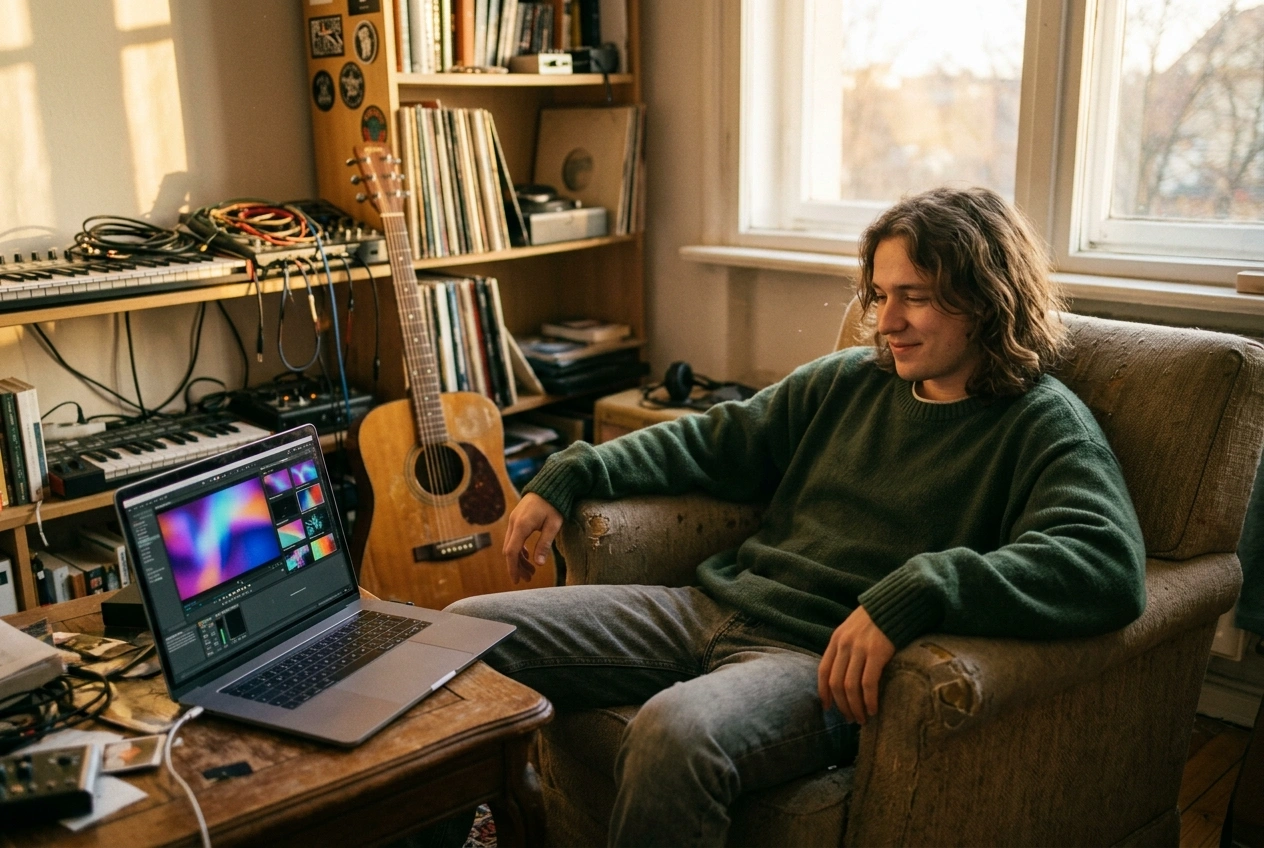
Music Producers
Create professional music visualizers for your latest tracks using dynamic waveforms and AI-selected imagery. Showcase your work on video platforms to reach a broader audience.
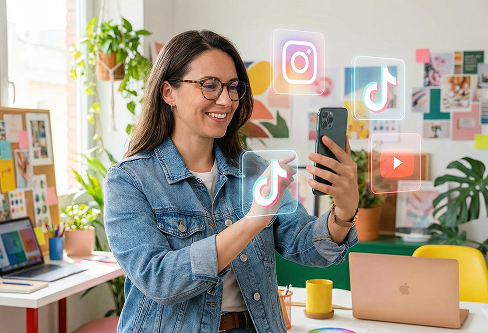
Digital Content Curators
Turn audio recordings into shareable video snippets for YouTube or LinkedIn. Use the built-in caption tools to ensure your message is clear even when viewers watch on mute.
Birthday & Event Video Maker with Music Online
How to Use the Birthday & Event Video Maker with Music
Follow these three simple steps to convert your audio tracks into professional-looking music videos for any event.
Select Your Audio Source
Upload a local file from your device or pick an existing track from your FreeMusic workspace to start the project.
Customize Visual Styles
Choose between single or multi-image modes and select a professional photo style and aspect ratio (16:9 or 9:16).
Generate AI Video
Enable auto-captions and rhythmic waveforms, then click to let the AI render your final visual music video automatically.
Free Birthday & Event Video Maker with Music
Core Features of Our Birthday & Event Video Maker with Music
This web-based tool provides essential features to ensure your event videos look professional and ready for distribution.
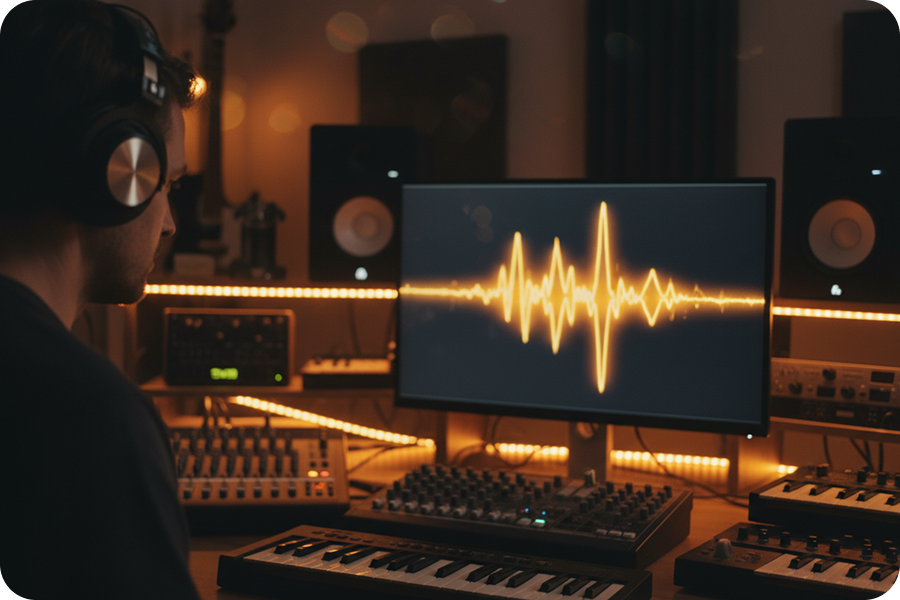
Curated Visual Styles
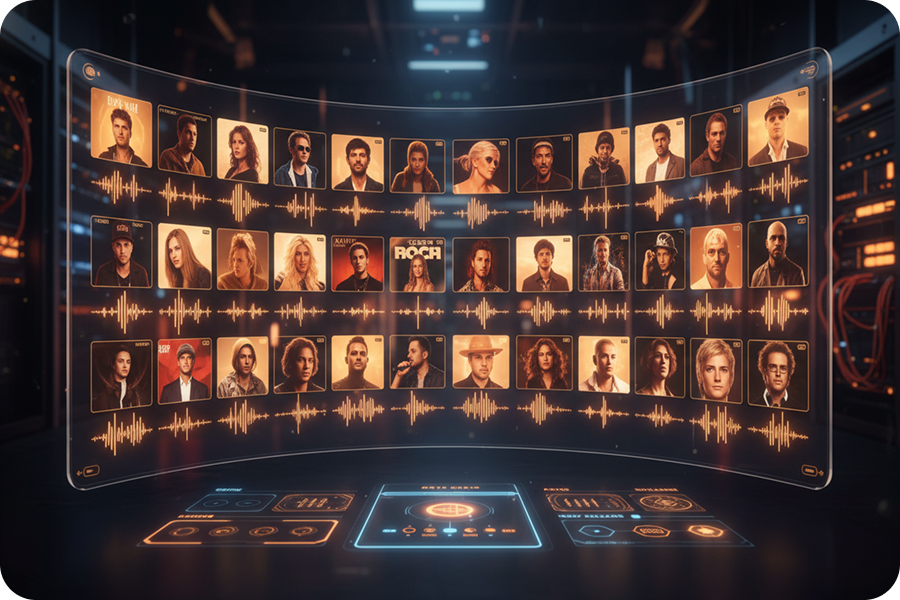
Select from multiple photo categories designed to match the atmosphere of any birthday or special event.
Customizable Auto Captions
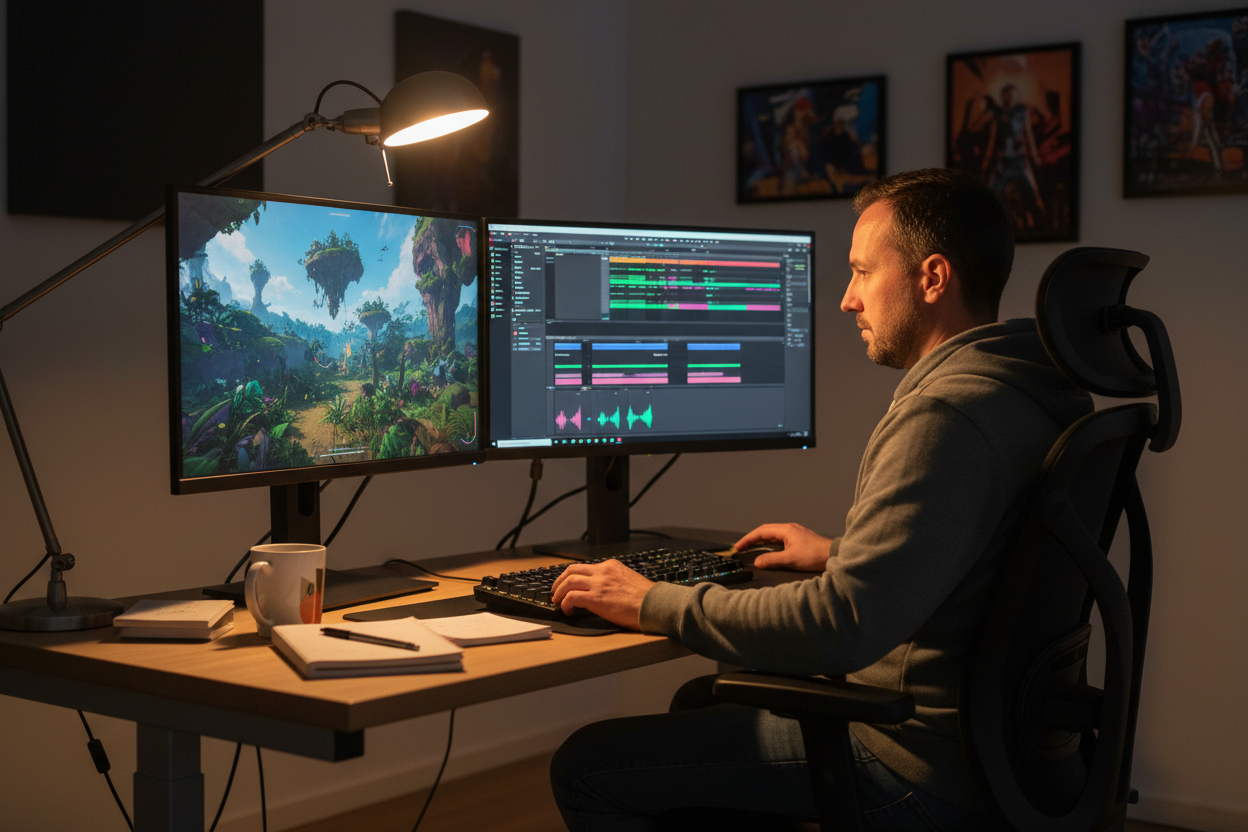
Generate text overlays automatically and choose to fix them at the top, middle, or bottom of your video frame.
Dynamic Waveform Effects
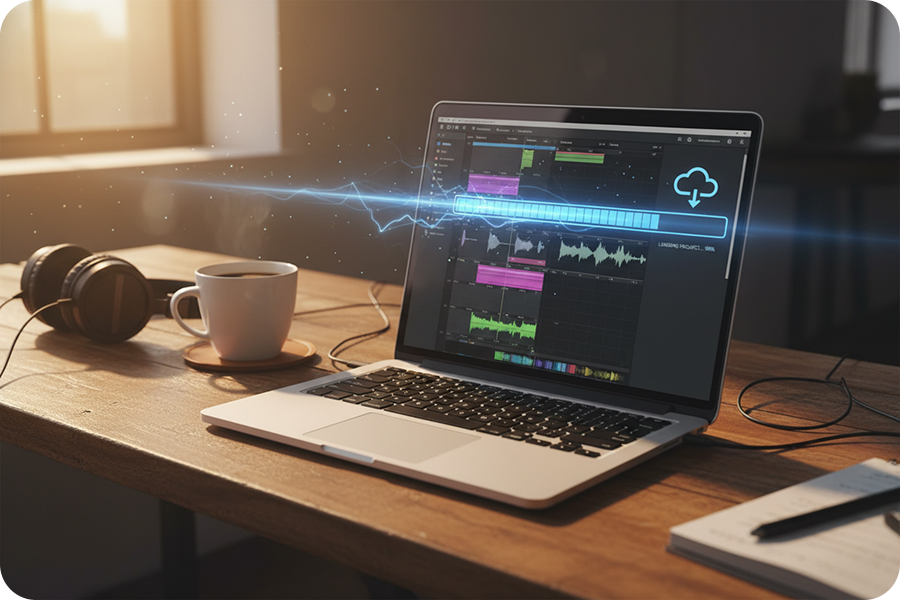
Enable rhythmic visualizers that react to your audio frequencies, creating a more immersive and energetic viewing experience.
Optimized Video Formats
Export your projects in 16:9 for widescreen displays or 9:16 for vertical platforms like TikTok and Instagram Reels.
Frequently Asked Questions
What is a birthday & event video maker with music?
This is a professional web-based tool designed to transform your audio tracks and selected imagery into polished event videos. It automates the synchronization of music and visuals, making it ideal for birthdays, anniversaries, and memorial tributes.
How to make a birthday video with pictures and music?
Simply select your preferred photo style, choose your favorite background music, and let the AI assemble the sequence. The process is entirely cloud-based, allowing you to create high-quality content directly through your browser.
Does this tool require downloading any software?
No, this is a fully browser-based platform, meaning there is no need to download or install any heavy software. You can access all professional editing features from any device with a stable internet connection.
Can I customize the subtitle position for my birthday video?
Yes, you have full control over subtitle placement, allowing you to fix them at the top, middle, or bottom of the screen. You can also adjust the font styles to ensure the text complements your video theme.
Is this birthday & event video maker with music easy for beginners?
The interface is designed for simplicity, requiring no prior video editing experience. The AI handles all the complex timing and transitions, ensuring a professional result for every user.

Build Your Professional Birthday & Event Video Maker with Music Project
Utilize advanced cloud-based AI to produce sophisticated event visual content through our streamlined birthday & event video maker with music.