Dusty Road
Original0:00 / 2:34
Write lyrics, generate songs, extend them, split stems, make covers and master the result. The best ai music tool for creators gathers each step in one browser workspace.
Open the AI Music GeneratorDusty Road was extended from the one-minute mark. Play the original, then the longer version that continues from the same groove.
Open Remix ToolsStart from what the project needs, and open the matching tool in this best ai music app for the web.
| A soundtrack for a video | AI Music Generator with Instrumental Only. | Generate |
|---|---|---|
| Lyrics for a new song | AI Lyrics Generator with Mood, Structure, Style and Language. | Write |
| A karaoke version | AI Vocal Remover separates the vocal from the music. | Remove vocals |
| A song in another voice | AI Song Cover Generator with voice models and volume controls. | Make a cover |
| A louder, polished mix | AI Mastering matches a reference track. | Master |

Each generated song in the workspace opens these menus, so the best ai music tool set travels with the track.

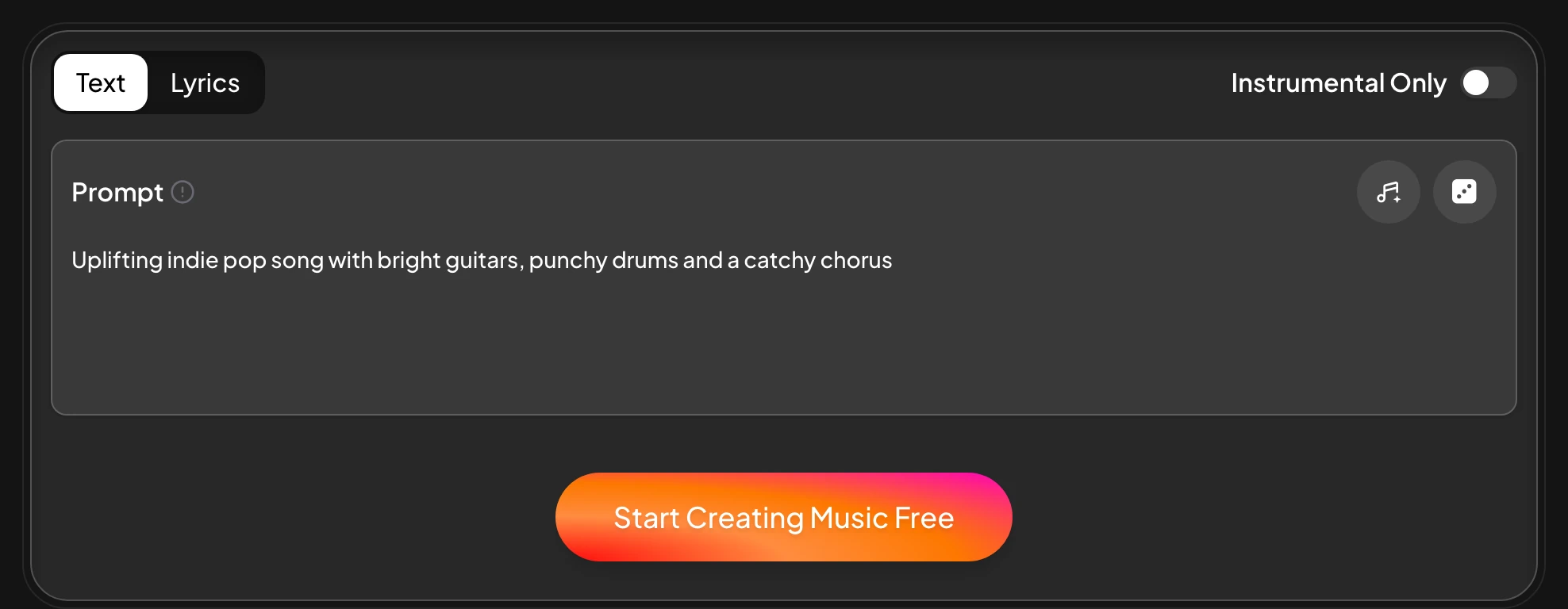
Describe a song or paste lyrics in the AI Music Generator.
Generate a songUse Extend, Cover or Replace Section from the Remix menu.
Open RemixSplit stems or remove vocals from the Editor menu.
Split stemsMaster the track and download as MP3, WAV or FLAC.
Master a trackQuick answers about this best ai music app in the browser.
Generate songs, write lyrics, extend, cover, mash up, split stems, remove vocals and master tracks.
The AI Lyrics Generator drafts lyrics with Mood, Structure, Style and Language settings, and Own Lyrics sings them.
Yes. Extend in the Remix menu continues the song with a new section, as in the Dusty Road sample.
Yes. AI Stem Splitter returns vocals, drums, bass and other parts, with a 6-stem option for guitar and piano.
Yes. As a best ai music app for the browser, it opens on desktop, tablet and phone with no download.
Generate a song first, then shape it with the best ai music tool set. Extend it, split it into stems or master it.
Open the Workspace