Zero Installation
Everything happens directly inside your active browser window. You never have to download suspicious software or configure complicated audio drivers to hear your work.
FreeMusic AI processes your raw sequence files directly in the browser. You get full control over the final audio output without installing heavy software.
This engine reads your note data and synthesizes it into stereo sound. Transfer Midi To Mp3 quickly to hear your compositions on any standard device.
Experience complete freedom when you synthesize sequences online. Adjust your preferred bitrate settings and render high quality audio tracks in seconds.
Upload your sequences and let the engine process everything locally. You maintain complete creative control while generating standard audio files without external studio hardware.
Choose between standard and high definition audio outputs. Select your preferred bitrate before you transfer Midi To Mp3 to ensure optimal listening quality everywhere.
Listen to the synthesized stereo track immediately after processing. Verify your note timing and dynamics before you download the final rendered media file.
Skip the login screens and start working on your tracks immediately. This Midi To Mp3 converter respects your time and keeps your workflow uninterrupted.
Everything happens directly inside your active browser window. You never have to download suspicious software or configure complicated audio drivers to hear your work.
Your original composition files remain entirely under your control. The system processes your note data locally without storing your private projects on remote servers.
The synthesis engine translates complex note arrangements into audio instantly. You spend less time waiting for progress bars and more time refining your actual music.
Handle standard sequence files with absolute ease and confidence. The system reads your data accurately to ensure every single note plays exactly as intended.
Producers and hobbyists need reliable ways to hear their sequences. Convert Midi To Mp3 effortlessly to share your musical ideas across different playback devices.
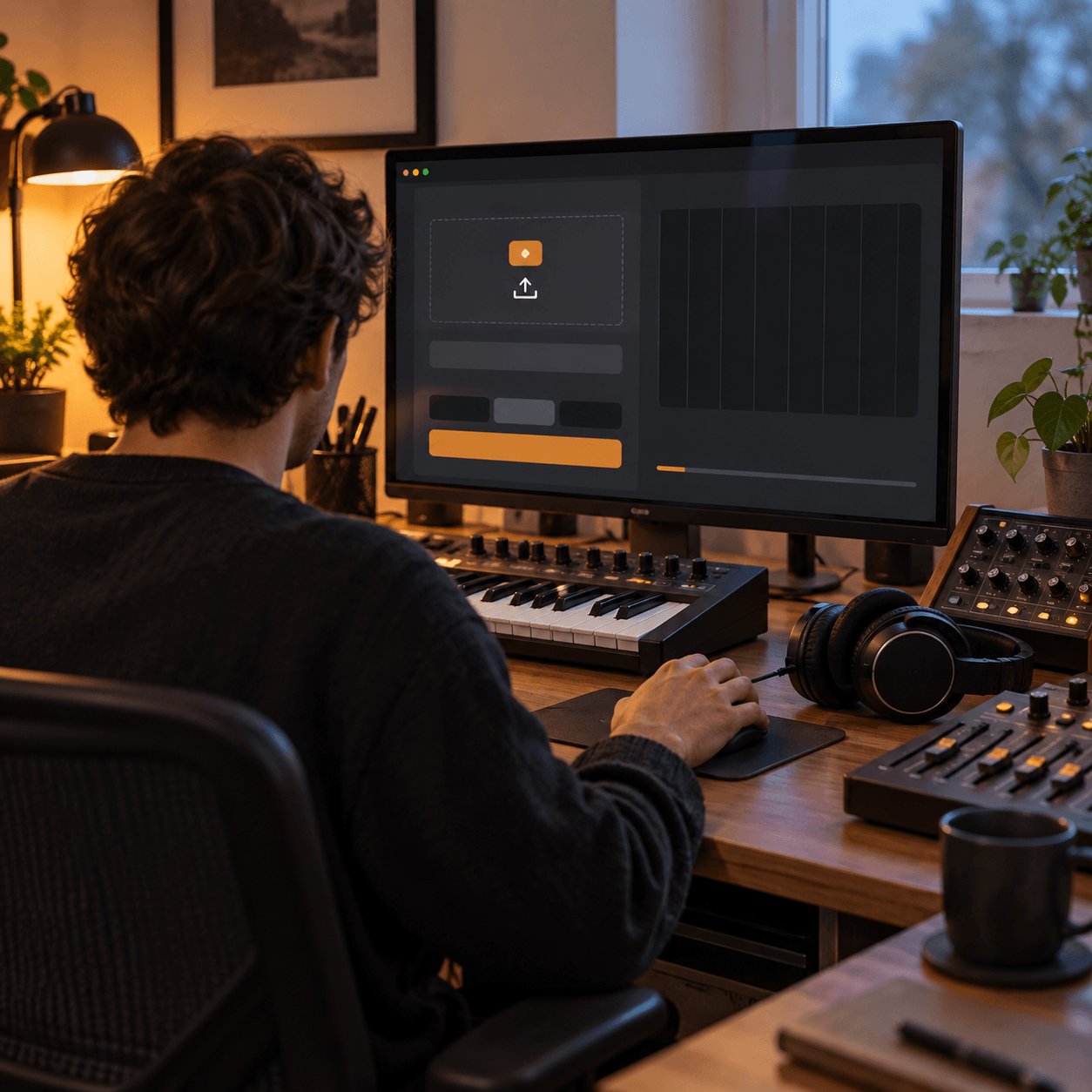
Test your raw sequences quickly outside your main digital audio workstation. Generate a fast stereo mixdown to check your composition structure on mobile devices.
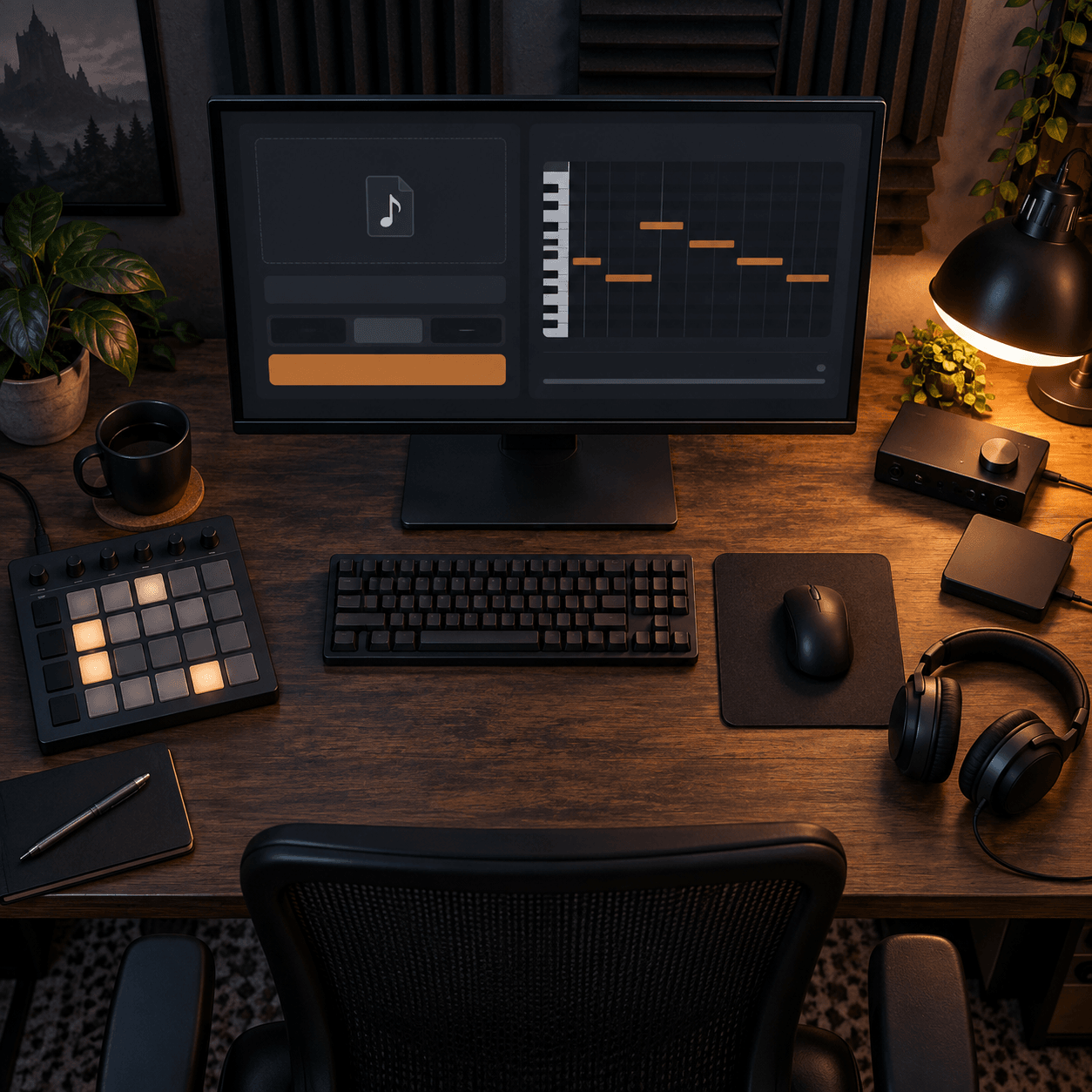
Transform retro game soundtracks into modern audio formats instantly. This engine helps you review complex note layers without opening heavy virtual instrument libraries.
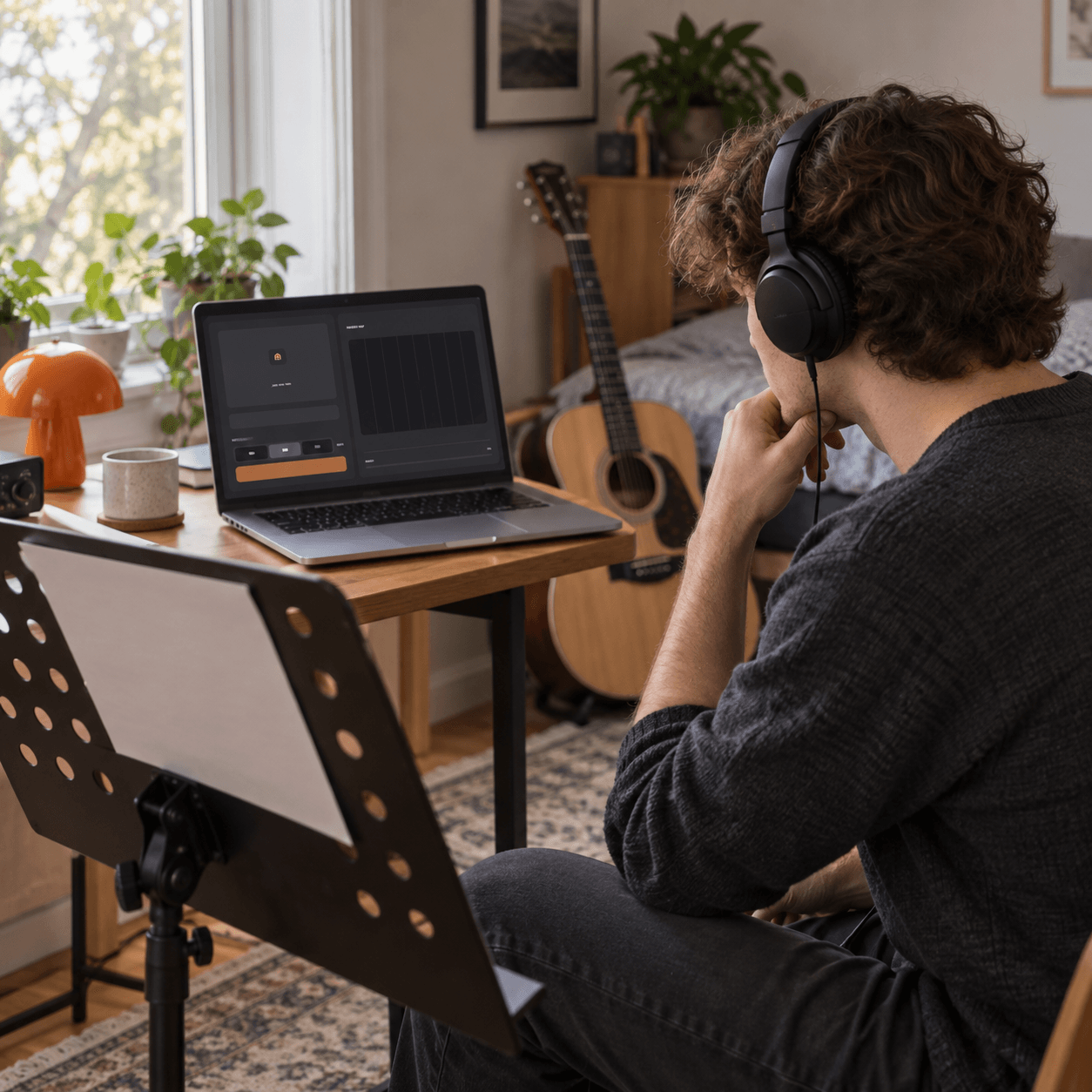
Turn your notation assignments into actual listening material immediately. Hear exactly how your written chords sound by running them through our fast synthesis engine.
The workflow is designed for maximum speed and minimal friction. Learn how to transfer Midi To Mp3 and get your final track in seconds.
Drag and drop your standard sequence file directly into the browser interface. The system instantly reads your note data and prepares the synthesis engine.
Choose your desired output bitrate from the available options. Pick a higher setting for better fidelity or a lower one for smaller file sizes.
Click the render button to synthesize your track immediately. Preview the resulting stereo audio in your browser before saving the final file locally.
You can select between 128, 192, and 320 kbps for your final output. Higher bitrates provide better audio fidelity for professional listening.
No external plugins or virtual instruments are required. FreeMusic AI handles all the synthesis directly within your web browser.
Most standard sequence files are processed in just a few seconds. Complex arrangements might take slightly longer depending on your local device performance.
Yes, a built-in audio player appears immediately after the rendering process finishes. You can listen to the full stereo track before saving it.
Your files are processed locally within your browser session for maximum privacy. We do not keep copies of your personal musical compositions.

Synthesize your sequences into high quality audio instantly. Convert your files directly in the browser.