Free Music Video Maker
A Versatile Music Video Maker for Every Creator
Whether you are an indie artist or a content creator, our tool simplifies the path from audio to video.

Independent Musicians
Promote your latest tracks on social media with eye-catching visuals. Save time on production and focus on your music.
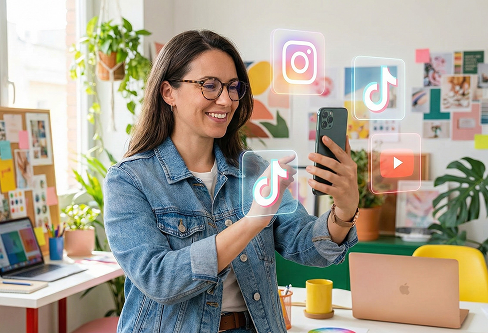
Social Media Influencers
Quickly repurpose audio clips into engaging content for TikTok, Reels, and YouTube Shorts. Keep your audience hooked with dynamic styles.
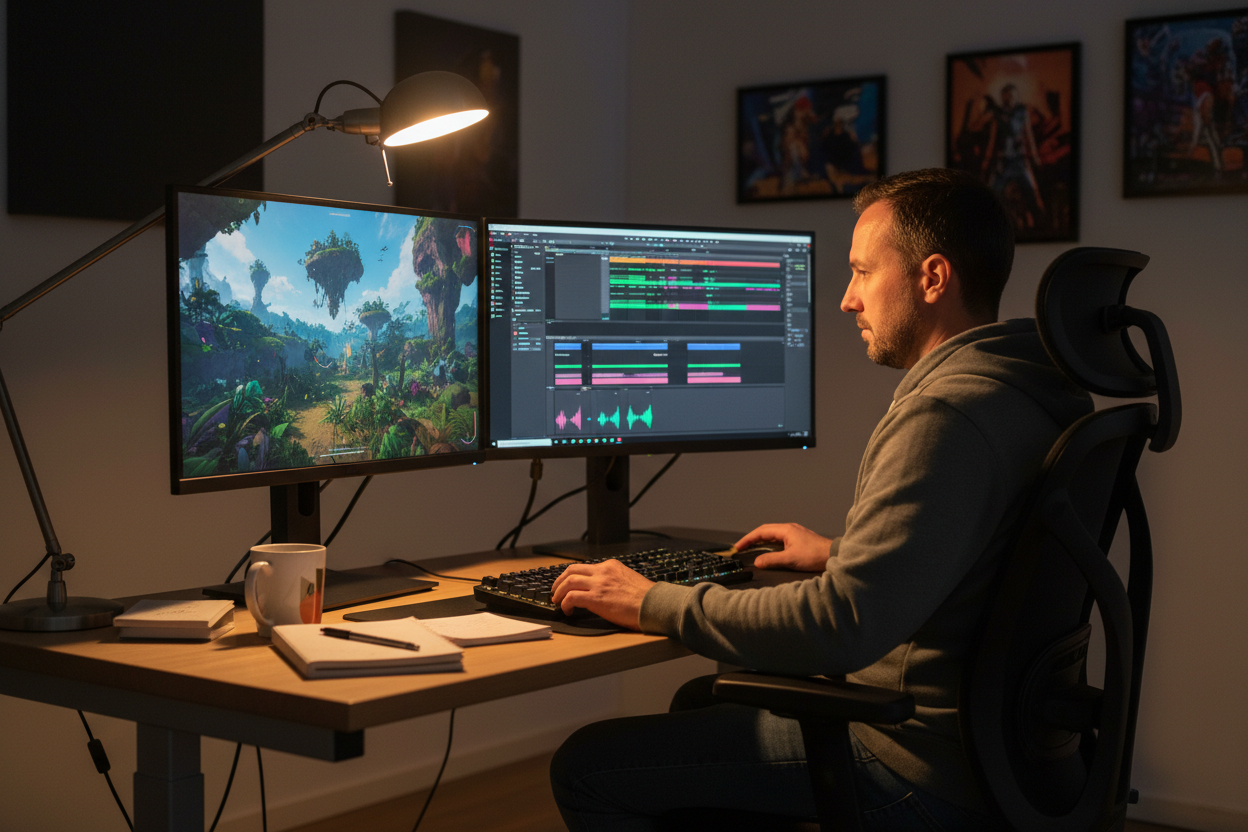
Content Marketers
Create branded audio-visual assets for ads or product launches. Drive more traffic with high-quality, auto-generated video content.
Free Music Video Maker
How to Use Our Music Video Maker in 3 Simple Steps
Our Music Video Maker streamlines the process, allowing you to generate professional results with just a few clicks.
Upload Your Audio
Simply drag and drop your local audio file or select a track from your workspace.
Customize Your Visuals
Pick your preferred art style, aspect ratio (16:9 or 9:16), and layout. Toggle on automatic captions and beat-synced waveforms for a unique look.
Generate & Share
Click the generate button to finalize your video. Download your creation and share it directly on your favorite platforms.
Free Music Video Maker
Why Our Music Video Maker Simplifies Your Creative Process
Built for efficiency and quality, our Music Video Maker offers robust tools to help you stand out.
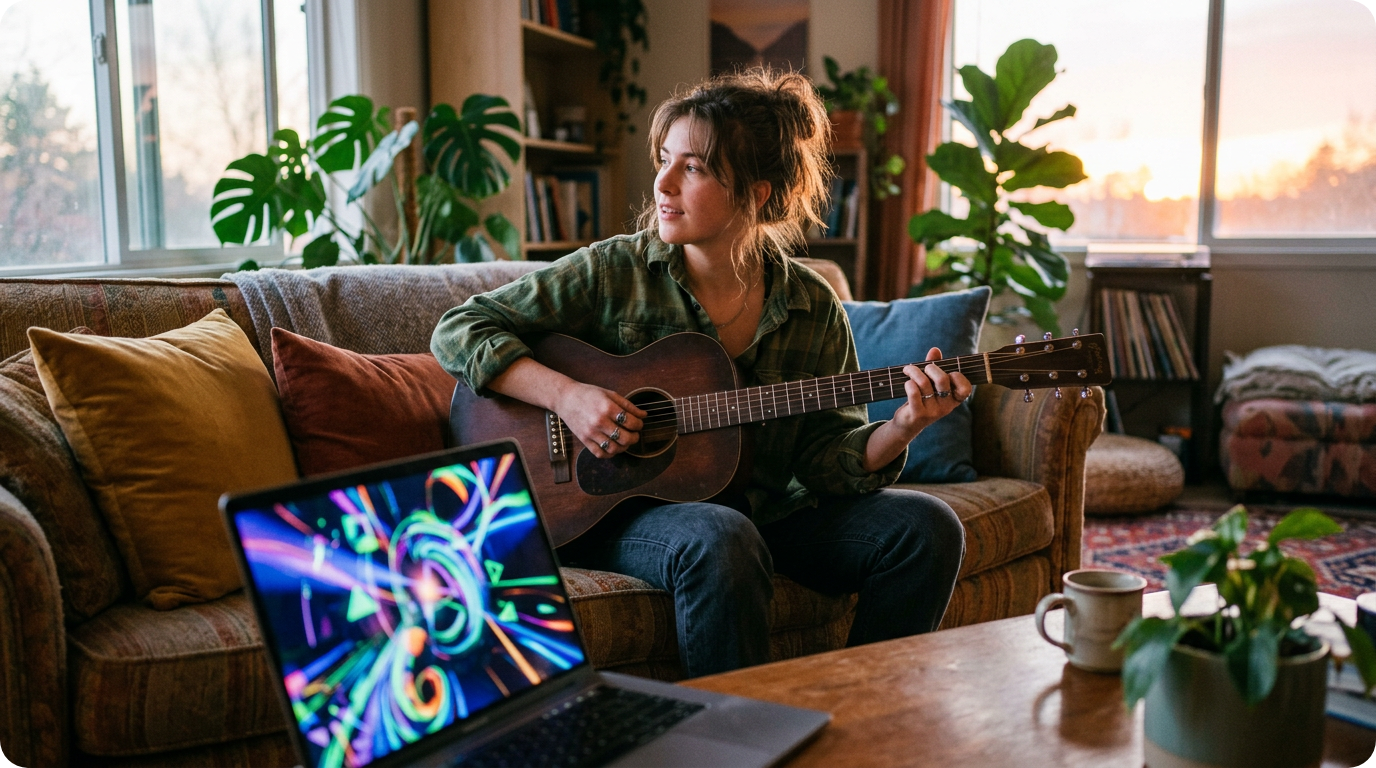
Flexible Media Import
Easily upload local audio files or select tracks directly from your workspace. Our music video maker adapts to your workflow, whether you're a beginner or a pro.
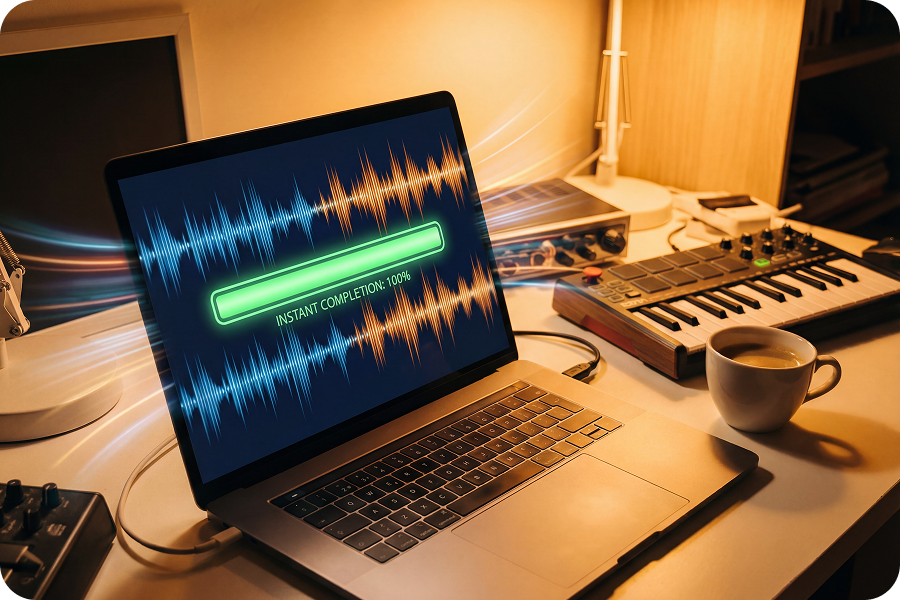
Precision Caption Control
Toggle auto-captions on or off and choose your preferred placement—top, middle, or bottom. Customize text styles to ensure your lyrics are perfectly readable.
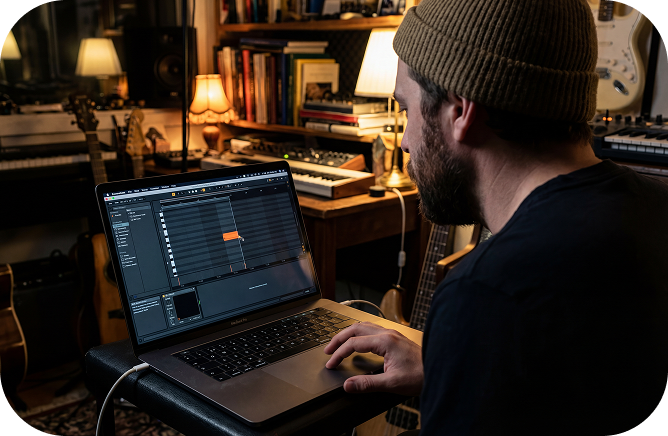
Customizable Display Modes
Choose between single-image displays for a focused look or multiple-image modes for dynamic storytelling. Tailor the visual flow to match your music’s rhythm.
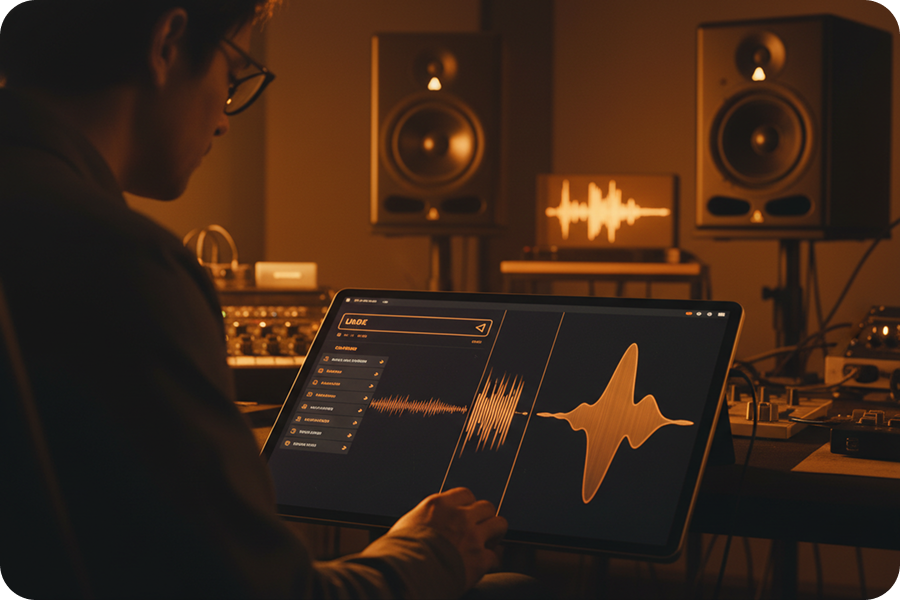
Flexible Video Formats
Export your content in 16:9 or 9:16 aspect ratios for any platform. Perfect for YouTube music videos or short-form social media clips.
Frequently Asked Questions
What is the Music Video Maker by FreeMusic?
This professional web-based tool allows creators to transform audio files into synchronized music videos using artificial intelligence. It provides a comprehensive suite for selecting art styles, adjusting aspect ratios, and adding rhythmic visual effects.
How to make a music video with AI using this tool?
First, upload your audio file or select a track from your workspace, then choose a visual style like 90s Cosmic Cel. After setting your preferred aspect ratio and caption placement, the system generates the video with a single click.
Does the music video maker website support different aspect ratios?
Yes, the platform offers 16:9 for landscape platforms and 9:16 for vertical formats like TikTok or Reels. This flexibility ensures your content is optimized for various social media distribution channels.
Is a software download necessary to use this music video maker?
No, this is a fully online music video maker that operates within your web browser. You can manage your projects and generate high-quality files without installing any third-party applications.
Can I use multiple images in the video maker with music?
The tool provides both single-image and multi-image display modes to suit your visual storytelling needs. This allows for a more dynamic video sequence compared to static background generators.

Produce High Quality Visual Content Using Our Music Video Maker
This web-based platform provides the necessary tools to convert audio tracks into synchronized videos with customizable AI art styles and automated captions.