Free Photo Video Maker with Music
Creators Who Need This Photo Video Maker with Music
This photo video maker with music helps different types of users build visual content for their audio files using ready-made visual templates.
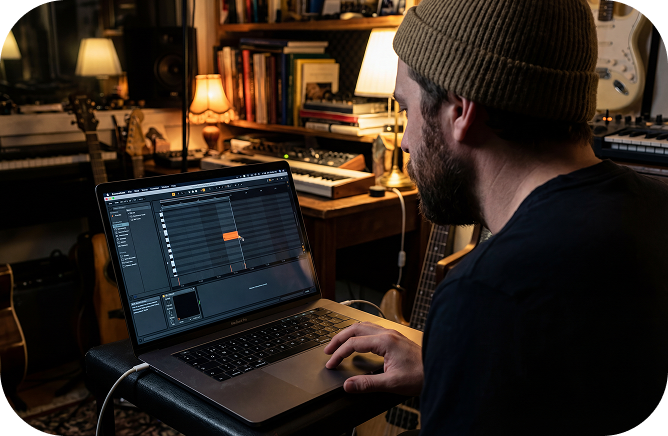
Musicians and Producers
You can make a photo video with music to share your new beats or songs on social media. The sound waves react to your audio frequencies to keep listeners visually engaged.
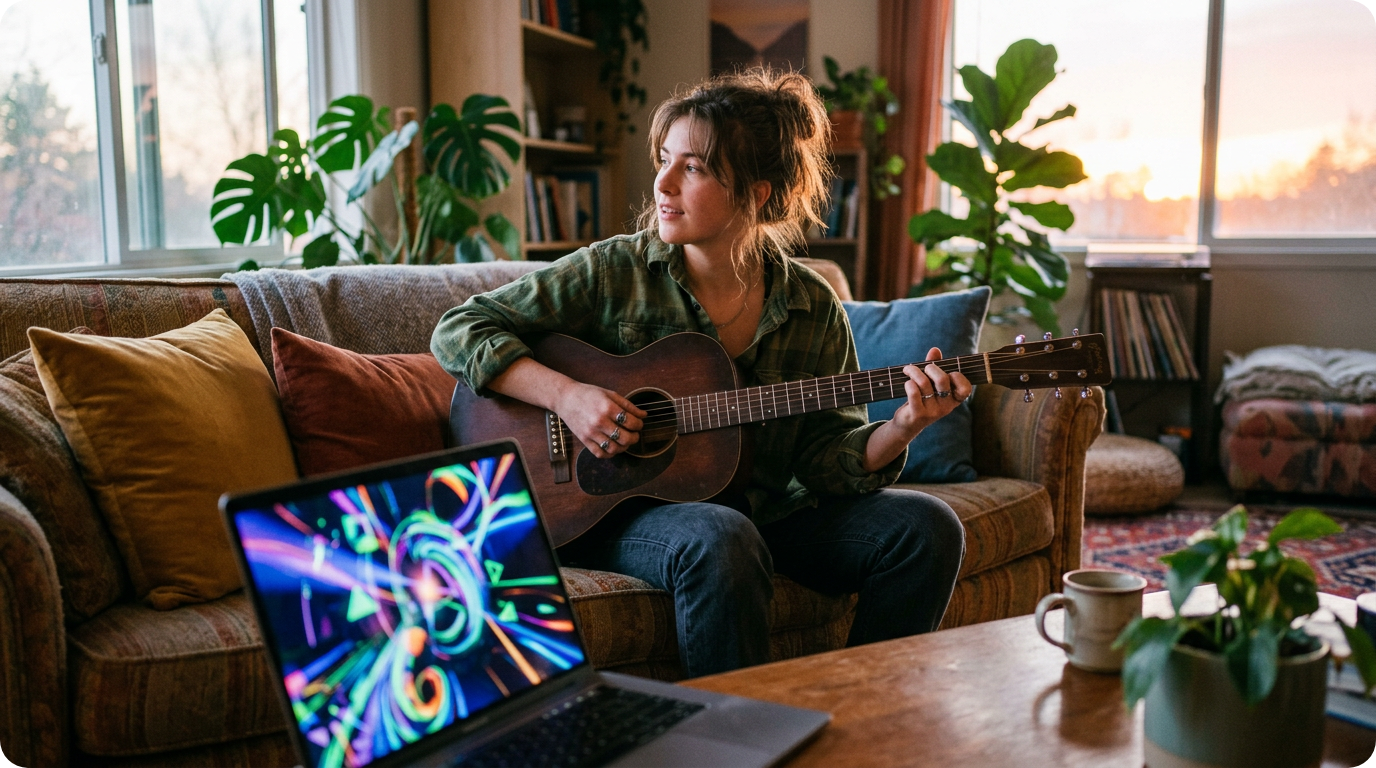
Content Creators
Use this picture video maker with music to turn standard audio files into clean video posts. You can display and set the style and position of the subtitles so that listeners can read along with the text.

Everyday Users
This easy photo video maker with music requires no design skills or image uploads to operate. You can combine our built-in visual styles with your favorite tracks to share online quickly.
Free Photo Video Maker with Music
How to Use the Photo Video Maker with Music
Learn how to make a photo video with music using our straightforward web interface. You can complete the entire rendering process in just three steps without uploading any images.
Upload Your Audio Track
Add your local audio file or select a track currently saved in your workspace. The system supports standard audio formats for quick cloud processing.
Choose Visual Settings
Select a single or multi-image mode and define your preferred photo style. Choose a 16:9 ratio for landscape monitors or 9:16 for vertical mobile viewing.
Generate the Final Video
Turn on auto-captions or add sound waves based on your project needs. Click the generate button to let the AI process your audio and images together.
Free Photo Video Maker with Music
Practical Features Inside Our Photo Video Maker with Music
This online photo video maker with music provides straightforward tools to handle your visual and audio elements. The system simplifies your workflow by using built-in assets and cloud processing.
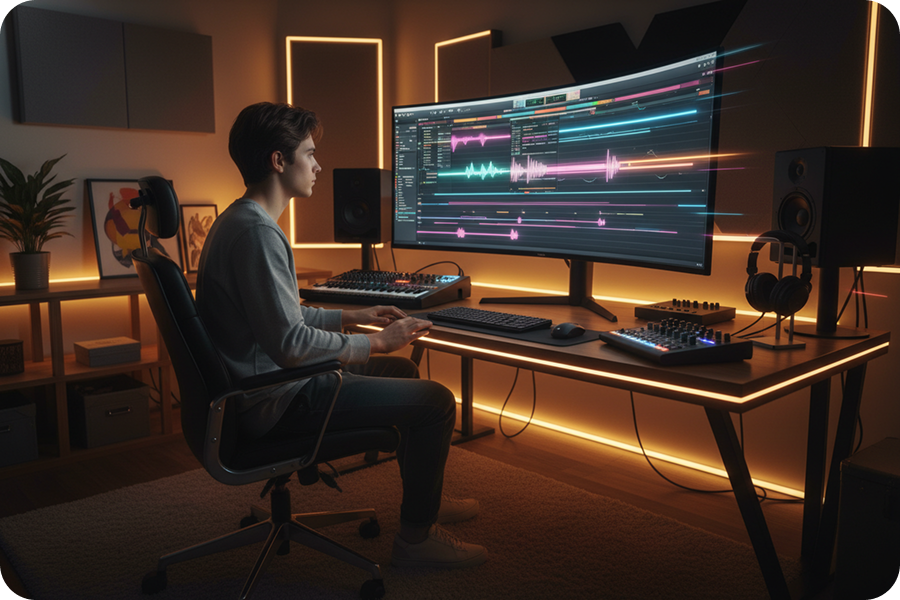
Instant Video Rendering
Combine your selected audio, visual effects, and captions without any manual timeline editing. Let this music video creator generate your completed file instantly with a single button press.
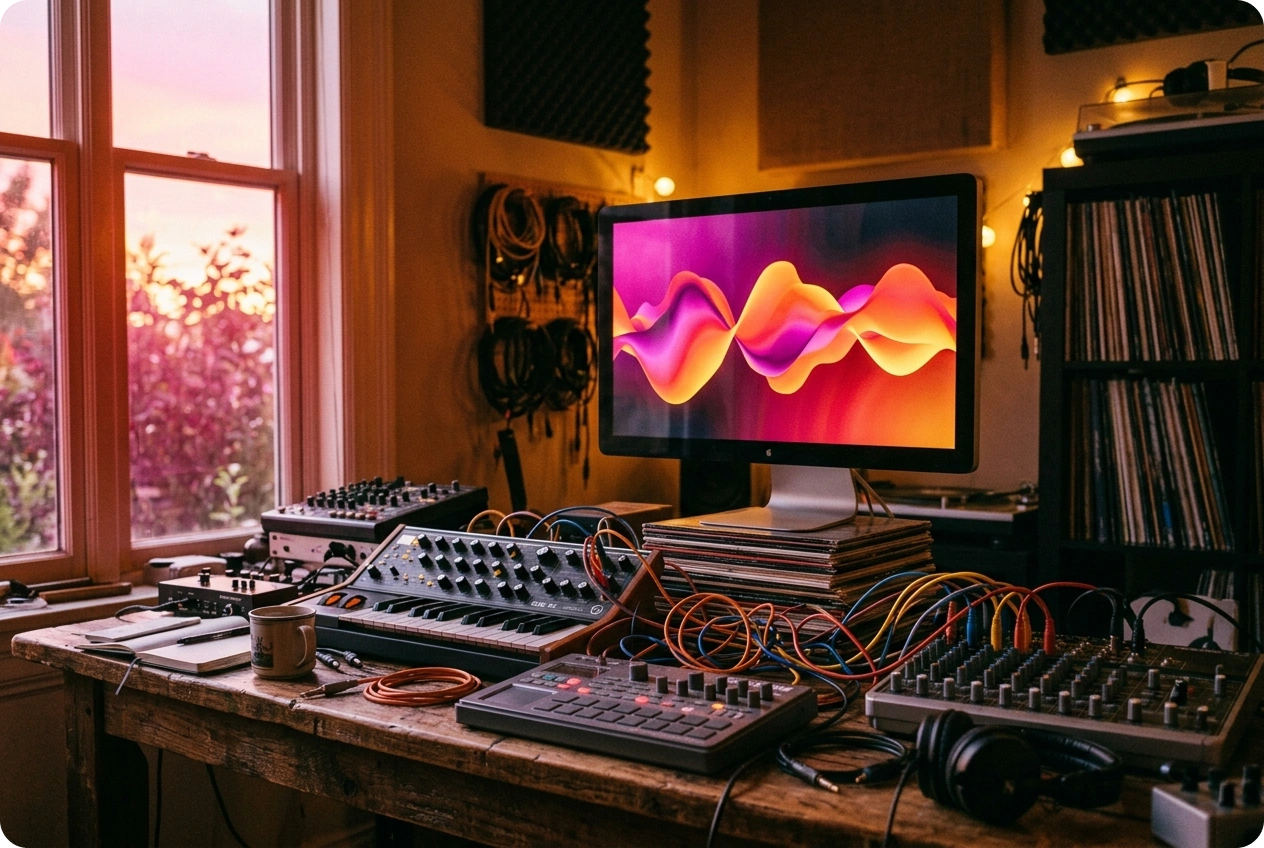
Seamless Workspace Integration
Manage your uploaded audio files efficiently using your dedicated cloud workspace. You can quickly select previously saved tracks to build new visual projects without re-uploading large files.
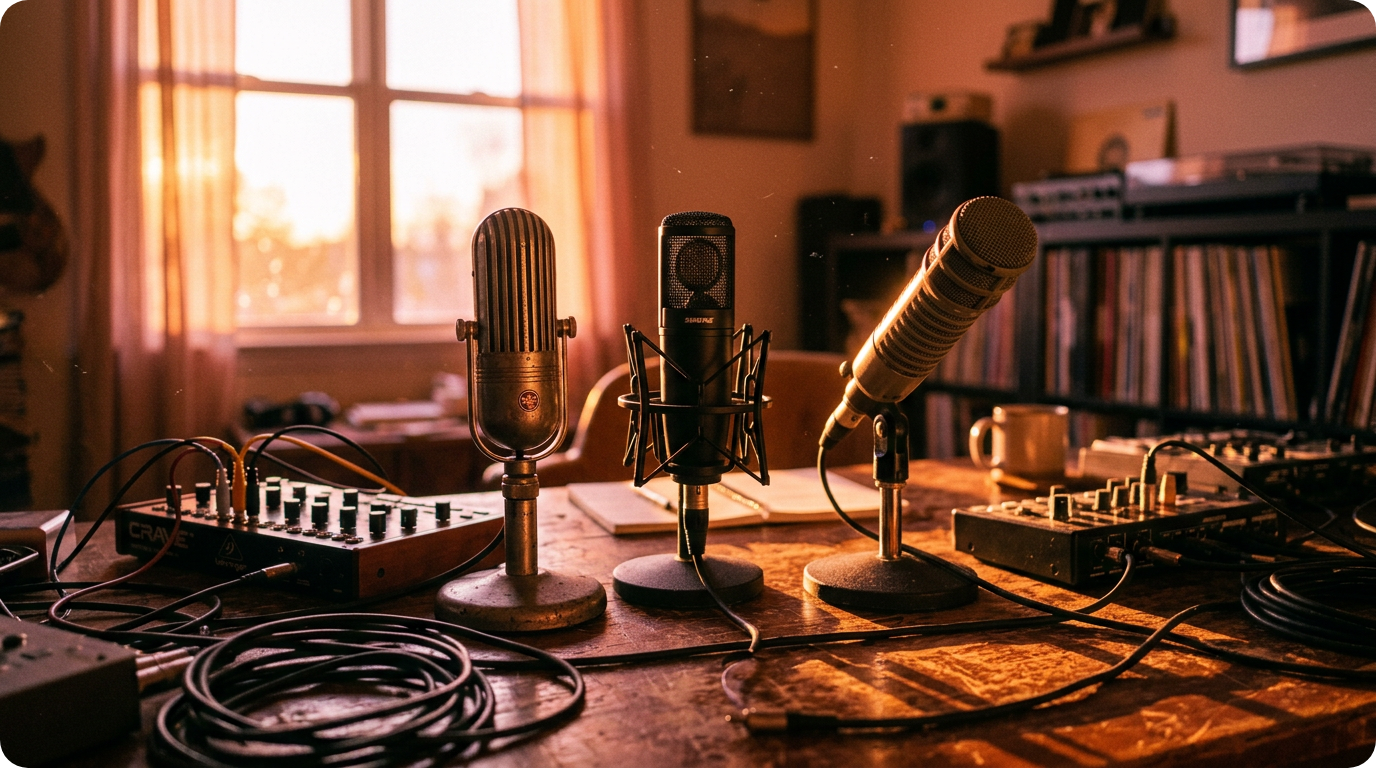
Pre-Set Photo Styles
You bypass the need to search for or upload personal pictures entirely. Choose from our built-in collection of aesthetic styles in single or multi-image modes to complete your visual layout.
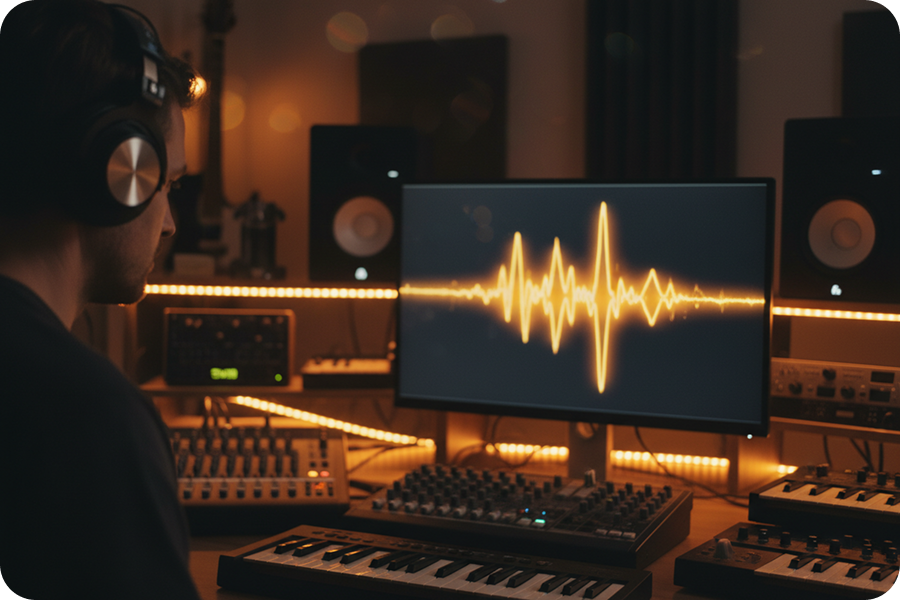
Dynamic Rhythm Waves
Add motion to the preset images by turning on the rhythm wave effect. This visual element reacts accurately to the frequencies and beats of your uploaded audio track.
Frequently Asked Questions
How to make a photo video with music online?
Upload your audio and select images from your device or the FreeMusic workspace. Choose your preferred video style and aspect ratio, then click the button to generate your video without manual editing.
Can I use multiple images in one music video?
You have the option to select a single-photo layout or a multi-photo mode for a more dynamic visual. The tool adjusts the image display to match the total duration of your audio track.
How does the caption feature sync with my music?
The tool extracts existing lyric data from your uploaded audio file to display as on-screen captions. This ensures that the text remains perfectly synchronized with the vocals during the entire video.
Can I edit the appearance of the lyrics?
You can customize the font style and choose a fixed position for the subtitles at the top, middle, or bottom of the screen. These settings allow you to maintain visual clarity without covering important parts of your photos.
What aspect ratios are supported for social media?
The tool provides 16:9 for horizontal formats like YouTube and 9:16 for vertical platforms like TikTok or Reels. This flexibility helps you create content that fits the specific requirements of different video-sharing sites.

Produce Music Visuals with the Photo Video Maker with Music
With a reliable browser-based interface, this photo video maker with music offers customizable image styles and sound effects. Create high-quality videos using your own audio.