Free Music Video Creator
See How This Music Video Creator Helps Your Workflow
Easily match your audio with visual content to reach wider audiences across social platforms.

Online Educators and Tutors
Transform your audio lectures or language listening exercises into accessible video materials. Display clear subtitles at the bottom of the screen to help your students follow along easily.

Beatmakers and Producers
Showcase your latest instrumental tracks on YouTube to attract artists and buyers. Add dynamic waveforms and unique image styles to make your beats stand out visually.
Meditation and ASMR Creators
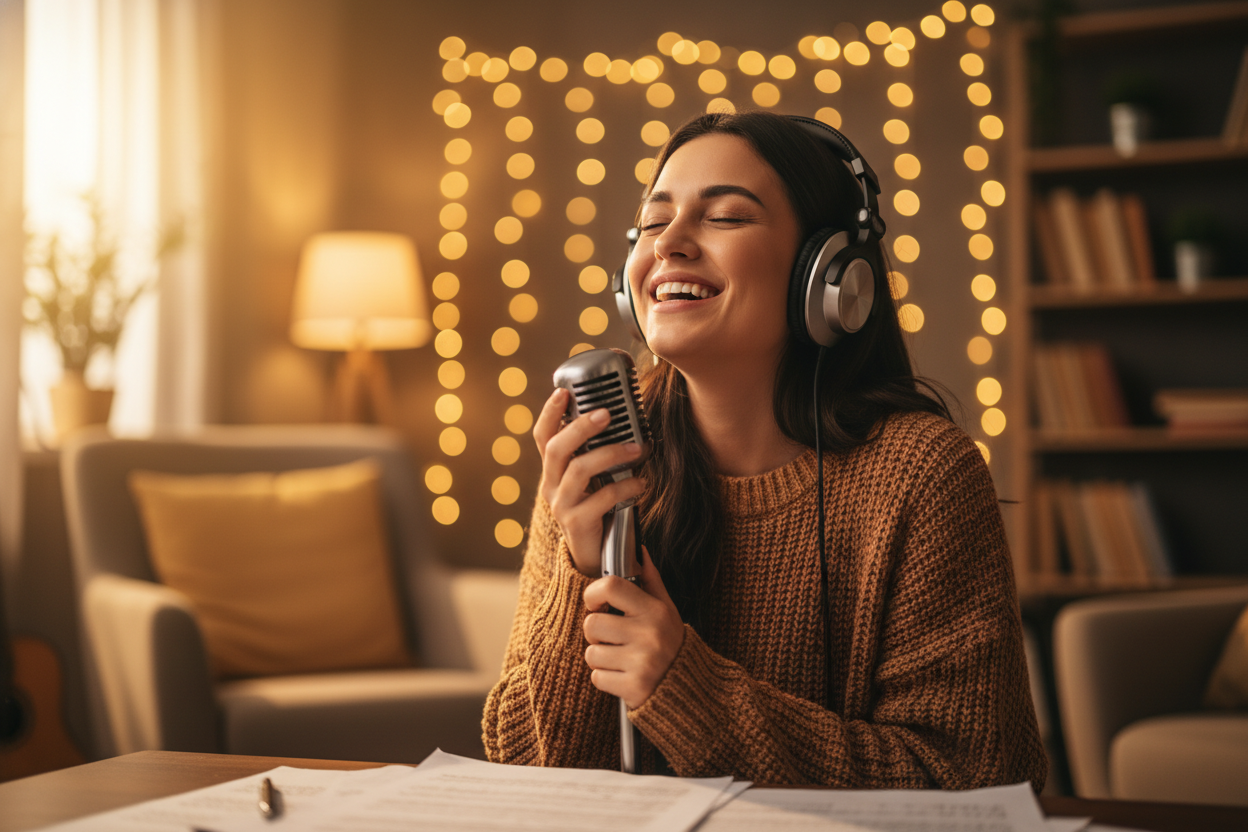
Pair your relaxing audio tracks with calming visuals to build your audience across wellness platforms. Create looping videos quickly without dealing with complex editing timelines.
Free Music Video Creator
How to Use Our Music Video Creator
Transform your audio files into visual content in three simple steps. You do not need any prior video editing experience.
Upload Your Audio
Upload a local track directly from your device or pick a file straight from your FreeMusic workspace.
Customize Your Visuals
Choose a single image or multiple photos, set the art style, and pick a 16:9 or 9:16 aspect ratio. Turn on the rhythm waveform effect to make your video react to the beat.
Add Captions and Export
Let the AI generate text and lock your subtitles to the top, middle, or bottom of the screen. Click one button to render your visualized music video.
Free Music Video Creator
Explore What This AI Music Video Creator Can Do For You
Discover practical tools designed to save you time and make your audio tracks stand out visually.

Direct Audio Integration
Upload local files directly from your computer or access tracks already saved in your FreeMusic workspace. Keep your workflow simple by managing your audio assets in one central location.
Custom Visual Styles
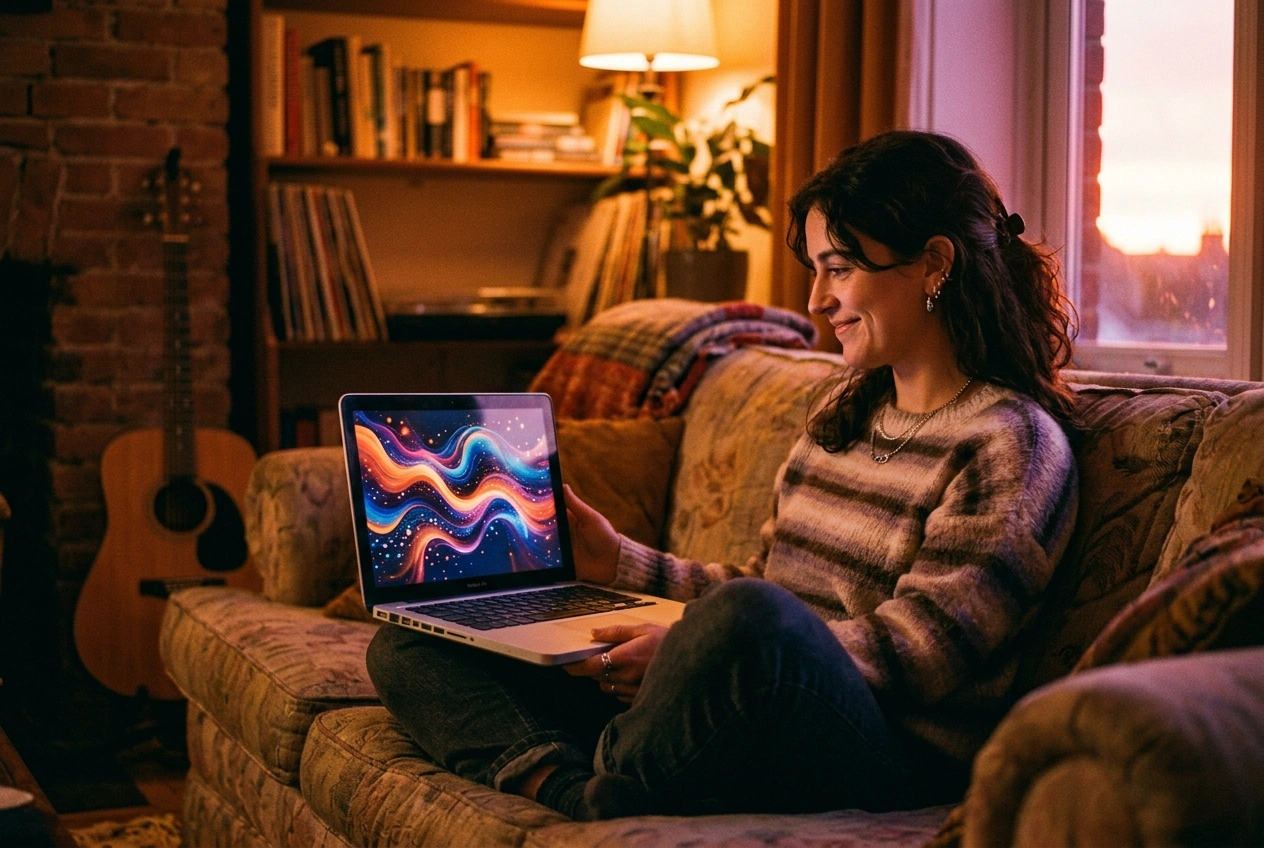
Match the visual mood to your sound by selecting a single cover or multi-image display. Apply specific photo styles to give your project a consistent and professional look without graphic design skills.
Platform Specific Ratios
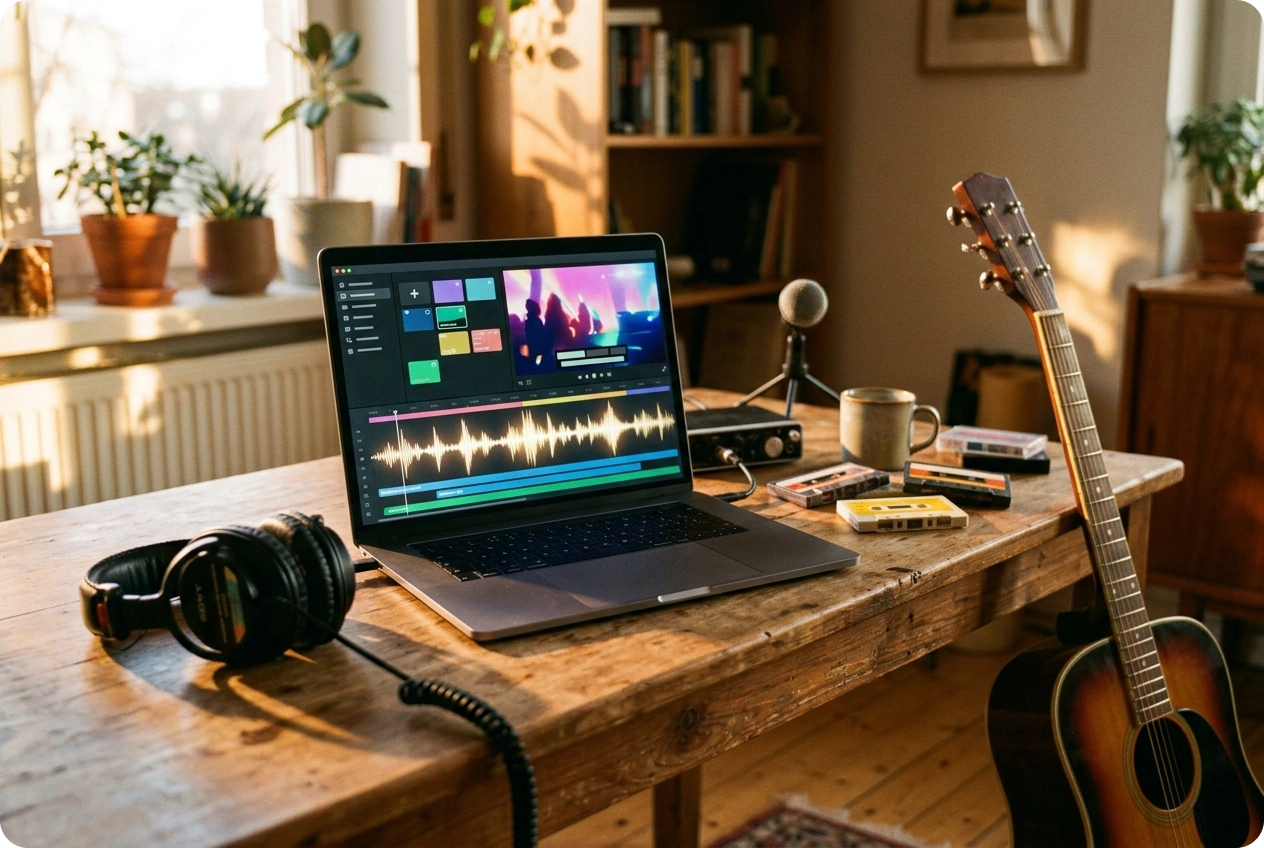
Optimize your content for different platforms by choosing the right aspect ratio before you render. Export format is 16:9 for desktop viewers or 9:16 for vertical mobile feeds such as TikTok and Shorts.
Fast Online Processing
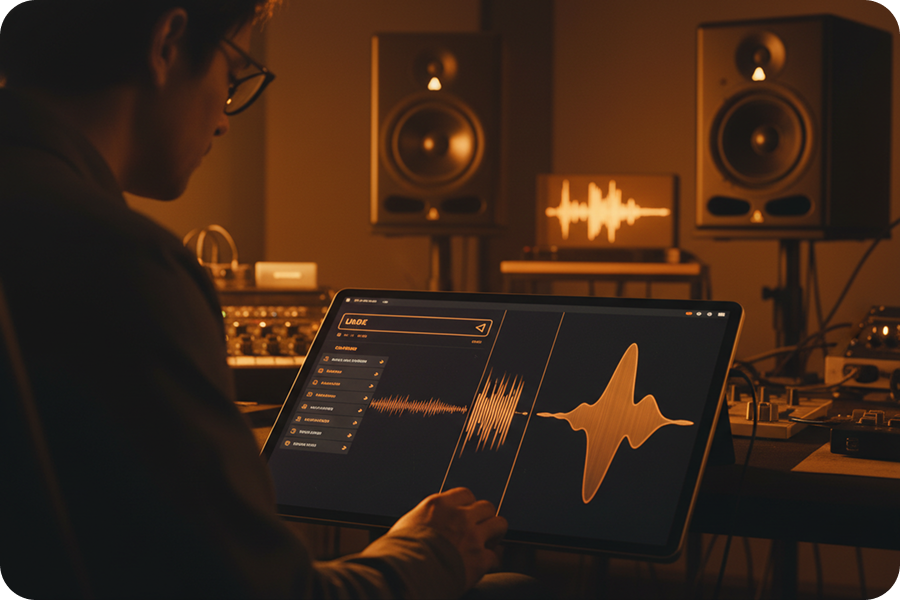
Work directly from your browser with this online video creator with music. You get fast rendering times without downloading heavy software to your computer.
Frequently Asked Questions
What is FreeMusic AI music video creator?
It is an online video creator with music that turns your audio files into visual content directly in your browser. You can use it to combine your tracks with selected images, sound waves, and lyrics.
How do I make a video using this music video creator?
Simply upload your local audio file or select a track from your existing workspace to begin. Then choose your image display mode, set the video aspect ratio, and generate the final file.
Do I need to download a music video maker app?
No, our system runs entirely on the web, so you do not need to install any mobile apps or desktop software. This online video creator with music works smoothly across different operating systems through your browser.
Can I add moving audio waves to my tracks?
Yes, this music visualizer video creator allows you to add dynamic rhythm waves to your project. You can choose to turn this visual effect on or off depending on your specific design needs.
Does this music video creator support auto-captions?
Our AI automatically generates accurate subtitles from your uploaded audio files. You can customize the subtitle style and fix the text to the top, middle, or bottom of your screen.

Build Professional Visuals Using AI Music Video Creator
Turn your audio tracks into complete visual experiences by generating precise subtitles, dynamic rhythm waves, and custom photo aesthetics entirely in your browser with our music video creator.