Best AI Voice Generator Celebrity
Who Benefits from This AI Voice Generator Celebrity Tool
This AI voice generator celebrity platform helps various creators produce high-quality audio projects online.

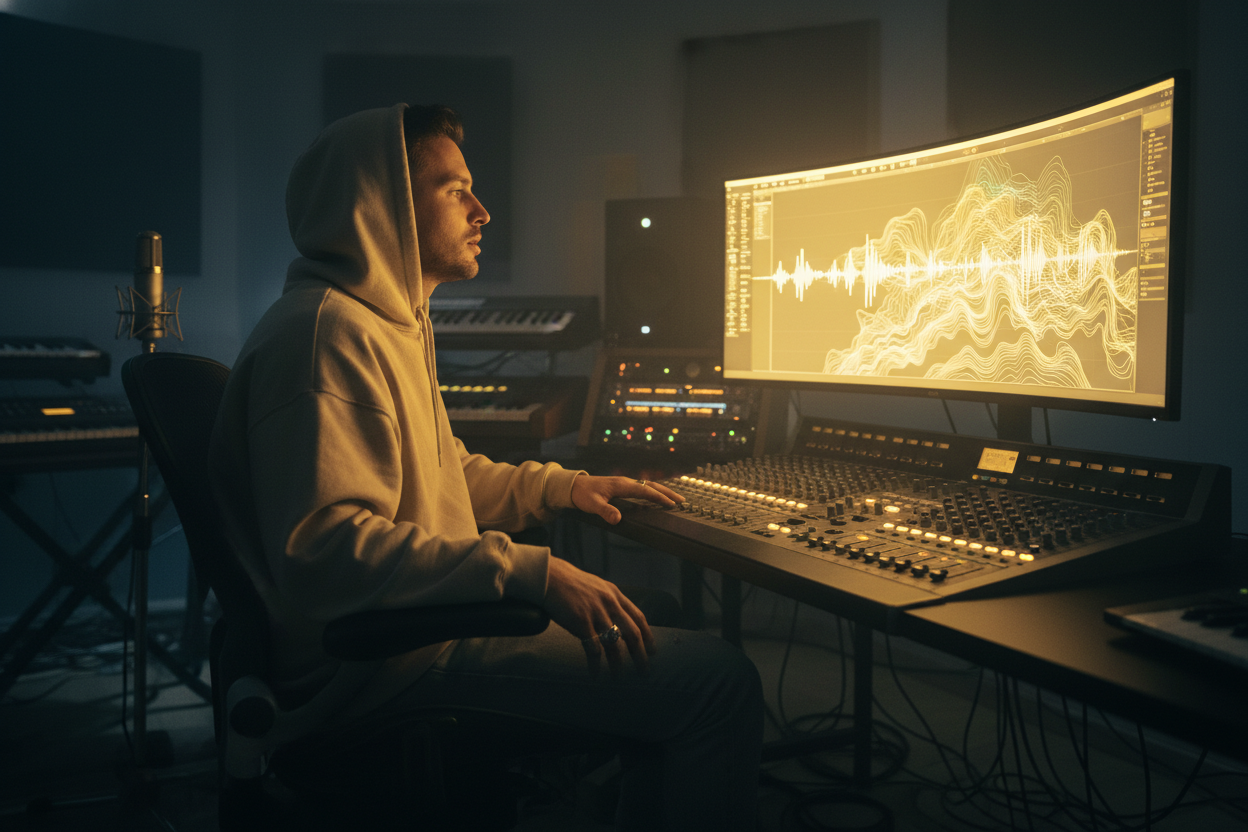
Music Producers
Test out song ideas using famous vocal styles before hiring actual singers. It saves time and studio costs during the demo phase.
Social Media Influencers
Create engaging short clips for your social channels. A celebrity AI voice generator grabs audience attention quickly.

Fans and Hobbyists
Create custom cover songs of your favorite tracks for personal enjoyment. You can easily mix famous voices with new musical beats.
AI Voice Generator Celebrity Usage Steps
How to Use the AI Voice Generator Celebrity Platform
Follow these simple steps to clone voices and create cover songs directly in your web browser. You do not need to download any software to begin.
Build Your Voice Model
Name your project and upload your voice audio ranging from 1 to 30 minutes. Select the gender and privacy settings to let the AI process your custom model.
Choose Your Celebrity Voice
Choose the model you cloned, or select your favorite celebrity from our existing library of celebrity voice presets. This gives you flexible options for your final track.
Generate the Cover Song
Upload your local music file or pick a track from your workspace. Choose the target music gender and click the button to generate your new song.
Features of AI Voice Generator Celebrity
Core Features of Our AI Voice Generator Celebrity
We built this tool to help you produce clear and realistic vocal tracks without requiring complex audio engineering skills.
Flexible Voice Library
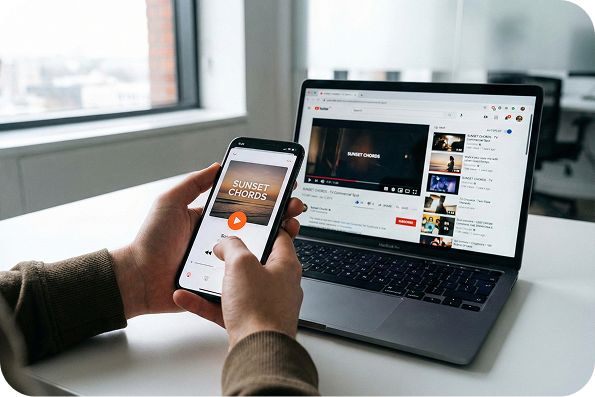
Choose from your custom cloned voices or popular preset options. It gives you the exact vocal style you need for your audio project.

Clear Audio Quality
Generate professional vocal tracks that sound natural and realistic. This ensures your final songs meet high production standards.
Web-Based Workflow
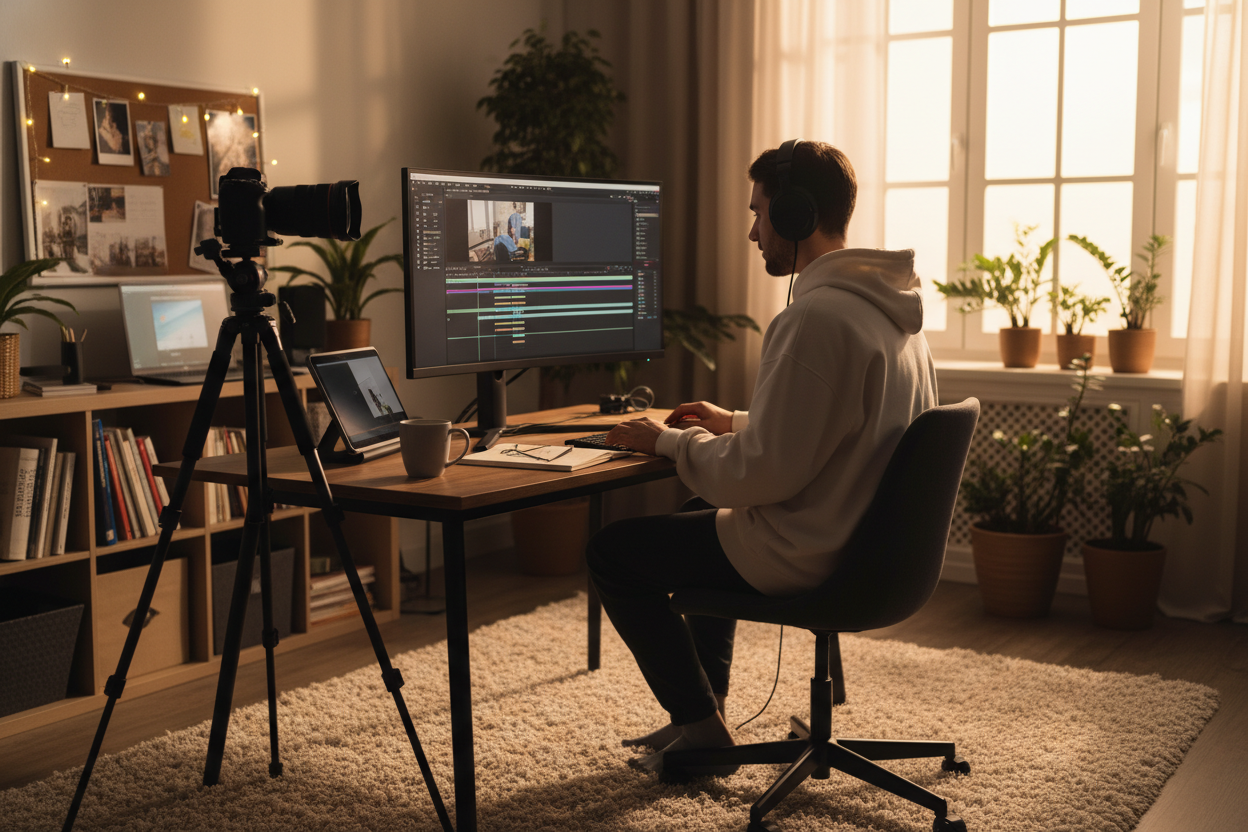
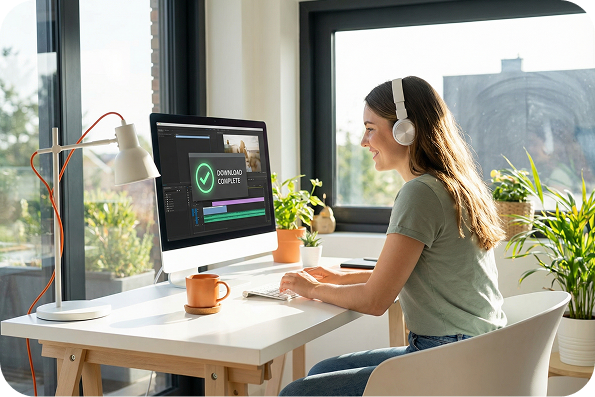
Create your projects directly online without installing heavy software. This keeps your computer running smoothly while you work.
Secure Data Processing
We protect your uploaded audio files and respect your privacy choices. You control whether your custom voice models remain public or private.
Frequently Asked Questions
What is the FreeMusic AI instrumental maker?
This web-based platform generates high-quality audio tracks from your text ideas. You can choose specific instruments, such as piano, guitar, or drums, to match your precise audio needs.
How to make a song instrumental online?
Type your concept into our instrumental music maker or use the "Get Inspired" feature for quick ideas. Then, select your preferred instruments and click the generate button to process your track.
Do I need to download this instrumental maker?
No, this online instrumental maker runs completely inside your web browser. You save hard drive space and can access your music projects from any device with an internet connection.
Can I create an instrumental song using only drums and bass?
Absolutely, you have full control over the instrumentation for your specific track. Just select drums and bass from the instrument list, and the AI will generate a focused rhythm section.
How to save the music I make a instrumental online?
Once the AI finishes generating your track, you can export the audio file directly to your local device. The high-quality files are ready to import into your video editor or publishing software.

Create Original Tracks Fast with the AI Instrumental Maker
Type your text ideas and select specific instruments to generate high-quality audio directly in your browser using our professional instrumental maker.