Willow Town
Cozy village theme with plucked guitar, wooden flute and marimba
0:00-:--
The ai video game music generator turns a short description into music for a game. Pick the scene, such as a quiet village, a racing track or a boss fight, and the generator returns a track with matching instruments and energy.
Make Game Music
Three scenes, three moods. Each track from the ai video game music generator started as a prompt.
Cozy village theme with plucked guitar, wooden flute and marimba
Synthwave racing soundtrack with pulsing bass and bright arpeggios
Epic orchestral boss battle theme with taiko drums and brass
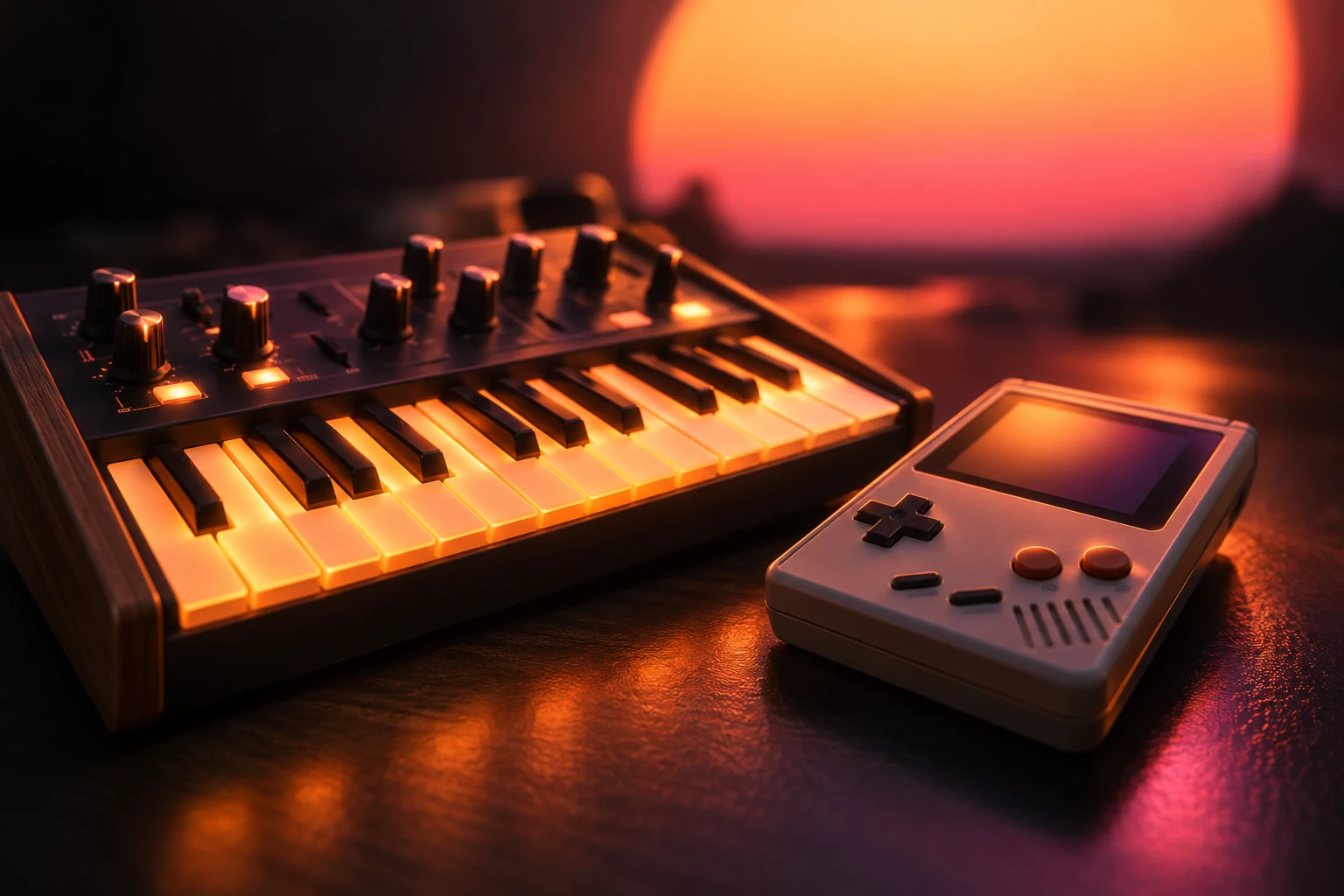
Pixel worlds and retro hardware inspire many soundtracks. Name one in the prompt and the AI video game music generator works it into the track.
Overworld
A bright theme for exploring a wide map.
Battle
Driving drums and brass for a boss fight.
Village
Gentle plucked strings for a quiet town.
Chiptune
Retro square waves for a handheld feel.
Name the scene and the sound in a sentence.
| Scene | Prompt idea |
|---|---|
| Village | Cozy village theme, plucked guitar, wooden flute, marimba |
| Racing | Synthwave racing soundtrack, pulsing bass, bright arpeggios |
| Boss battle | Epic orchestral boss theme, taiko drums, brass |
| Main menu | Calm menu music, soft piano and light strings |
Four steps from a scene to a soundtrack.
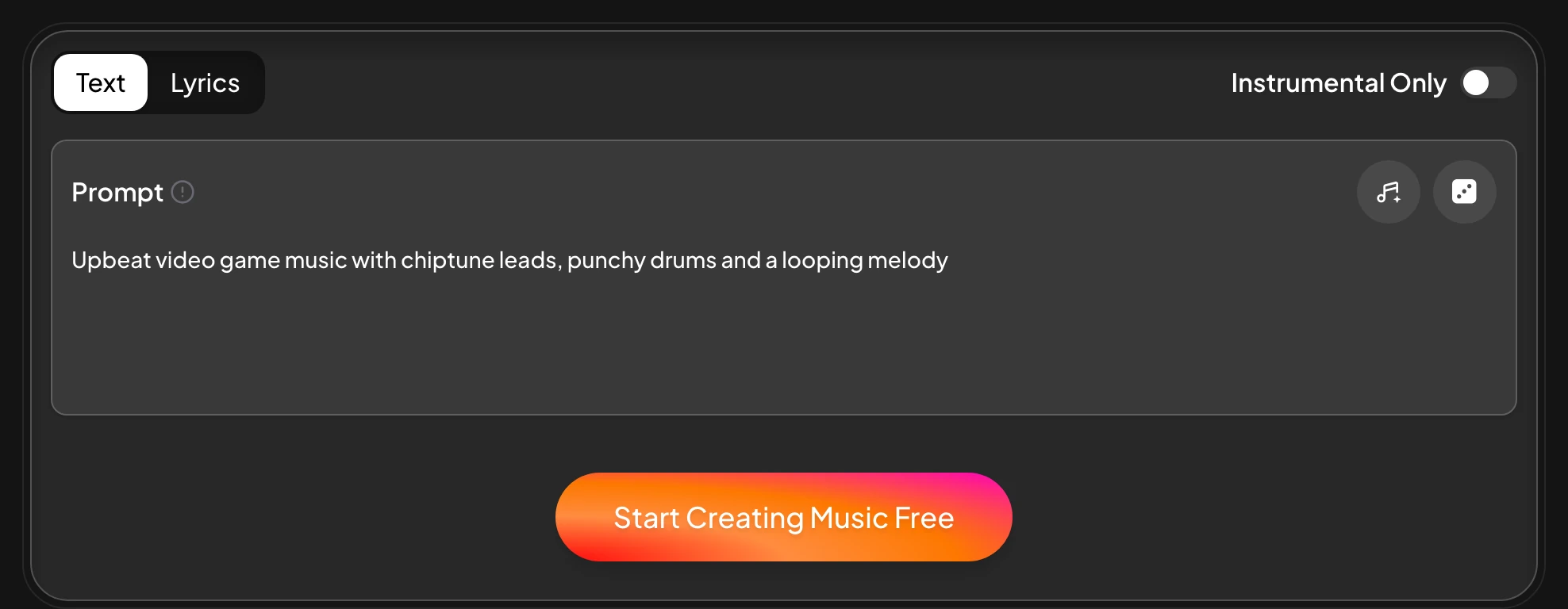
Choose Prompt and turn on Instrumental Only.
Name the place, the pace and two instruments.
Compare versions and pick the one that fits.
Save MP3, WAV or FLAC for your game project.
Go from a theme to a sound set.
Town themes, battle music, racing tracks, menu music and more. Name the scene and the AI video game music generator sets the instruments and the pace.
Yes. Switch on Instrumental Only.
Yes. Change a word in the prompt and generate again.
Yes. Add a vocal tag or paste lyrics into Own Lyrics.
MP3, WAV and FLAC.
The AI video game music generator runs in any modern browser, so game music can be made on a phone, a tablet or a gaming PC.
Open the AI Music Generator and describe the next level.