Free AI Video Generator from Audio
Why Creators Trust Our AI Video Generator from Audio
Designed for everyone from independent artists to content creators who need to turn audio into video assets quickly.

Independent Musicians
Turn your latest track into a professional music video without a production budget. Easily showcase your sound to fans on social media.
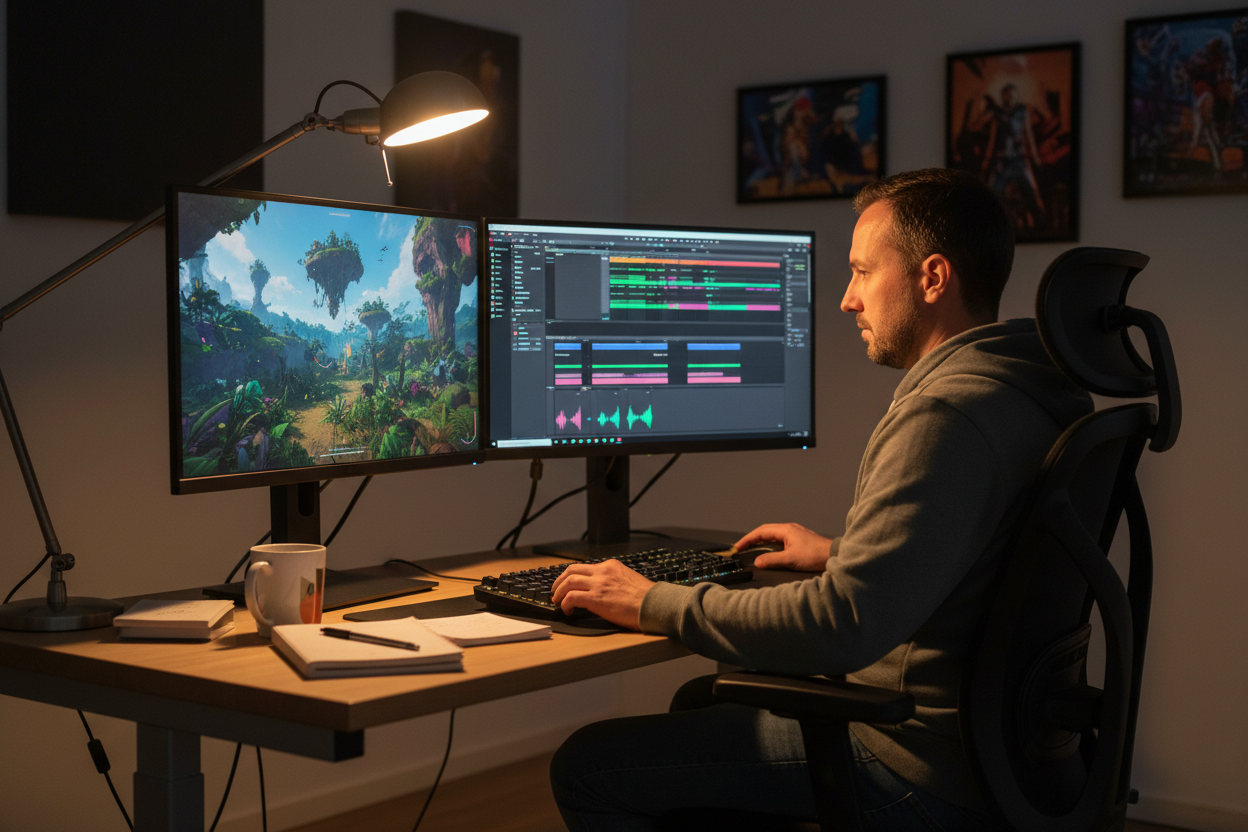
Music Producers
Create high-quality visualizers for your beats or sound design. Ensure your audio stands out on platforms like YouTube.
Digital Content Creators
Generate dynamic visual backdrops for your voiceovers or audio stories. Simplify your workflow with our automated video generation tools.
Free AI Video Generator from Audio
Effortless Workflow with Our AI Video Generator from Audio
Follow these simple steps to transform your audio files into professional videos in minutes.
Upload Your Audio File
Select an audio file from your device or workspace to get started. Our AI engine analyzes your rhythm and mood.
Customize Visuals and Style
Pick your preferred video style, aspect ratio (16:9 or 9:16), and display mode. Choose from templates like Retro Cosmic or Jazz Noir.
Auto-generate and Export
Enable auto-captions and rhythm-synced waveforms with one click. Your music video is ready to export and share.
Free AI Video Generator from Audio
Smart Features That Make Our AI Video Generator from Audio Stand Out
We focus on providing precise control and high-quality output to help you produce professional visuals from any audio.
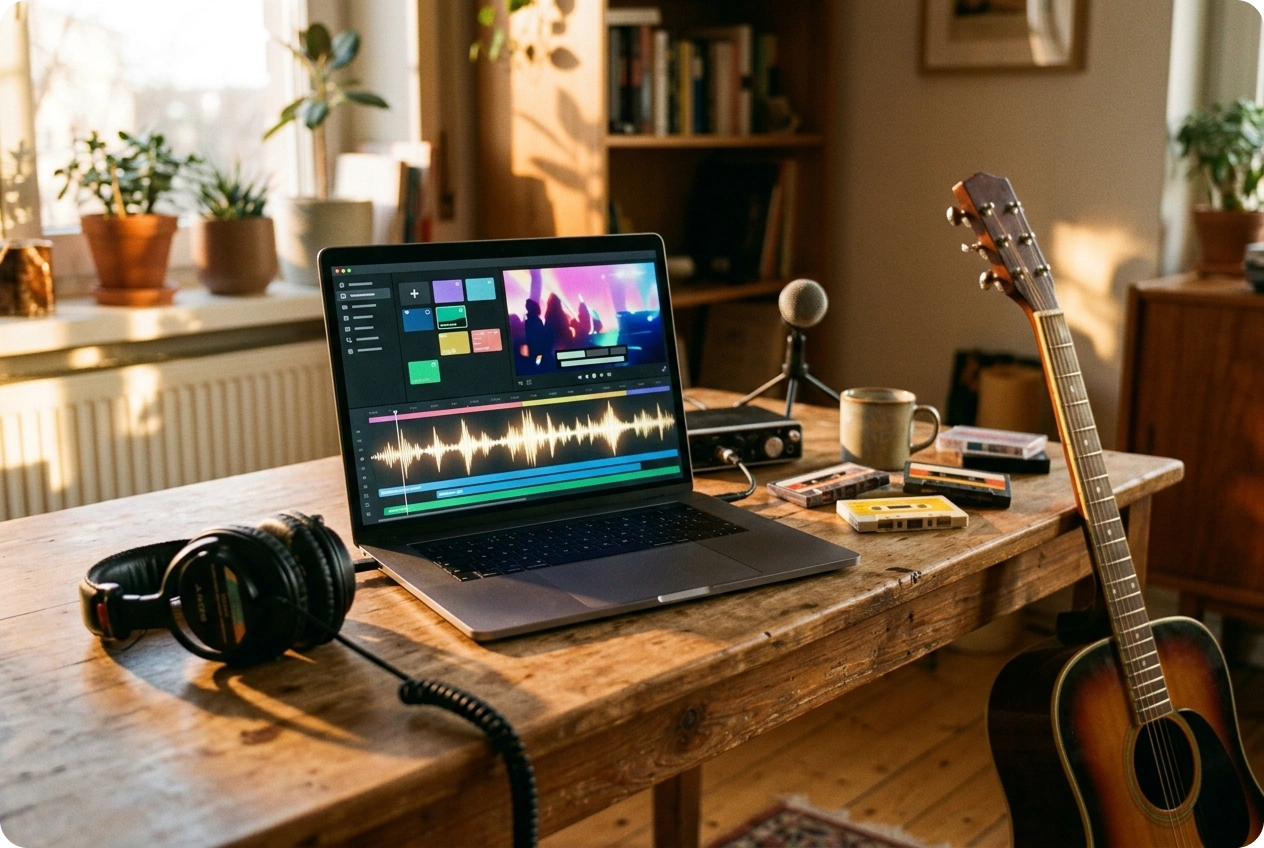
Built-in Audio Workspace
Upload new local audio files or quickly pull existing tracks directly from your personal workspace. Keep your audio assets organized to speed up the video generation process.
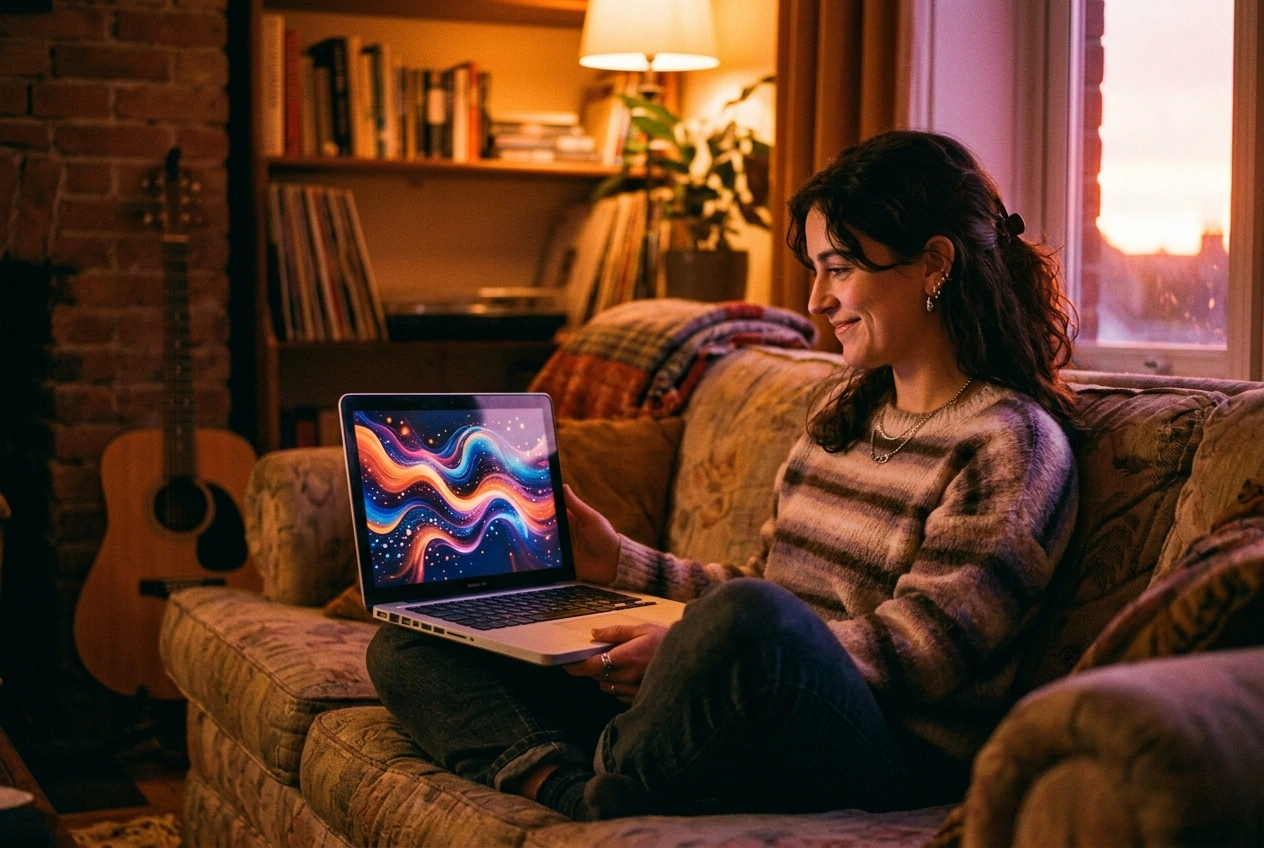
Dynamic Visual Modes
Choose between single or multiple image display modes to control how your visuals evolve. Create anything from a steady aesthetic cover to a dynamic multi-scene story.
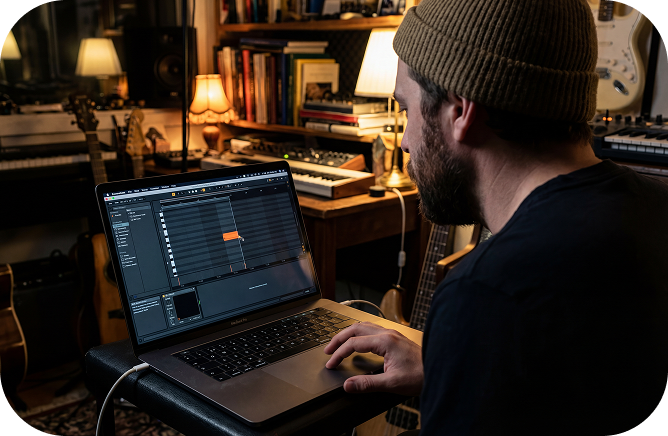
Customizable Artistic Styles
Select from a library of professional visual styles like Retro Cosmic or Surreal Collage. Match your video aesthetics to your music’s unique vibe.
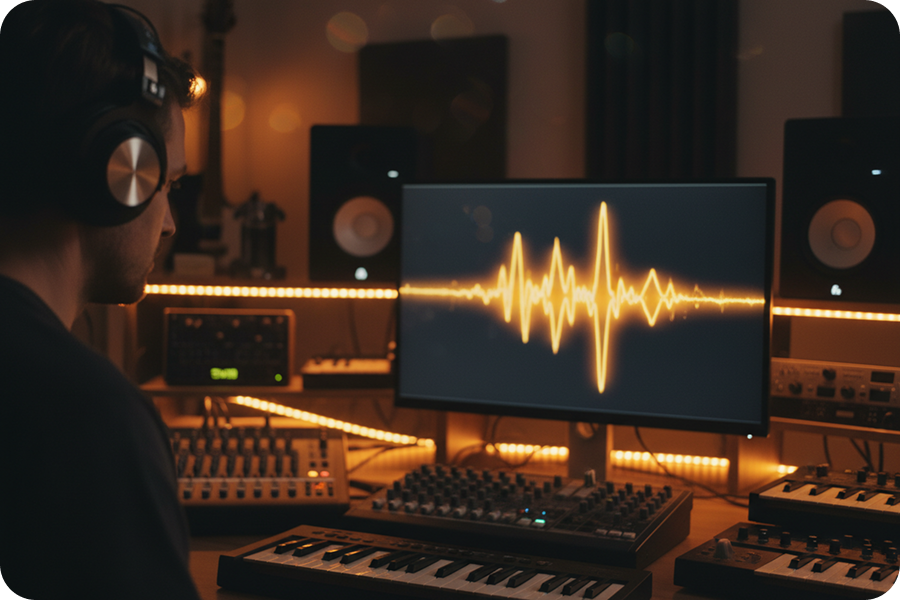
Rhythm-Sync Waveforms
Bring your music to life by enabling custom waveform effects. Our AI Video Generator from Audio ensures your visuals react to the beat of your music in real-time.
Frequently Asked Questions
What is the AI video generator from audio by FreeMusic?
This professional web-based tool converts your local audio files or workspace tracks into high-quality music videos. It uses artificial intelligence to sync visuals, captions, and rhythmic effects with your sound.
How to use this AI music video generator from an audio file?
First, upload your audio and select a display mode like single or multiple images. Then, choose your preferred art style and aspect ratio before clicking the generate button.
Can I make an AI video from audio for YouTube and TikTok?
The tool provides flexible aspect ratios, including 16:9 for widescreen and 9:16 for vertical platforms. This ensures your AI-generated music video from audio fits any social media requirement.
How do I generate a music video from an MP3 with waveform effects?
During the setup process, you can toggle the rhythmic wave effect to add dynamic movement to your visuals. This feature ensures the video pulses in sync with the beats of your audio file.
Is there a need to download software for this song to video generator?
No, this is a fully browser-based application that requires no installation on your computer. You can access all features and manage your projects directly through the FreeMusic web interface.

Create Professional Content with our AI Video Generator from Audio
Transform your audio files into high-quality visual experiences using our browser-based editing suite.