Free YouTube Music Visualizer
Grow Your Channel with the Right YouTube Music Visualizer
See how different creators use our online tool to turn plain audio into highly shareable video content.
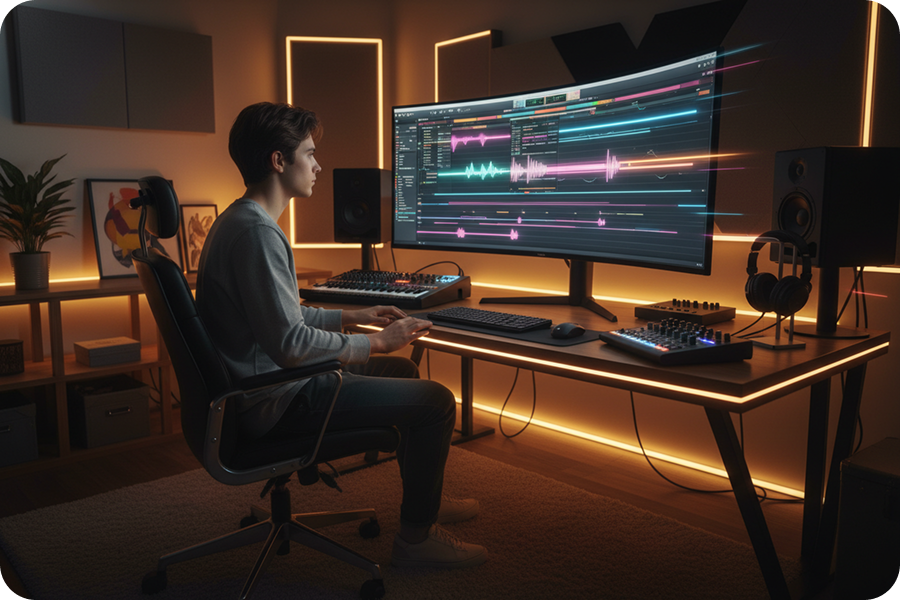
Music Producers
Showcase your new beats with dynamic waveforms and retro synthwave styles. It makes your music look as good as it sounds on any screen.
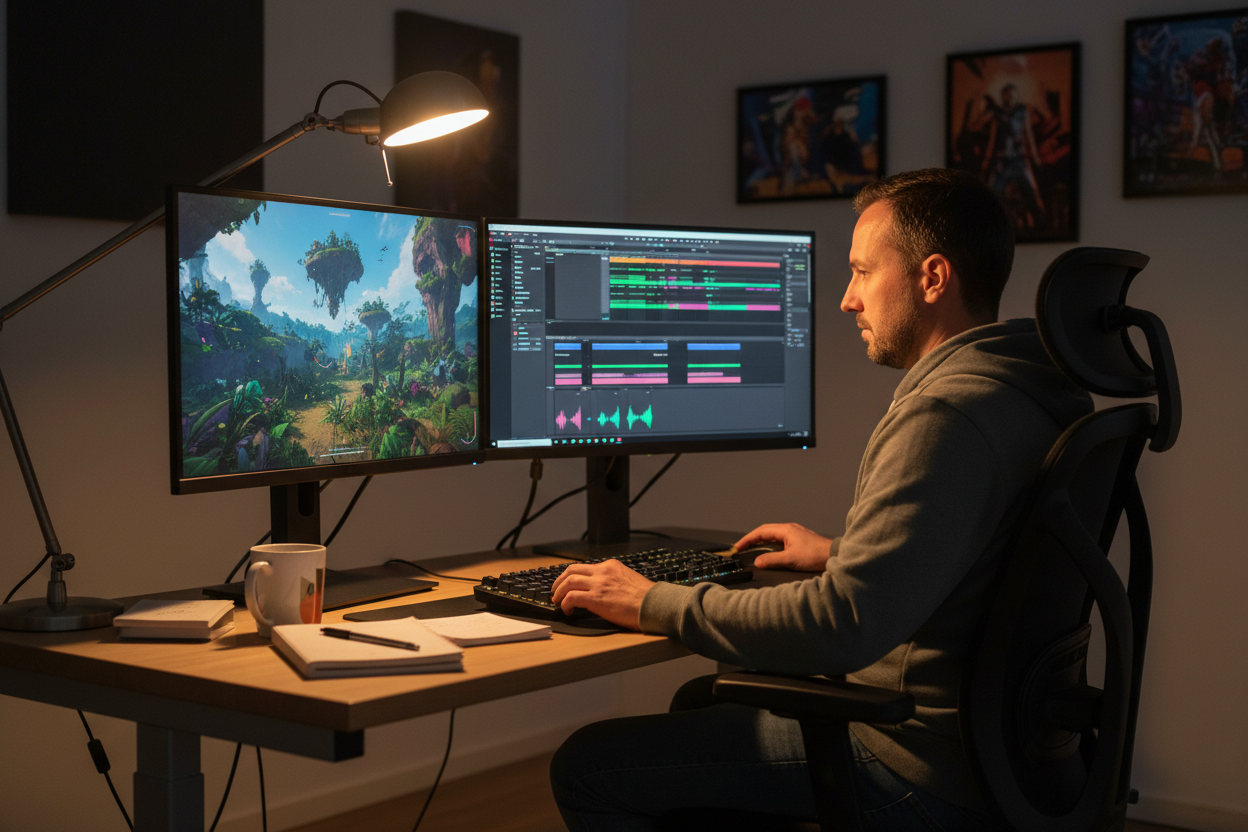
Music Channels
Build a consistent visual brand using our single or multi-image display modes. You can process daily music uploads quickly without heavy software.

Social Media Creators
Add rhythm to your voiceovers or background tracks effortlessly. Just upload your file and let the AI match the perfect visual vibe for your audience.
Free YouTube Music Visualizer
Make Your Next Video Using Our YouTube Music Visualizer
You do not need video editing skills to build your channel. Turn your audio into a finished music video in three simple steps.
Upload Your Audio
Pick an audio file from your local drive or select one directly from your FreeMusic workspace. The browser music visualizer loads your track.
Choose Your Style
Select an art style like Retro Jazz Blocks, pick a 16:9 or 9:16 aspect ratio, and set up your auto-captions. You can also let the AI auto-match the visual style to your music.
Generate and Share
Click one button to create your video with synced waveforms and captions. Download the file, and your YouTube music visualization is ready to upload.
Free YouTube Music Visualizer
Build Your Visuals with Our YouTube Music Visualizer
Use our straightforward dashboard to control exactly how your final music video looks and feels.

Convenient Audio Uploads
Upload local files directly from your device or select tracks saved in your FreeMusic workspace. This dedicated file management keeps your audio organized for faster video creation.
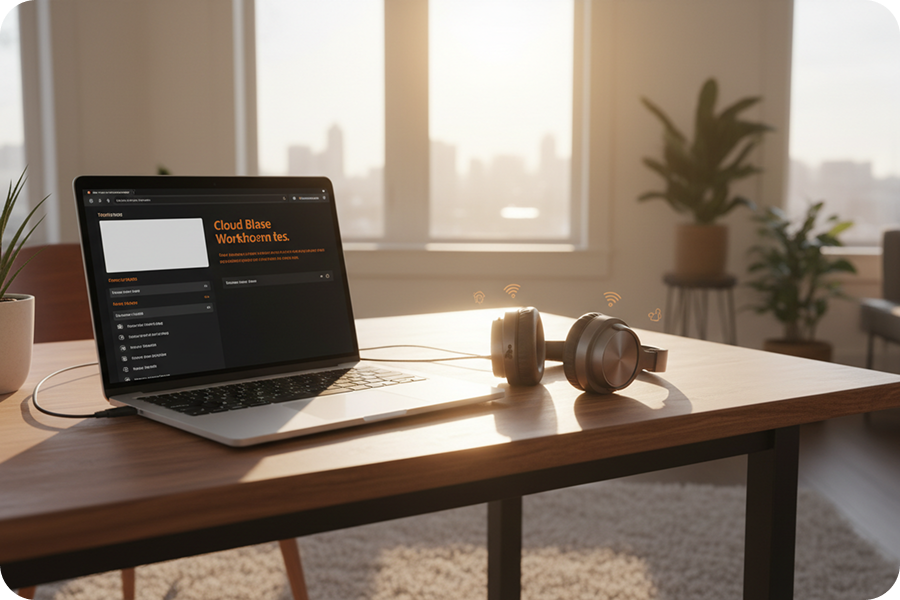
Flexible Video Sizes
Pick the 16:9 format for standard YouTube uploads or switch to 9:16 for YouTube Shorts. You get the correct video dimensions with just one click.

Dynamic Sound Waves
Enable the sound wave feature to add instant motion to your video. The visualizer reacts to your audio file automatically to keep viewers engaged with the beat.
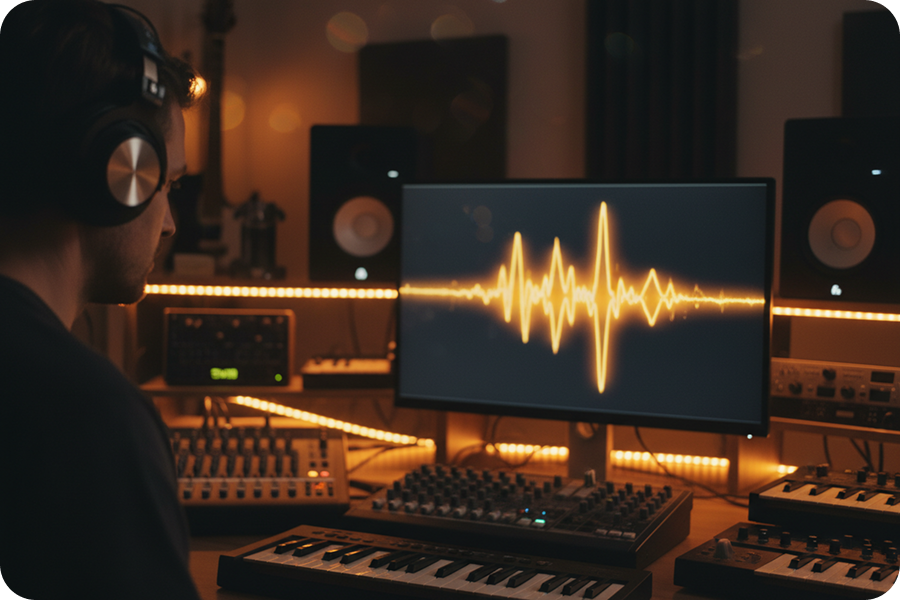
No Installation Required
Run this browser music visualizer for YouTube videos directly from your web tab. You do not need to download heavy editing software or manage system updates.
Frequently Asked Questions
Do I need to download software to use this YouTube music visualizer?
No, this is a cloud-based web application that runs entirely in your browser. There is no software to download, ensuring your computer stays clutter-free.
How does the AI handle audio-reactive waveforms?
The AI analyzes the frequencies and rhythm of your uploaded track in real-time. It then generates an accurate waveform animation that moves precisely with the music beats.
How do I choose the background for my YouTube music visualization?
You can switch between single and multiple image modes depending on your track length. You can manually pick art styles like Retro Jazz Blocks, or let the AI automatically match visuals to your audio vibe.
How to get started with this YouTube music visualizer?
Simply visit our website, upload your audio file from your workspace, customize your visual settings, and generate your video. You can preview the result before finalizing your export.
Is this an easy music visualizer for YouTube beginners?
Yes, the straightforward interface requires zero prior video editing experience to operate effectively. The AI handles the complex syncing of audio waves and beat detection automatically.

Build Professional Channel Content with Our YouTube Music Visualizer
Generate beat-reactive videos, apply distinct visual styles, and add precise AI captions directly in your browser using this dedicated YouTube Music Visualizer.