
Advanced Stem Splitter Online
Explore the Potential of AI Stem Splitter
Watch FreeMusic AI Stem Splitter divide any song into vocals, drums, bass, and instrumental layers — ideal for remixing, music production, and in-depth study.
Automatic AI MP3 Splitter
MP3 Splitter Solutions for Every Type of Audio Creator
Our AI technology helps creators extract specific sounds for high-quality music production and practice.

DJs and Remixers
Use isolated stems to create seamless transitions and unique mashups during live sets. This tool makes it easy to grab a clean vocal or drum loop.
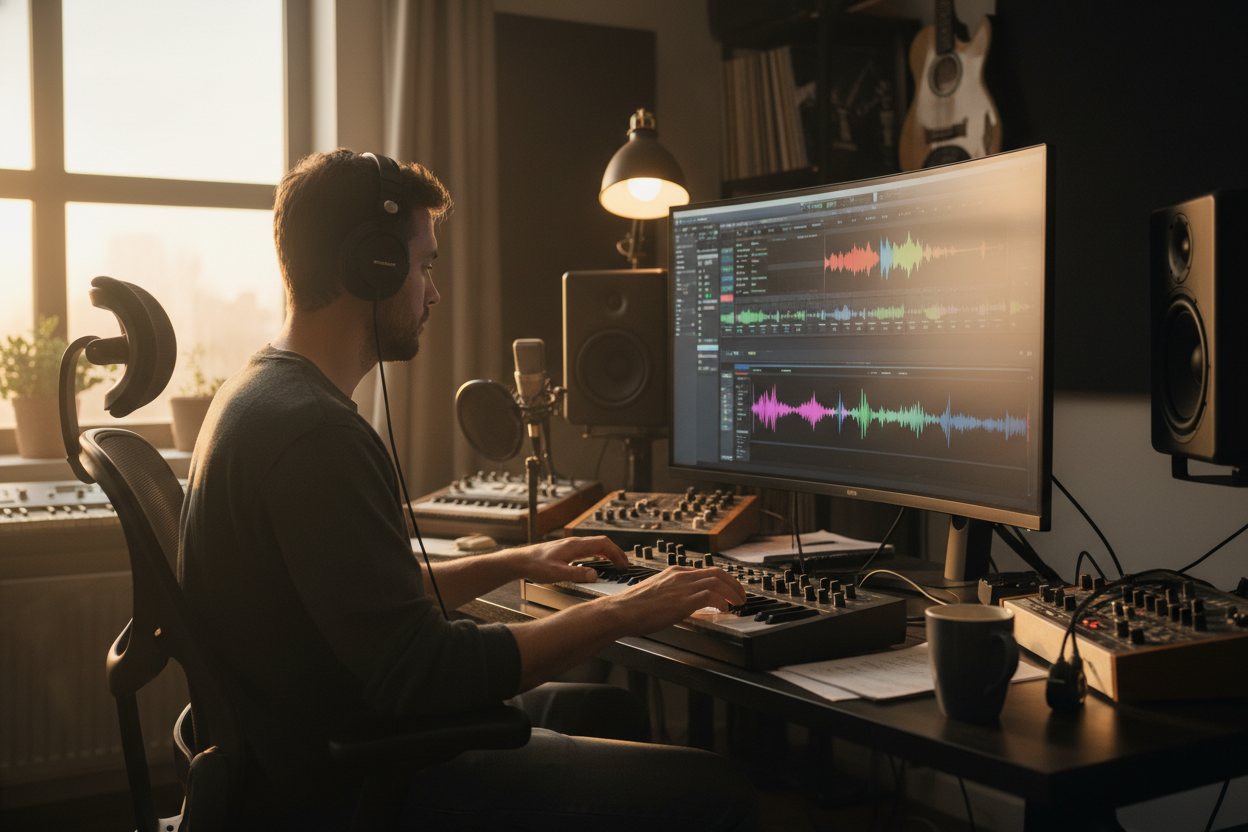
Music Producers
Isolate clean drum hits or basslines to build new tracks with professional-grade samples. You can focus on individual elements without the interference of other instruments.

Video Content Creators
Remove background music or isolate voices to ensure your video audio remains clear and professional. It is a practical way to clean up dialogue for social media content.
MP3 Splitter Usage Steps
Three Simple Steps to Use the MP3 Splitter
Our browser-based tool allows you to separate audio tracks without downloading complex software.
Upload Your MP3 File
Select the audio track from your device and upload it to our secure AI processing server.
Let AI Analyse the Song
The MP3 Splitter automatically detects and separates the vocals, drums, bass, and other instruments.
Download Your Isolated Stems
Save the individual tracks as high-quality files to use in your digital audio workstation or playback device.
Best Online MP3 Splitter
High Precision MP3 Splitter Features for Professional Results
Our technology focuses on delivering clean, usable audio stems by utilizing advanced neural networks that understand the structure of modern music.
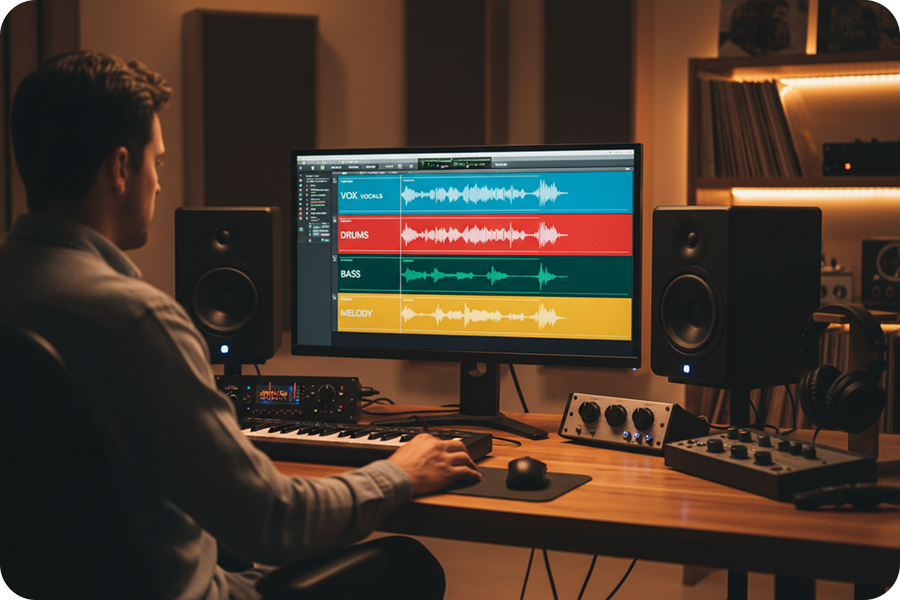
Advanced Four Track Isolation
The AI separates your audio into four distinct stems, including vocals, drums, bass, and melodic instruments, and ensures each track is captured with minimal "bleeding" from other instruments.
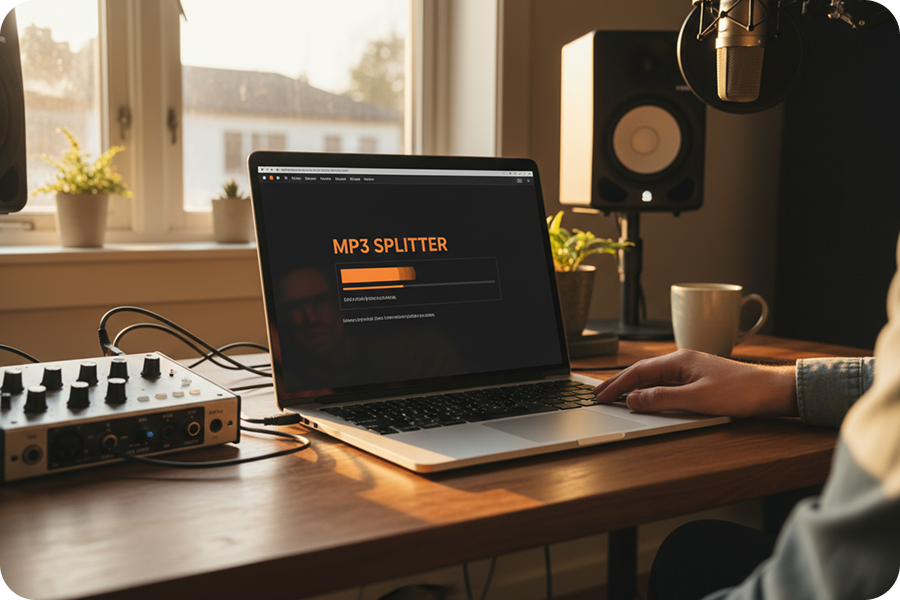
Real Time AI Processing
Our cloud-based technology analyzes your files quickly so you can upload a full-length track and receive the separated components, which significantly speeds up your production or practice workflow.
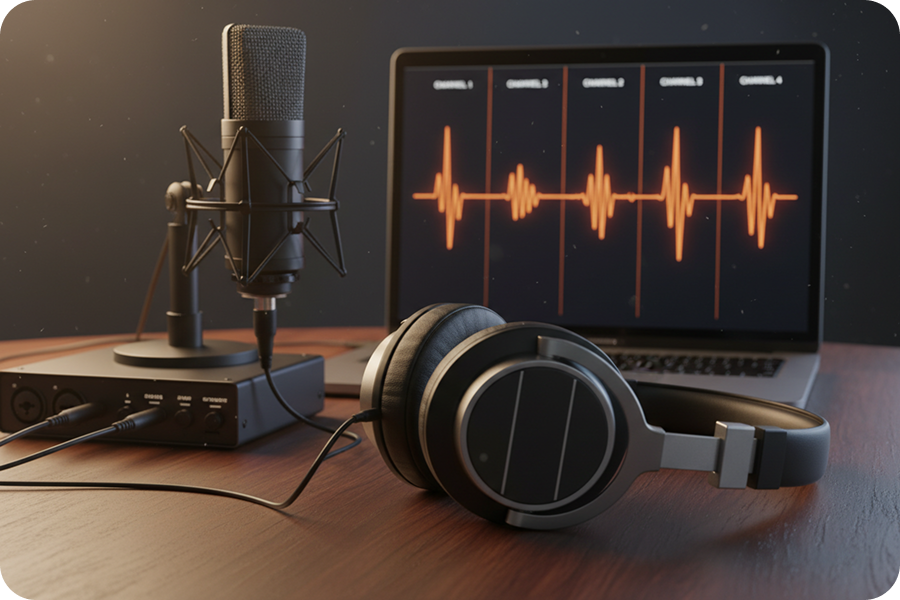
High Fidelity Output
Our algorithm maintains the original frequency response of your file. The resulting stems are clear and professional, making them suitable for immediate use in studio mixing or high-quality live sampling.
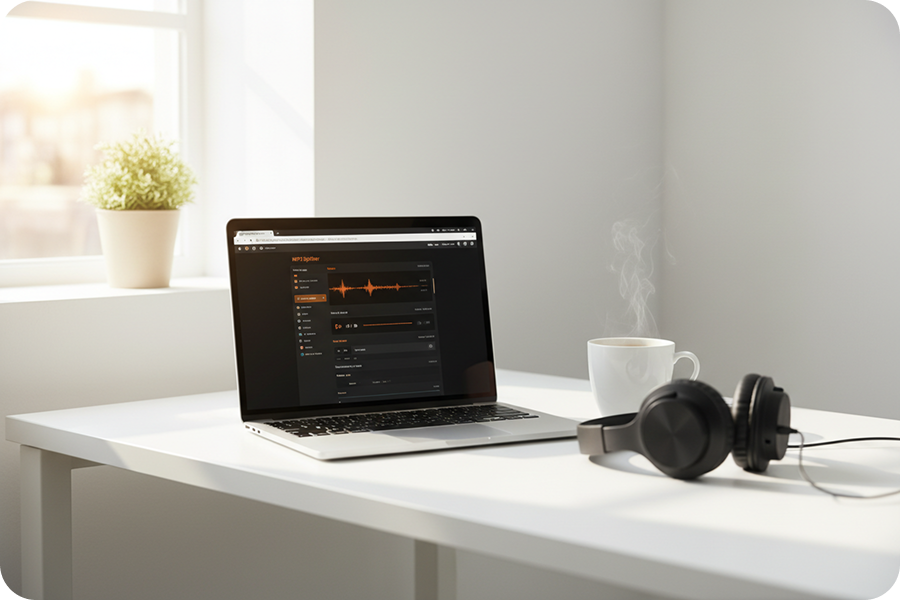
Browser-Based Workflow
This online MP3 splitter functions entirely within your web browser, eliminating the need for expensive software licenses or complex local installations.
Frequently Asked Questions
What is the FreeMusic AI MP3 splitter?
This tool utilizes advanced algorithms to analyze audio files and separates them into four distinct tracks: drums, vocals, bass, and instruments. It functions as a specialized AI MP3 splitter designed for musicians who need to isolate specific elements for remixing or study.
How do I use this MP3 splitter online to separate my tracks?
Simply drag and drop your audio file into the interface, and the system will automatically process the recording. Once the analysis is complete, you can download the isolated stems provided by this MP3 splitter online directly to your device.
What file formats does this audio splitter MP3 support?
While optimized as an audio splitter MP3 tool, the system accepts MP3, WAV, OGG, M4A, AAC, FLAC, and WMA formats for upload and analysis.
Can this MP3 separator isolate vocals cleanly for karaoke?
This Mp3 separator is engineered to minimize audio bleed, making it effective for removing vocals to create instrumental tracks. Users utilizing the MP3 song splitter online will receive distinct stems suitable for practice, sampling, or backing tracks.
Do I need to install software to use this MP3 splitter AI?
No installation is required, as the MP3 splitter AI operates entirely within the cloud for immediate and accessible use. This makes it a convenient MP3 splitter free of heavy system requirements, working on any computer with an internet connection.

Isolate Individual Instruments with Our MP3 Splitter
Separate your audio into drums, vocals, bass, and instruments efficiently using our precise AI analysis technology.