
Advanced Stem Splitter Online
Explore the Potential of AI Stem Splitter
Watch FreeMusic AI Stem Splitter divide any song into vocals, drums, bass, and instrumental layers — ideal for remixing, music production, and in-depth study.
AI Drum Remover Online
Who Benefits from Our Precision Drum Remover?
Easily remove drum sounds to unlock new practice possibilities, or extract clear percussion layers for mixing to meet diverse needs.

Drummers & Percussionists
Remove drums from your favorite songs to play along with the original vocals and instruments. It’s the perfect way to master your timing and grooves.

Music Producers & Beatmakers
Isolate drums from a track to study the breakbeat or sample the kick and snare for your own projects. Get crisp audio without melody bleed.

Music Teachers & Students
Isolate the drum layer to hear exactly what the drummer is playing. Use the separated tracks to teach or learn complex patterns effectively.

Bass Players
Isolate the drum track to practice locking in your bass lines with the beat. Alternatively, remove the drums to test your own internal timing and groove stability.
Drum Remover Usage Steps
How to Use the Drum Remover in 3 Simple Steps
Transform any song instantly directly in your browser. Just upload, process, and download your tracks in seconds.
Upload Your File
Click the button or drag and drop your audio file. We support MP3, WAV, and other common formats.
Let AI Process
Our AI analyzes the song and separates the drums from the other instruments automatically.
Download Your Tracks
Preview the results. Download the drumless version or the isolated drum track directly to your device.
Best AI Drum Remover
Powerful Features of Our AI Drum Remover
We combine cutting-edge AI architecture with musician-focused design to deliver superior audio results.

Clean Separation Quality
Our AI is trained to distinguish drums from bass and vocals. This minimizes audio artifacts, keeping the sound natural and clear.
Flexible Output Options
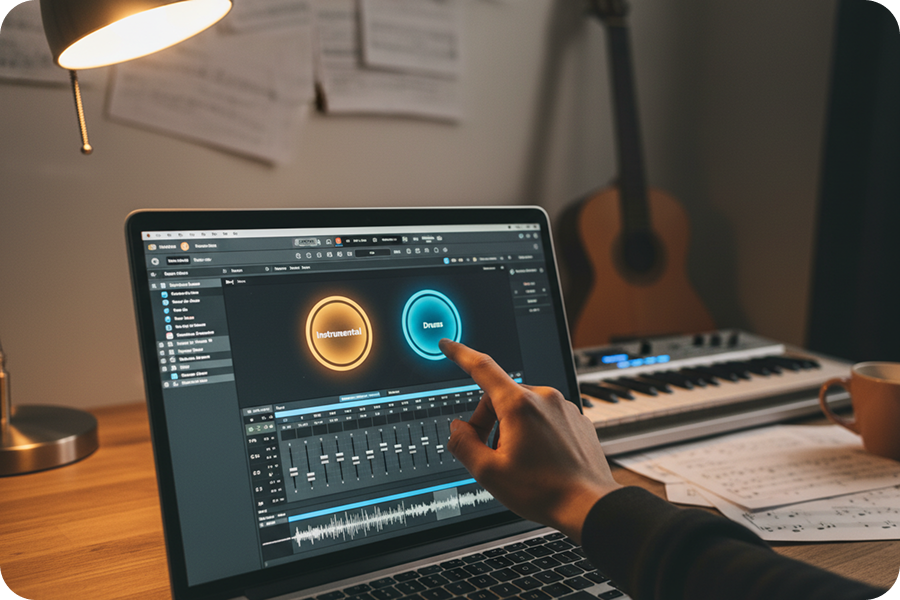
You are not limited to just removing drums. You can choose to download the backing track without drums or just the drum track itself.

Instant Results
All processing happens in the cloud. You save storage space on your device and get results quickly, regardless of your computer's power.

Secure Cloud Processing
Your audio files are processed securely and are not permanently stored. We automatically remove uploads from our system after a short period to protect your intellectual property.
Frequently Asked Questions
What is an AI drum remover?
An AI drum remover is a digital tool that separates percussion sounds from a music track. FreeMusic uses smart technology to isolate drums while keeping vocals and other instruments clear.
How to remove drum tracks from songs?
Upload your audio file to FreeMusic's online dashboard. Our drum remover analyzes the audio and automatically separates the drum stem from the rest of the mix. You can then download the drumless version instantly.
Can I remove drums from a song online without installing software?
Absolutely, FreeMusic allows you to remove drums from song online free of charge directly in your browser. There is no need to download or install heavy software on your computer.
How accurate is the drum remover AI?
Our drum remover AI is highly precise and designed to minimize sound artifacts. It effectively distinguishes between complex drum patterns and other bass-heavy instruments.
Which file formats does the drums remover support?
Our drum remover supports all major audio formats, including MP3, WAV, OGG, M4A, AAC, FLAC, and WMA. Simply drag and drop your file to begin the separation process.

Isolate Your Audio Tracks with Our Drum Remover Instantly
Experience the cleanest AI drum remover technology to create professional backing tracks effortlessly.