AI Mastering Guide
Introduction
AI Mastering on freemusic helps you enhance the overall sound of your tracks without advanced audio engineering knowledge.
It analyzes loudness, tonal balance, and dynamics, then refines your song so it feels closer to a polished, release-ready mix.
Open AI Mastering and choose your track
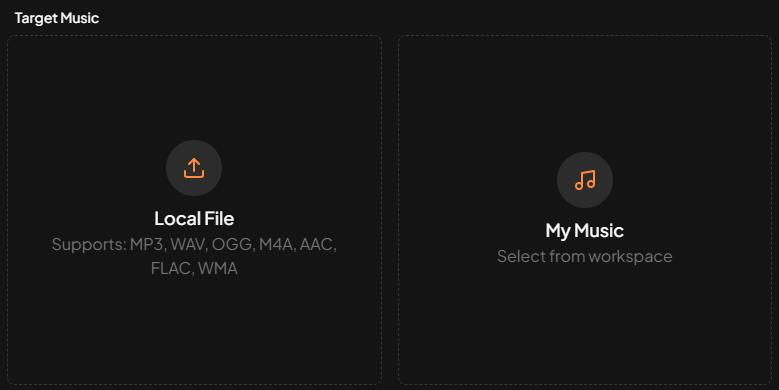
Go to the AI Mastering page and, in the Target Music area, upload the song you want to master or select an existing track from your workspace.
For best results, use the highest-quality mix available with no clipping or heavy limiting so the mastering process has enough headroom.
Select a reference track
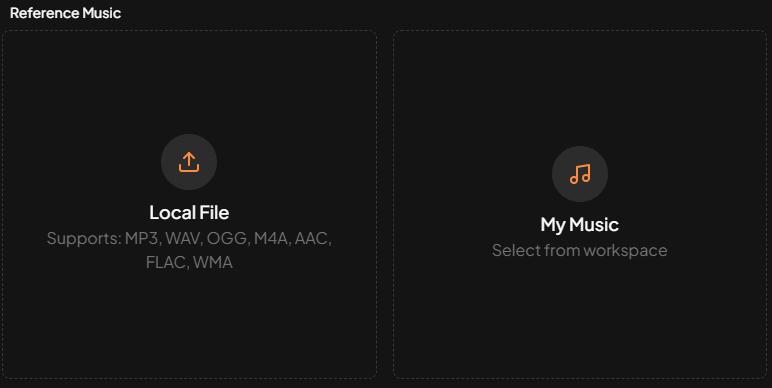
Next, choose a Reference Music track. The AI analyzes the reference track’s loudness, tonal balance, stereo width, and dynamics, then uses those characteristics as a guide when mastering your song.
Using a professionally released track with a similar genre and mood usually produces the most consistent results.
Run mastering and download the result
When everything is set, click the Master button. Within about 2–3 minutes, you will receive a mastered version with clearer sound and improved balance.
You can preview the result and download the mastered file for publishing or further use.