
Advanced Stem Splitter Online
Explore the Potential of AI Stem Splitter
Watch FreeMusic AI Stem Splitter divide any song into vocals, drums, bass, and instrumental layers — ideal for remixing, music production, and in-depth study.
AI Stem Splitter Online
Who Can Benefit from Our AI Stem Generator?
This tool simplifies audio processing for creators who need to isolate specific tracks from mixed songs for their projects.

Music Producers and Samplers
Quickly extract clean vocals or melodies to create unique samples. Use the stem splitter to remove drums from a track so you can add your own beats.

DJs and Remix Artists
Create custom mashups by separating the bass and vocals from different songs. The AI stem splitter allows you to blend elements smoothly during live sets.

Musicians and Students
Isolate specific instruments like the guitar or piano to hear the notes clearly. This helps you learn new songs and practice effectively with stem separation.

Karaoke Enthusiasts
Remove the original vocals from any track to create a high-quality backing track. Our free song stem splitter trial lets you test the results for your next karaoke session.
Steps to Use AI Stem Splitter
How to Use the AI Stem Generator in 3 Steps
Our process is automated and runs entirely in your browser. You do not need technical skills to split audio files.
Upload Your Audio File
Drag and drop your audio file into the upload box. The song splitter supports most standard audio formats for easy processing.
Select Separation Options
The AI music track separator will analyze your uploaded file and clearly separate instruments such as drums, bass, and vocals.
Preview and Download
Listen to the separated tracks to ensure clear sound quality. Once satisfied, you can download the high-quality files for your music projects.
Core Features of Stem Splitter
Efficient Features for Precise AI Stem Generator
We prioritize clean audio extraction and user-friendly tools to help you finish your music projects faster.

Clean Stem Quality
Our algorithm minimizes digital artifacts to provide clear audio. You get usable tracks that are ready for mixing, editing, or sampling with professional stem separation.

Fast Cloud Processing
File processing can be completed in just a few minutes. Our AI song stem splitter handles the heavy lifting in the cloud, so you do not need a powerful computer.
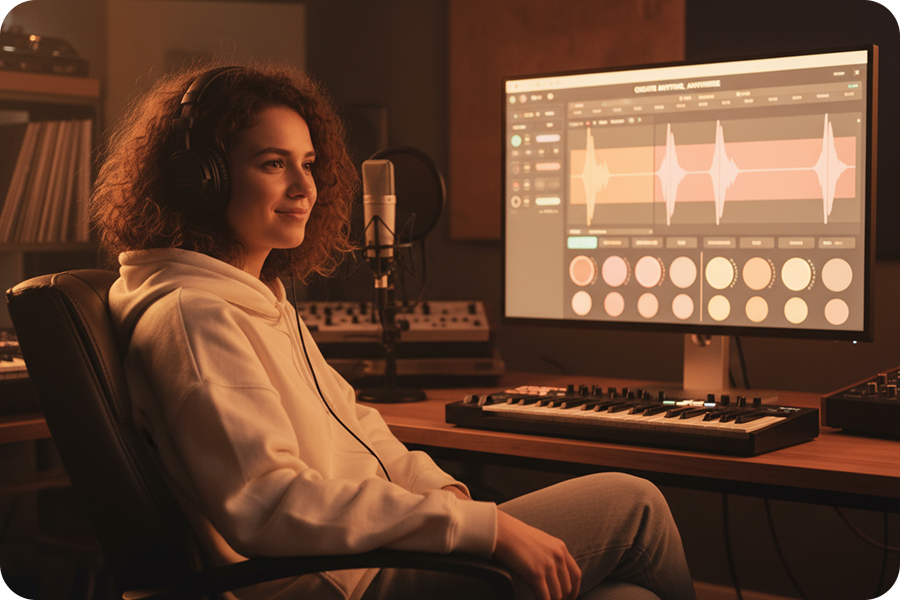
Flexible Trial System
You do not need to commit to a subscription immediately. Use the available free credits to test the music stem splitter and see if it fits your workflow.
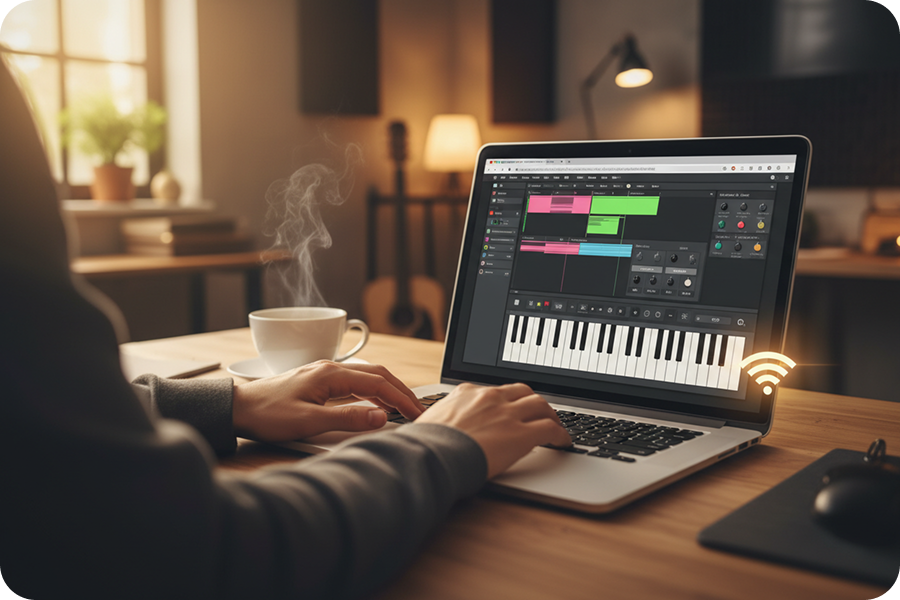
No Software Installation Required
All functions are directly accessible through a web browser. This AI music stem splitter features a simple interface, allowing you to use it anytime, anywhere.
Frequently Asked Questions
What does the AI stem generator do?
Our AI stem splitter can automatically isolate individual components of a track, such as vocals, drums, bass, and other instruments.
How do I use the stem splitter?
Upload your audio file directly to the song splitter dashboard. The AI audio splitter will process the file and separate the track into individual stems within seconds.
Is there a cost to use this tool?
FreeMusic offers a free trial of its song track separation feature, allowing users to experience the track separation effects without any upfront payment.
How accurate is the audio separation?
Our AI song stem splitter is trained to minimize audio bleed and artifacts, preserving the clarity of the original recording.
What file formats does the splitter support?
This music splitter supports all major audio formats, including: MP3, WAV, OGG, M4A, AAC, FLAC, WMA. Regardless of the input format, the AI song splitter maintains the highest possible quality during the separation process.

Isolate Vocals and Instruments with Our AI Stem Generator
Deploy our AI song splitter to extract clean audio layers and streamline your music production workflow immediately.