Why Choose FreeMusic AI
Create Story Videos with Complete Creative Control
FreeMusic AI's AI Story Video Generator gives you full freedom to shape every aspect of your narrative video. Adjust characters, styles, and storylines to match your vision perfectly.
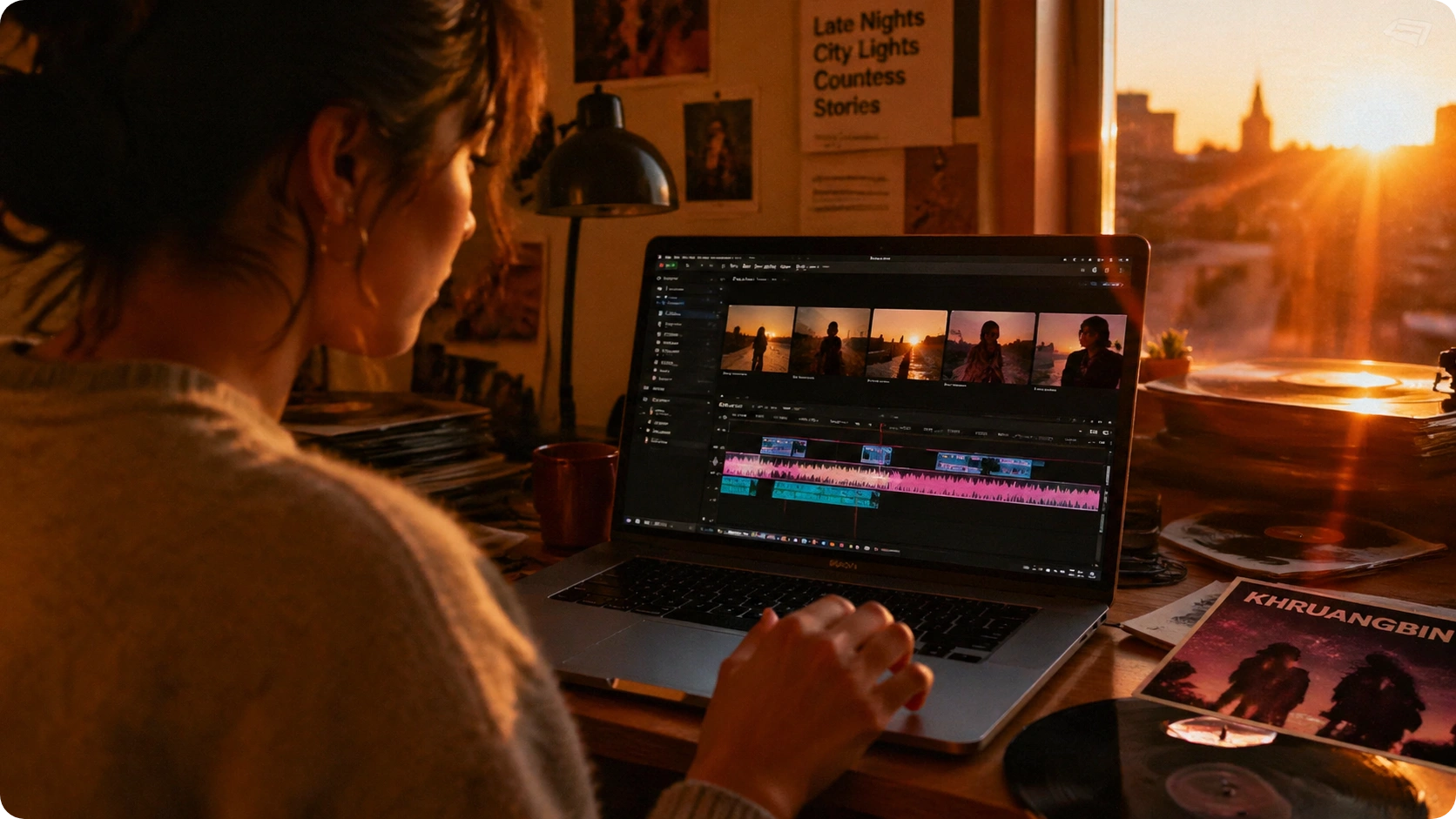
Full Creative Freedom Over Your Story
Unlike rigid templates, FreeMusic AI lets you pick your own characters, video styles, and aspect ratios. Adjust pacing, reorder scenes, and refine your AI Story Video Creator output until it matches your exact vision. You control the narrative.
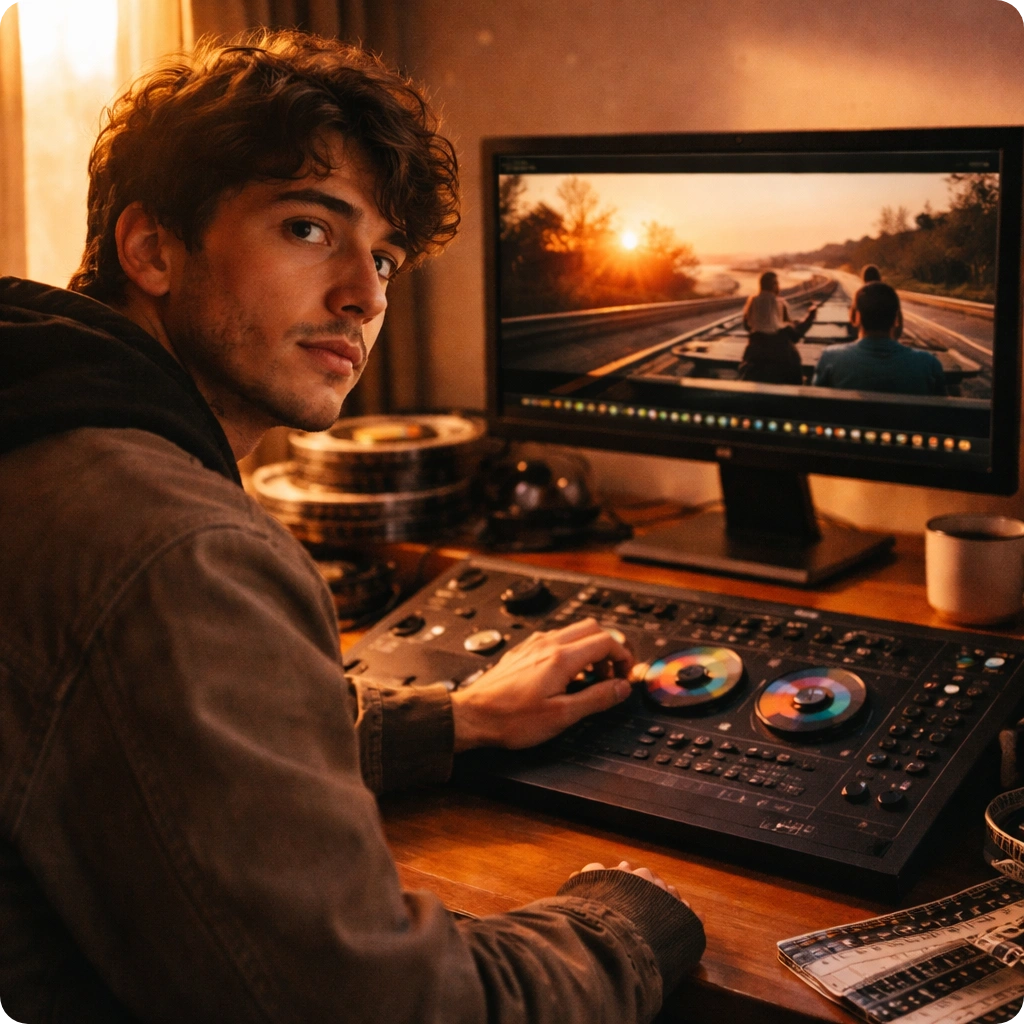
Smart Audio-to-Video Conversion
Upload your music or paste a link, and our AI Story Video Maker automatically syncs visuals to beat and rhythm. Watch your audio transform into a cohesive story with matching dialogue, transitions, and scene timing—no manual sync needed.
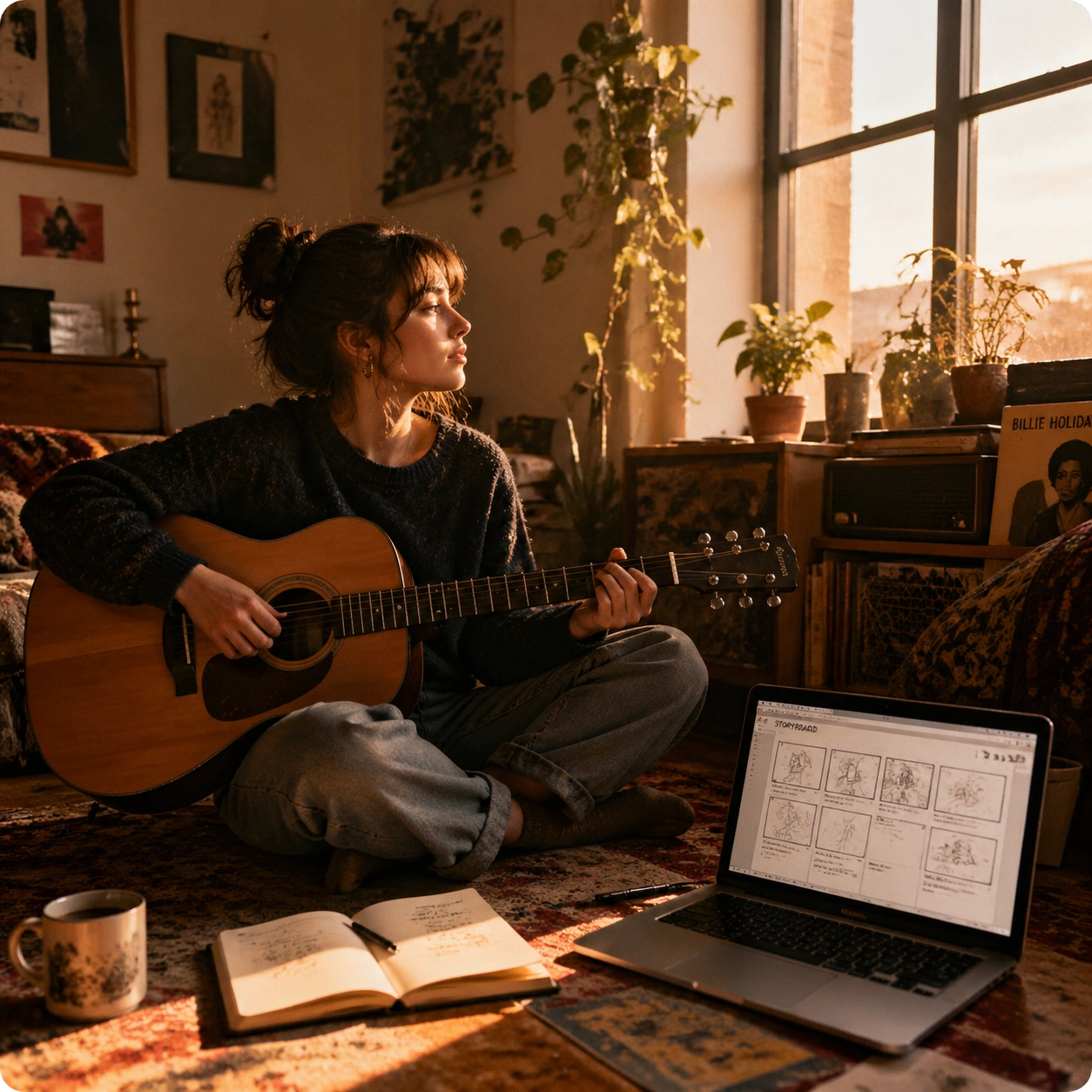
Preview Before You Publish
See storyboard previews and scene breakdowns before final rendering. Adjust dialogue, tweak transitions, and refine your narrative video in real time. Only generate the full video when you're completely satisfied with every frame.
How AI Story Video Generator Works
Turn Your Audio into Cinematic Story Videos in Three Steps
FreeMusic AI simplifies the process of creating narrative videos. Upload audio, customize your story, and generate polished videos with AI-driven scene composition and character performance.
Upload Your Audio and Define Your Story
Start by uploading your music file or pasting a link into the AI Story Video Generator. Write your story content or let our AI auto-generate a narrative based on your audio's mood and tempo. Choose your preferred characters, video style, and aspect ratio to set the creative direction.
Preview and Refine Your Storyboard
Review the AI-generated storyboard with scene breakdowns, character placement, and beat-matched transitions. Adjust dialogue, reorder scenes, and fine-tune timing using our interactive preview. This is where your AI Story Video Creator truly becomes yours—make every change you need.
Generate and Download Your Final Video
Once satisfied, render your complete narrative video with synchronized audio, continuous scene flow, and automatic subtitle generation. Download your story video in your chosen format and share it instantly across social platforms or use it for your projects.
POWERFUL FEATURES FOR STORY VIDEO CREATION
Everything You Need in an AI Story Video Generator
FreeMusic AI's AI Story Video Generator combines intelligent automation with creative control. Generate, preview, and refine narrative videos with professional-grade tools built for storytellers.
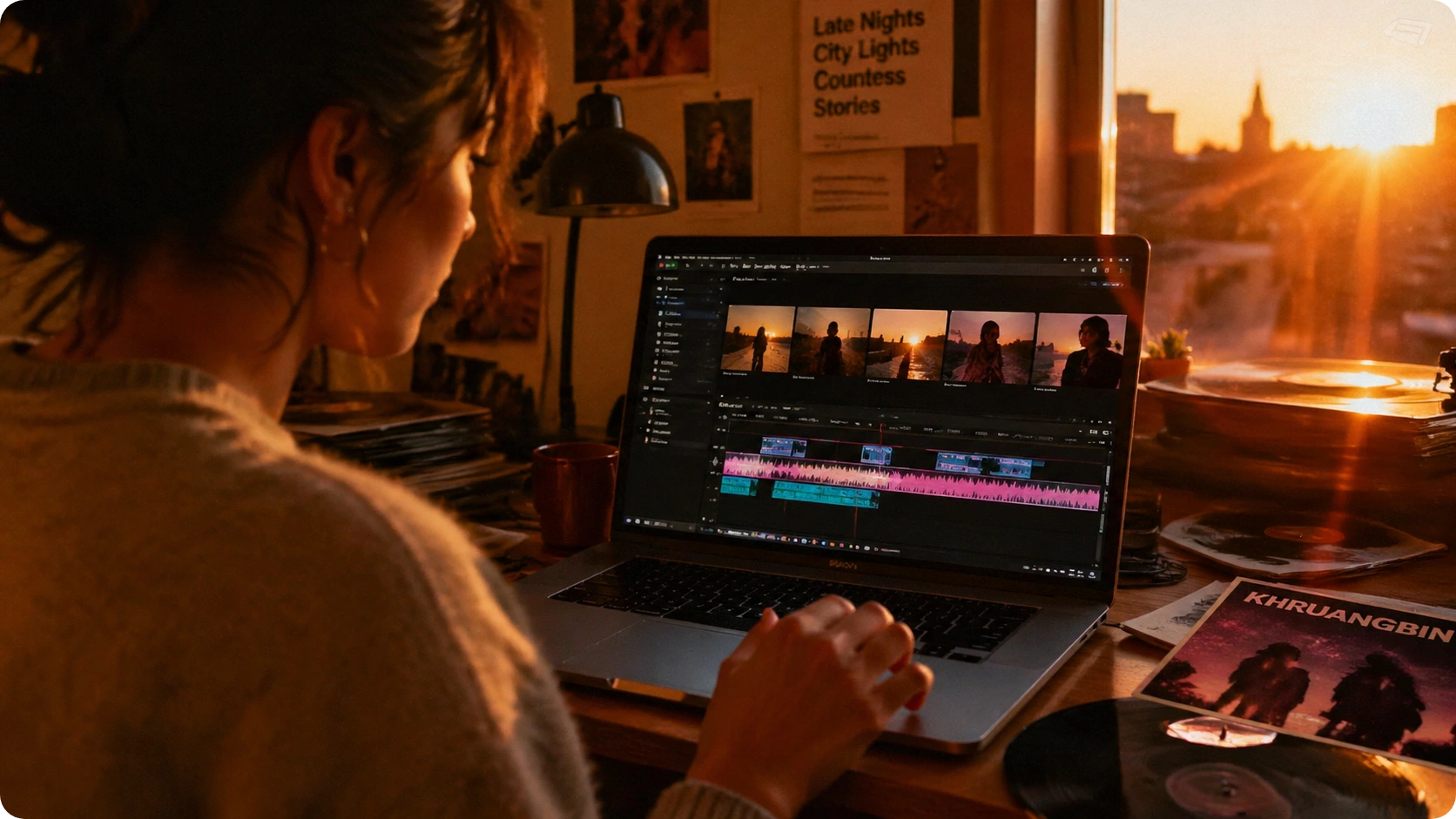
Character & Style Selection
Choose from diverse character actors and visual styles to match your story's tone. Whether you need cinematic drama, upbeat comedy, or emotional narrative, the AI Story Video Creator adapts to your creative direction. Swap characters mid-project to explore different interpretations.

Beat-Matched Scene Synchronization
Your AI Story Video Maker automatically aligns visual cuts, transitions, and scene changes to your audio's rhythm. No manual timing required—watch scenes flow naturally with your music. Adjust sync points manually if you want precise control over specific moments.

Interactive Storyboard Preview
See your entire narrative video as a detailed storyboard before rendering. Preview dialogue, scene composition, and transitions frame-by-frame. Make adjustments instantly—rewrite dialogue, shift scene order, or refine character positioning without regenerating the whole video.
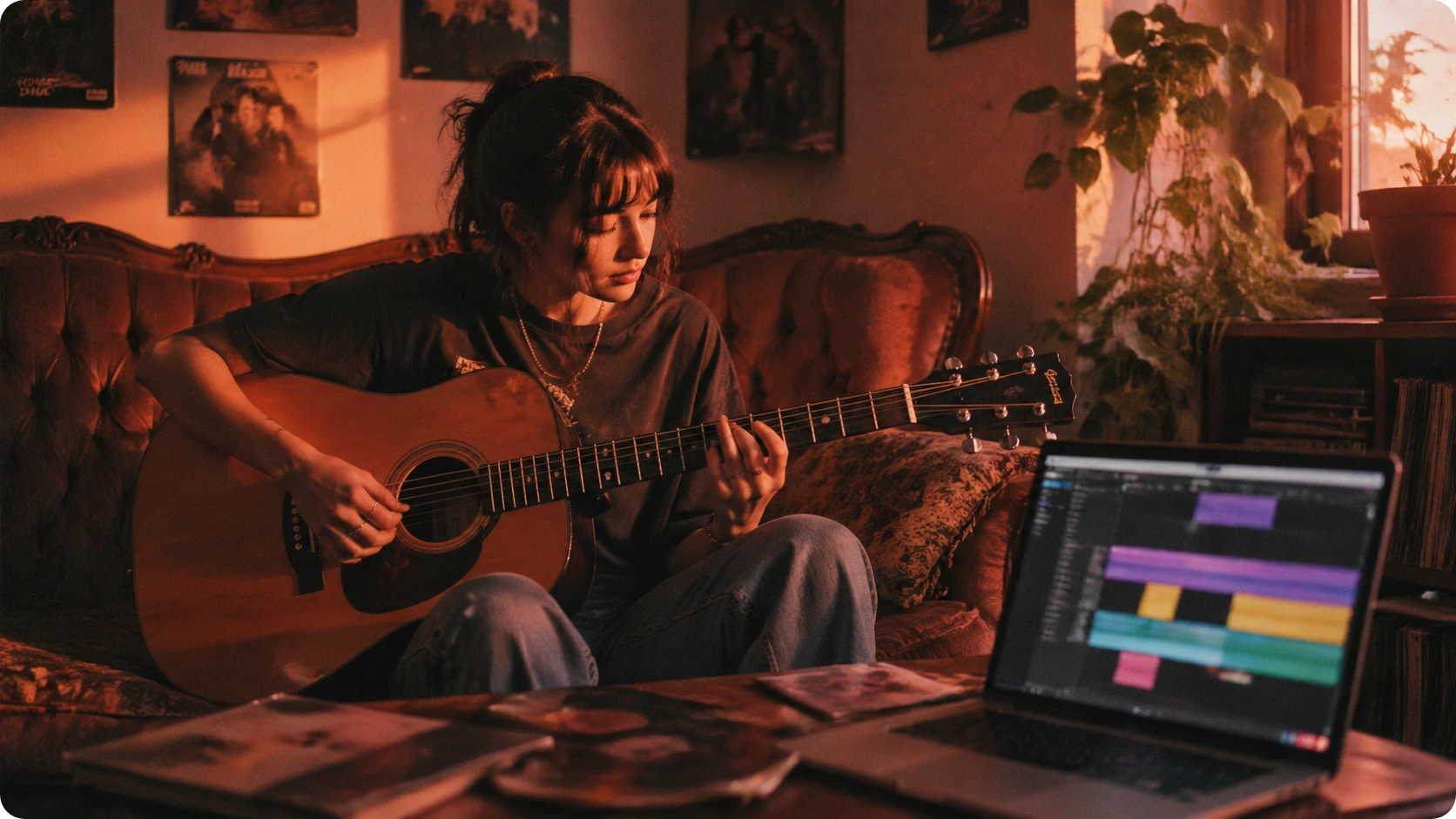
Auto-Generated Subtitles & Continuous Flow
FreeMusic AI's narrative video generator automatically creates subtitles synced to dialogue and music. Ensure smooth transitions between scenes with intelligent continuous flow. Your final video maintains professional pacing and readability across all platforms.
Frequently Asked Questions
Can I upload my own music to create a story video?
Yes. FreeMusic AI's AI Story Video Maker accepts music file uploads or direct links. Simply provide your audio, define your narrative, and the generator transforms it into a fully synced story video with character performance and scene composition.
How does the AI Story Video Creator generate dialogue?
You can write your own story content, or let our AI auto-generate dialogue based on your audio's mood, tempo, and length. The AI Story Video Generator then matches dialogue timing to your music and creates corresponding visual scenes with character performance.
Can I change characters or video style after starting?
Absolutely. FreeMusic AI gives you complete creative freedom. Switch characters, adjust visual styles, modify aspect ratios, and refine your narrative at any point. Preview changes instantly before final rendering with our interactive storyboard.
What video formats and aspect ratios are supported?
Our AI Story Video Generator supports multiple aspect ratios including 16:9, 9:16, and 1:1 for different platforms. Download your narrative video in MP4, WebM, or other standard formats optimized for social media and web sharing.
How long does it take to generate a complete story video?
Rendering time depends on video length and complexity. Most narrative videos generate within 2-5 minutes. Preview and storyboard adjustments are instant, so you can refine your story video quickly before committing to final generation.

Start Creating Your Story Video Today with AI Story Video Generator
Transform your audio into compelling narrative videos. Full creative control, instant previews, and professional results in minutes.