
Free Youtube Vocal Remover
Who Needs a Youtube To Vocal Remover?
See how creators and music lovers use our audio extraction tool to fuel their daily creative projects.

Karaoke Singers
Get instant backing tracks from your favorite downloaded online videos to practice singing perfectly without the original voice.
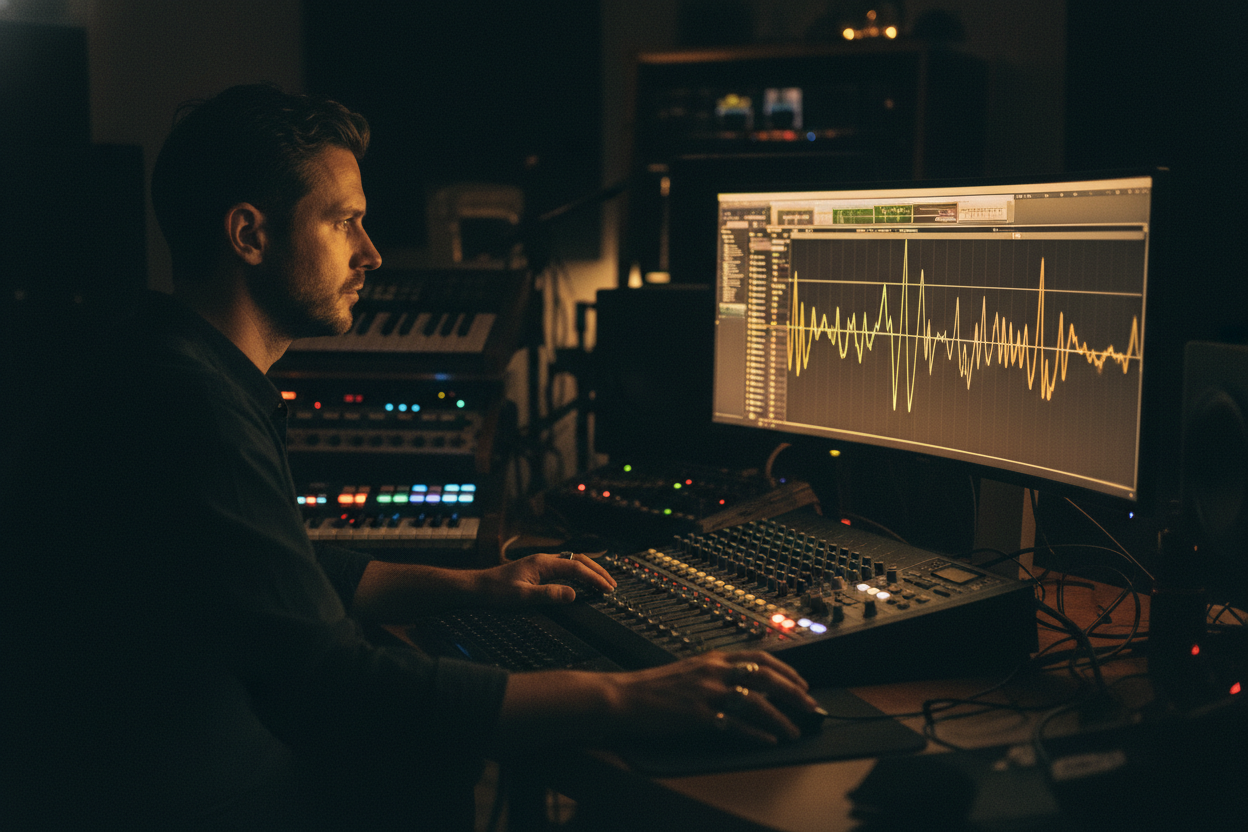
Music Producers
Extract clean acapellas or separate drums and bass to use in your brand new studio remixes and beat productions.

DJs and Live Mixers
Isolate pristine instrumentals and rhythm stems to build custom mashups and keep the dance floor moving all night long.
Online Youtube Vocal Remover
How to Use the FreeMusic Youtube Vocal Remover
Extract clean instrumentals, isolated voices, or multiple audio stems in three incredibly simple steps.
Upload Source Audio
Click upload music to add your downloaded audio file, or select a track directly from your saved music library.
Choose Separation Mode
Select the standard AI vocal remover, or go deeper with a stem split to perfectly isolate drums, bass, and vocals.
Separate Stems Instantly
Click the red generate button and let the system process your audio into perfect individual tracks ready for download.
Free Youtube Vocal Remover
Magic Youtube Vocal Remover Features You Will Love
Experience the ultimate convenience of our advanced AI that makes isolating audio tracks and stems faster and more accurate than ever.

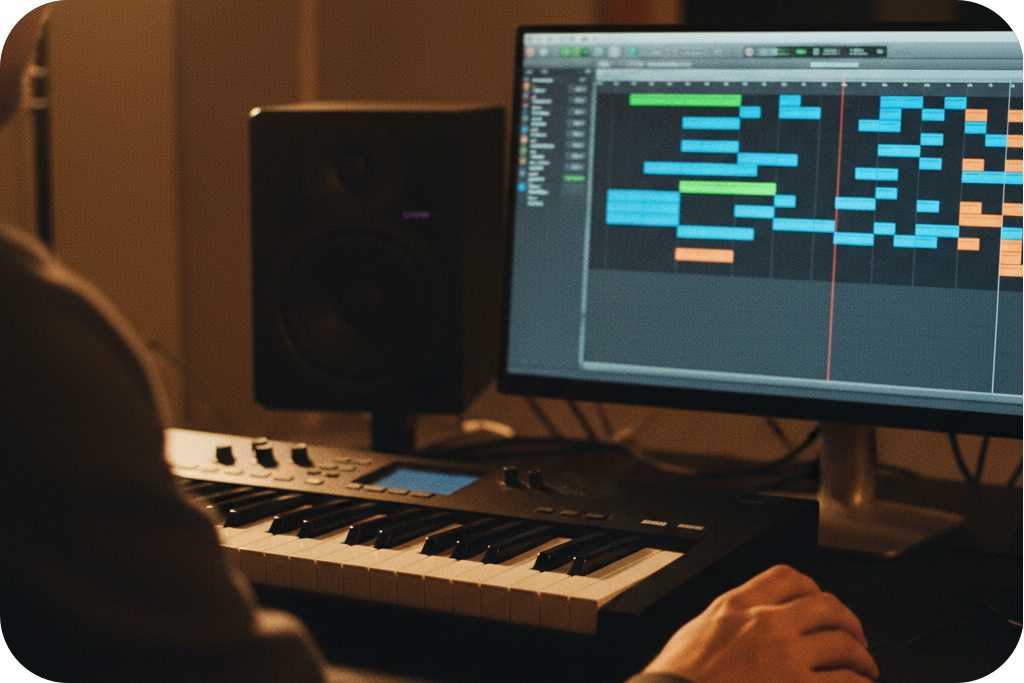
Multiple Separation Modes
Go beyond basic audio extraction. Choose standard vocal removal, a precise four stem split for drums and bass, or extract all detected stems for ultimate mixing control.
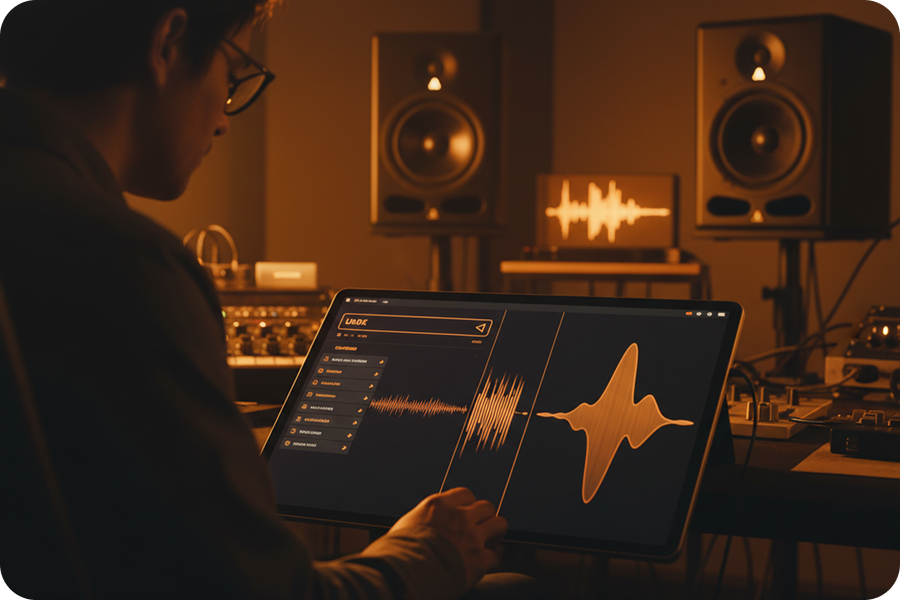
Zero Audio Distortion
You will never hear robotic artifacts here. Our advanced AI cleanly cuts the audio frequencies, giving you a vocal remover from youtube that keeps perfect studio quality.
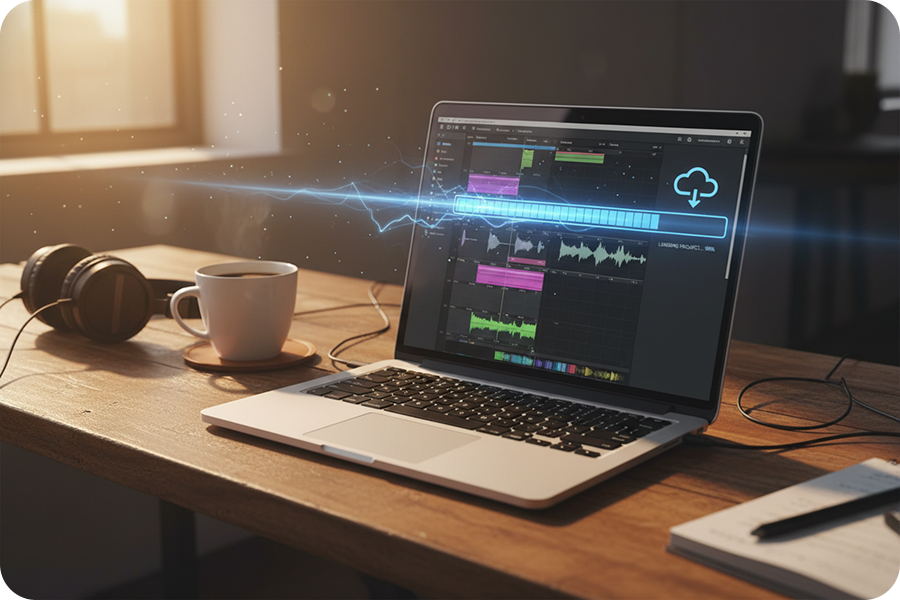
Lightning Fast Speed
Do not waste your time waiting. FreeMusic uses highly powerful cloud servers to process your uploaded audio files into fully separated tracks in just a few seconds.
Broad Format Support
Upload your favorite audio files with ease. Our system supports MP3, WAV, OGG, FLAC, and more, making it the perfect and most flexible youtube to vocal remover tool.
Frequently Asked Questions
What is the FreeMusic Youtube Vocal Remover?
It is a smart online tool that allows you to upload an audio file and separate it into a clean instrumental track, isolated vocals, or specific instrument stems.
How do I use this vocal remover youtube tool?
Simply upload your saved audio file, choose your preferred separation mode, and click the button to separate the stems automatically.
Is this vocal remover from youtube free to use?
Yes, FreeMusic allows you to extract vocals and separate instrumental stems completely free of charge directly in your web browser.
Can I extract specific instruments like drums or bass?
Absolutely. Instead of the basic removal, you can select the 4-Stem Split mode to isolate vocals, drums, bass, and other background instruments perfectly.
What audio formats does this youtube to vocal remover support?
We support a wide variety of standard audio files for your convenience, including MP3, WAV, OGG, M4A, AAC, FLAC, and WMA.

Split Your Favorite Tracks Today
Stop struggling with messy audio edits. Upload your music into FreeMusic right now and let our smart AI extract the perfect vocals and stems instantly.