Source Audio
Separation Mode
Best Free Audio Voice Remover

Discover amazing backing tracks created by our AI
Free Audio Voice Remover
Perfect Scenarios for the Audio Voice Remover
Discover how creators and music lovers utilize our smart extraction technology to enhance their creative workflows every day.

Karaoke Enthusiasts
Instantly strip the lead singer from your favorite pop hits so you can grab the microphone and perform the track yourself.
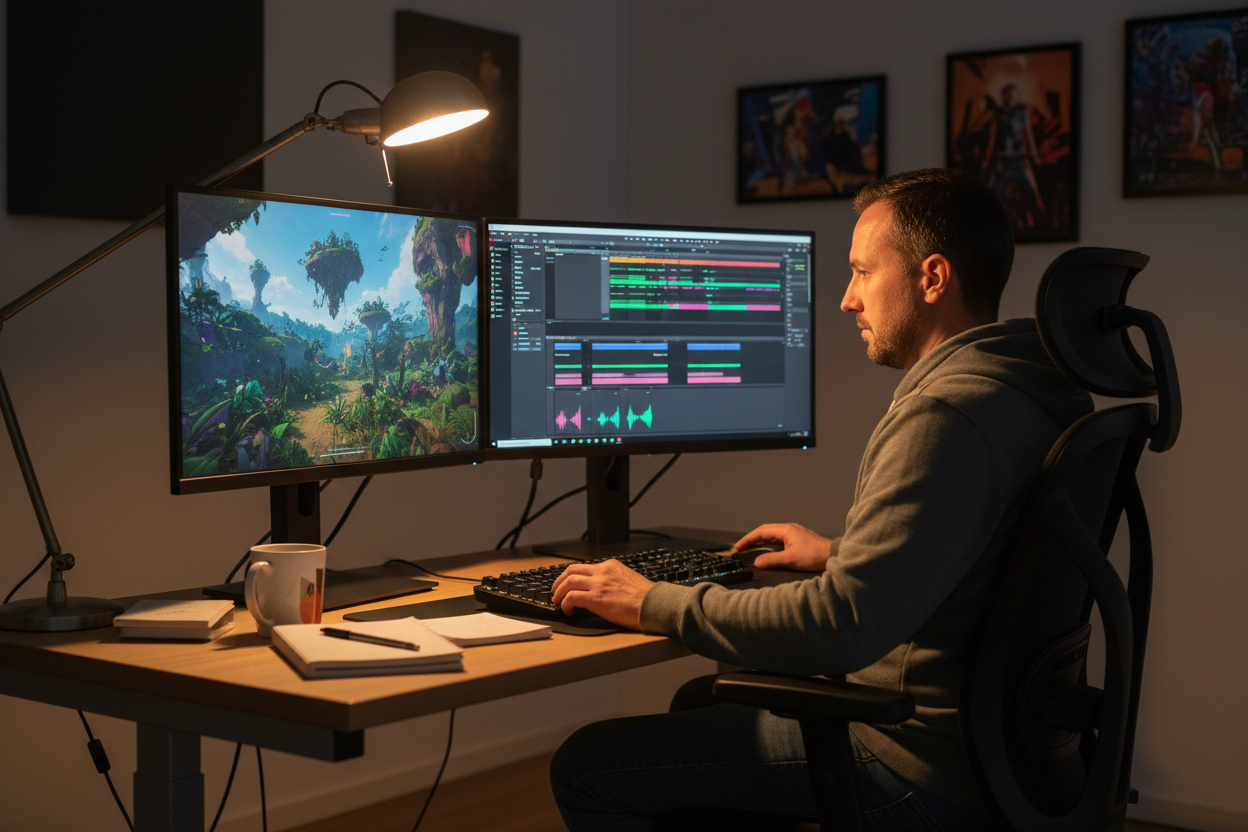
Video Content Editors
Clear out distracting dialogue or lyrics from audio clips to create smooth, unobtrusive background music for your visual projects.

Sample Based Beatmakers
Wipe away unwanted singing from classic vintage records so you can chop and loop the pure instrumental rhythm perfectly.
Free Audio Voice Remover
How to Use the Audio Voice Remover
Turn any vocal heavy track into a clean instrumental beat in three highly intuitive steps.
Upload Your Media
Drag and drop your target music or speech file directly into our secure online processing window.
Erase the Vocals
Let the artificial intelligence scan the frequencies and cleanly remove all human voices from the audio instantly.
Save the Instrumental
Download your newly created, voice free backing track directly to your computer or mobile device.
Free Audio Voice Remover
Unlock Studio Magic With Our Audio Voice Remover
Explore the cutting edge technology that makes silencing human vocals and preserving the beat incredibly simple.

Total Vocal Elimination
Unlike older software that leaves a quiet ghost voice, our tool completely wipes out the singing. You receive a pure, untouched instrumental track every single time without annoying vocal bleed.

Protects Background Beats
Deleting the voice should never ruin your basslines or drums. Our algorithm strictly targets human frequencies, ensuring the remaining music sounds full, rich, and professionally mixed.
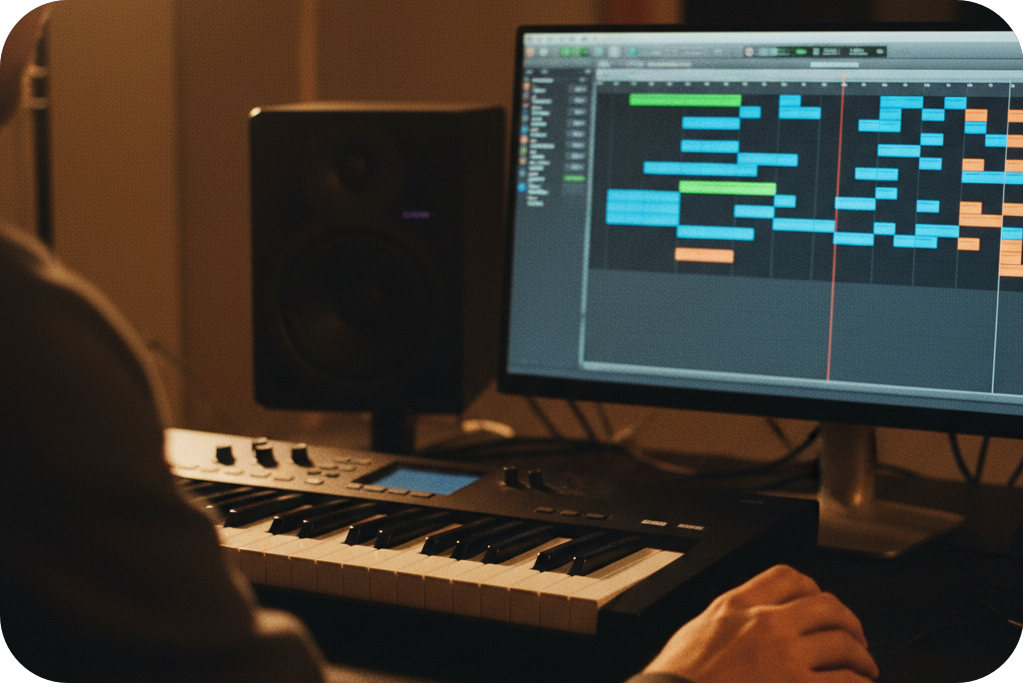
Universal File Compatibility
Stop wasting time converting your media. You can seamlessly upload MP3, WAV, OGG, or FLAC files directly. Our system handles everything smoothly for a stress free editing experience.
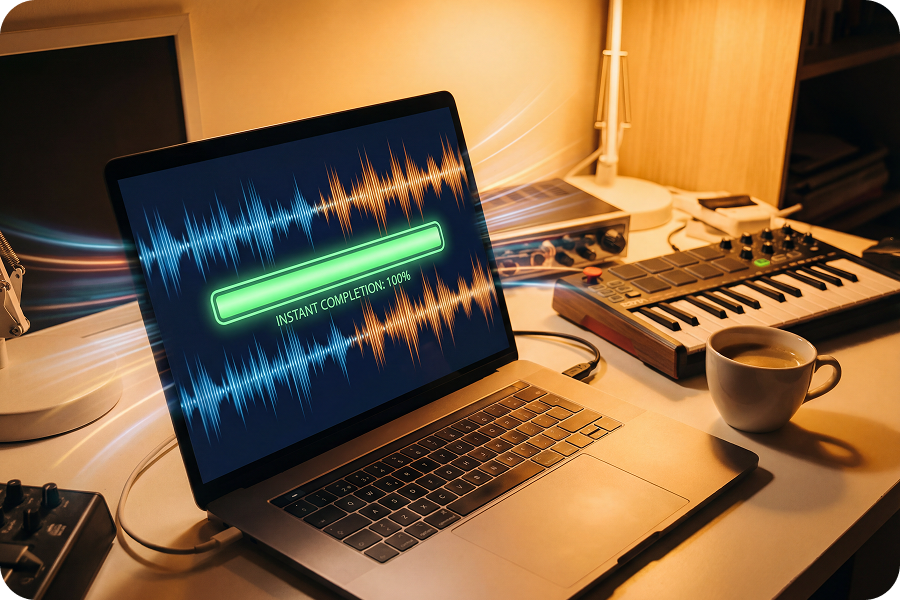
Browser Based Processing
Do not crowd your hard drive with heavy editing programs. This fast audio voice remover runs entirely inside your web browser, delivering instant professional results on any device.
Frequently Asked Questions
What exactly does the FreeMusic audio voice remover do?
It is a smart online tool that scans your music file, identifies human singing or speech, and completely deletes it to leave only the background instruments.
Is this audio voice remover truly free?
Yes, you can upload your songs and erase the vocals directly on the FreeMusic website without paying any hidden subscription fees.
Will I still hear the singer quietly in the background?
No. Our advanced artificial intelligence is specifically trained to eliminate vocal frequencies entirely, preventing those annoying ghost echoes common in older editing tools.
How long does it take to erase the voice from a track?
It is incredibly fast. Most standard length songs are processed into clean instrumental beats in just a few seconds after the upload finishes.
Can I use this platform to make karaoke backing tracks?
Absolutely. This is the perfect solution for creating custom karaoke tracks from your favorite original songs that do not have official instrumental versions.

Build Your Perfect Track With Our Audio Voice Remover
Stop searching the internet for official backing tracks that simply do not exist. Upload your song to FreeMusic right now and wipe out the vocals instantly to get exactly what you need.