Free Apple Music Visualizer
Discover Who Uses Our Apple Music Visualizer
Adding moving visuals to your audio tracks helps you reach and keep more listeners across different platforms.

Independent Musicians
Share your latest tracks on social media without the budget for a full music video. This music visualizer for Apple Music creates rhythmic waveforms that keep your fans watching and listening.
Podcast Creators
Turn your audio episodes into engaging video clips for YouTube or TikTok. The auto-captions and mobile-friendly layouts make short-form content creation simple and fast.

Music Curators
Build visually appealing playlists to share with your audience online. Use this music visualizer alternative to make your track recommendations stand out on any screen.
Free Apple Music Visualizer
Build Videos Easily Using the Apple Music Visualizer
Turn your audio files into professional videos in three simple steps. You do not need any video editing experience to get started.
Upload Your Audio File
Select an audio file from your local drive or pull it directly from your FreeMusic workspace. You can run this Apple Music visualizer in your web browser.
Choose Your Visual Style
Pick a single or multi-image mode and select an aesthetic like Claymation Stop Motion or Retro Cosmic Synthwave. Choose a 16:9 ratio for desktop or a 9:16 layout for your Apple Music visualizer iPhone viewers.
Generate and Export Video
Enable auto-captions and fix them to the top, middle, or bottom of your screen. Click generate, and the AI will build your visualizer Apple music video with bouncing waveforms instantly.
Free Apple Music Visualizer
Explore the Features Inside Our Apple Music Visualizer
Our tool provides practical functions to format your audio for visual platforms while saving you hours of editing time.

Smart AI Photo Styles
Let the AI automatically match images to your music genre, or pick specific themes like Jazz Neo-Noir Illustration. This ensures your video background matches the mood of your audio.

Dynamic Audio Waveforms
The system automatically analyzes your music and generates visual waveforms that move to the exact beat. This constant visual movement keeps viewers engaged with your audio content.

Accurate Auto Captions
Automatically displays lyrics subtitles to help viewers sing along even without sound. You can fix the text position to the top, middle, or bottom to avoid blocking other visuals.

Simple Control Panel
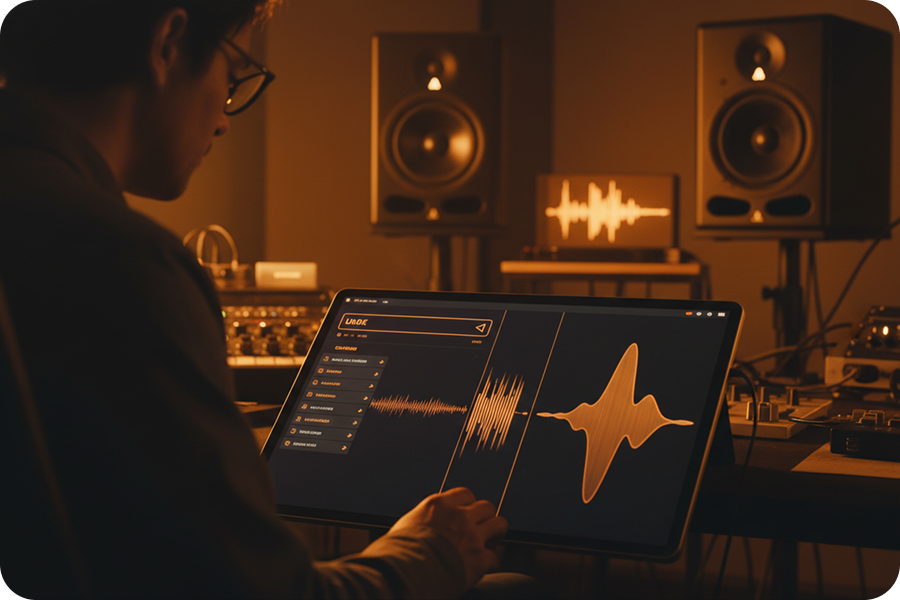
Navigate a clean and straightforward workspace that anyone can understand quickly. All your audio files, style choices, and text settings are clearly laid out on one screen.
Frequently Asked Questions
What is an Apple Music visualizer?
It is a tool that converts your audio tracks into dynamic, rhythmic visual videos. These visuals sync perfectly with your music, enhancing the listening experience.
How to create a video for Apple Music?
Upload your local audio file to our web-based platform and select your preferred visual style. Our AI will automatically generate the music video without requiring any software installation.
Is a professional Apple Motion background required?
No, you do not need complex tools like Apple Motion to create high-quality videos. Our AI handles all the motion graphics and waveform effects automatically.
How to display subtitles on my music video?
Simply toggle the auto-subtitle feature in our editor and select your preferred position. You can fix the text at the top, middle, or bottom of your video frame.
Does this tool support different video aspect ratios?
Yes, you can export your music visualization in either 16:9 for YouTube or 9:16 for mobile-friendly social media platforms.

Professional Apple Music Visualizer for Content Creators
Elevate your tracks with high-fidelity visuals that sync perfectly to your rhythm using our browser-based AI engine.