Create Music Visualizer

Magma
circle solid visualizer
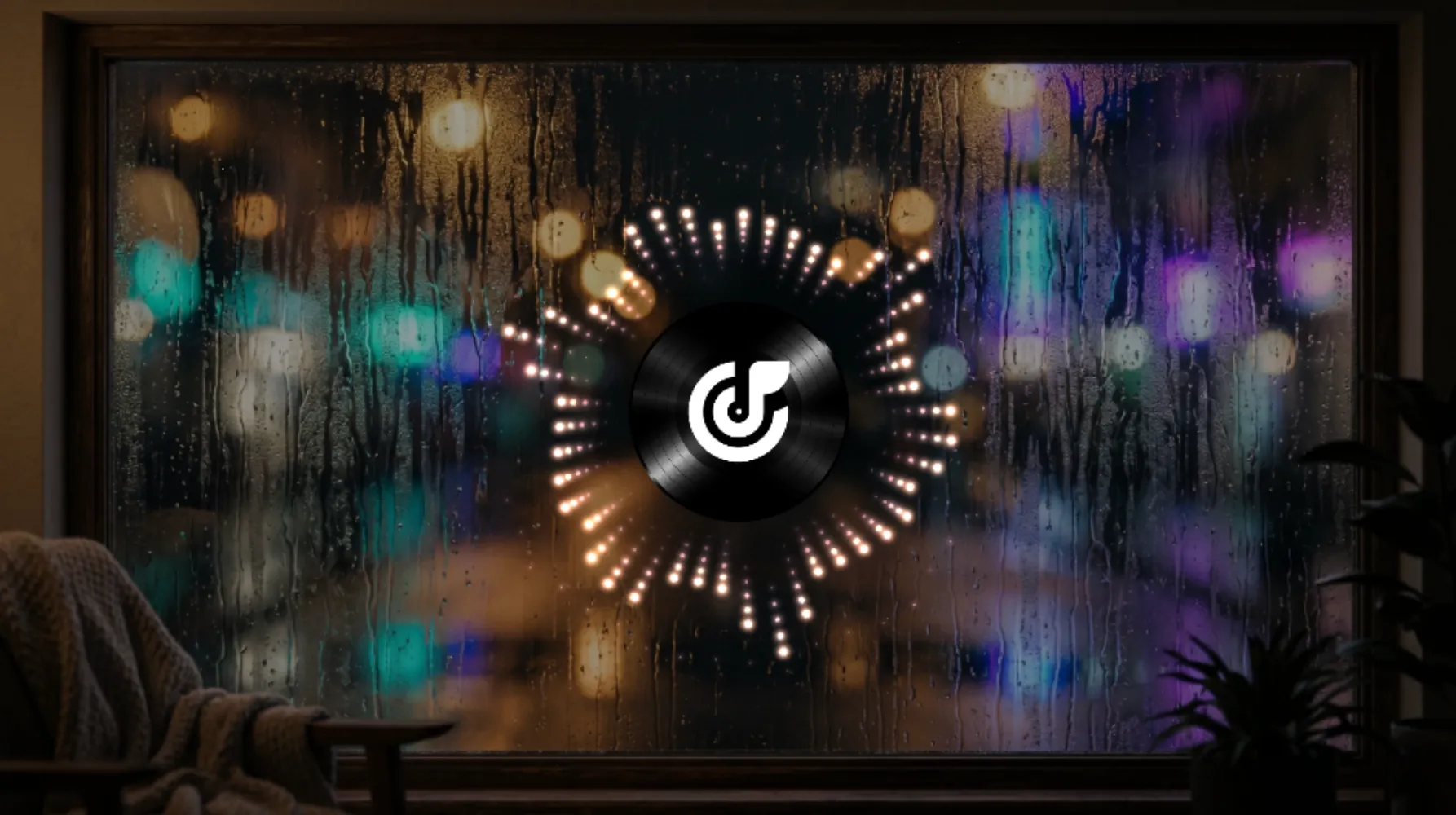
Counting Stars
circle point visualizer

Datascape
flat solid visualizer
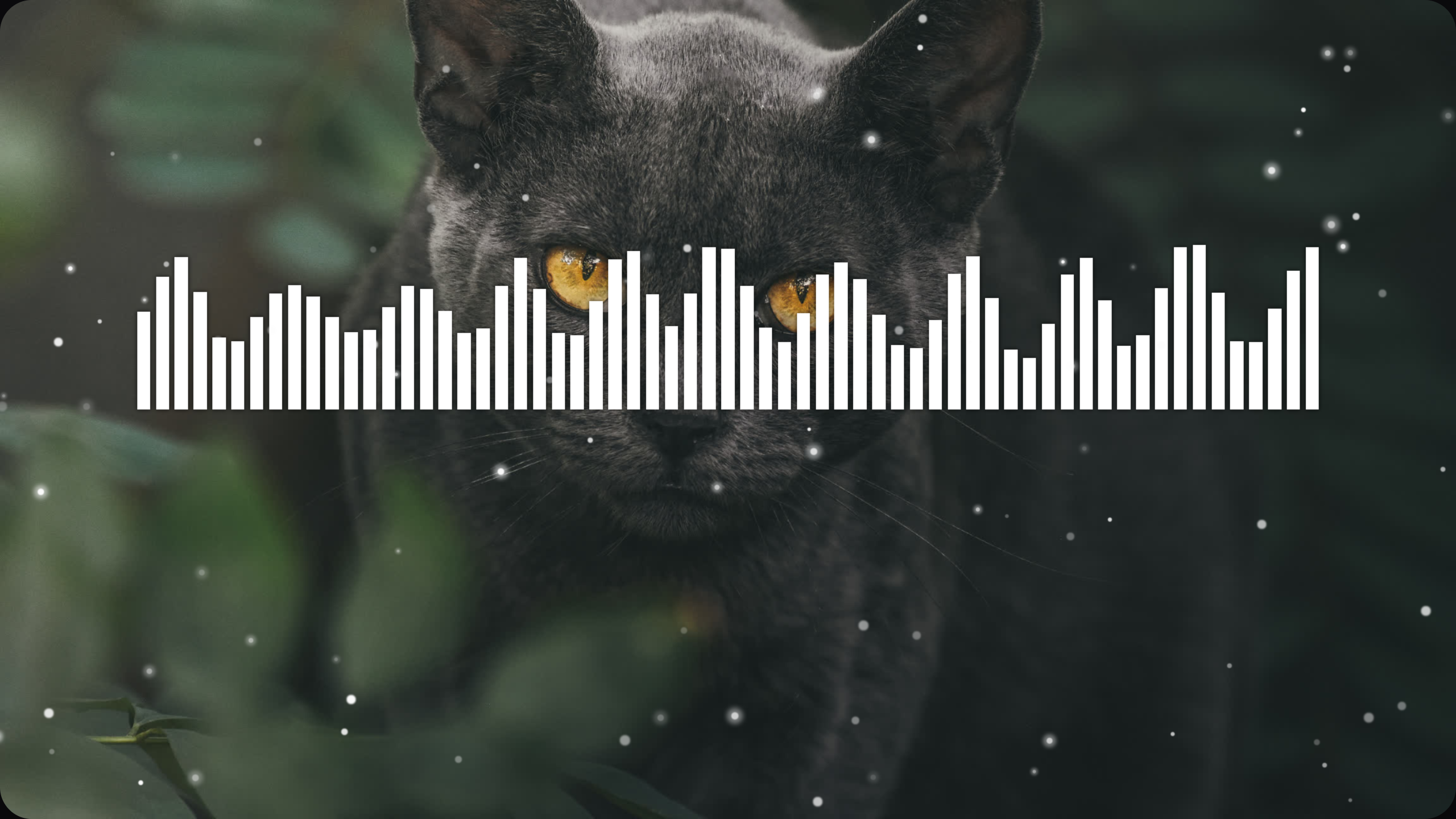
Jungle Cat
flat bar visualizer
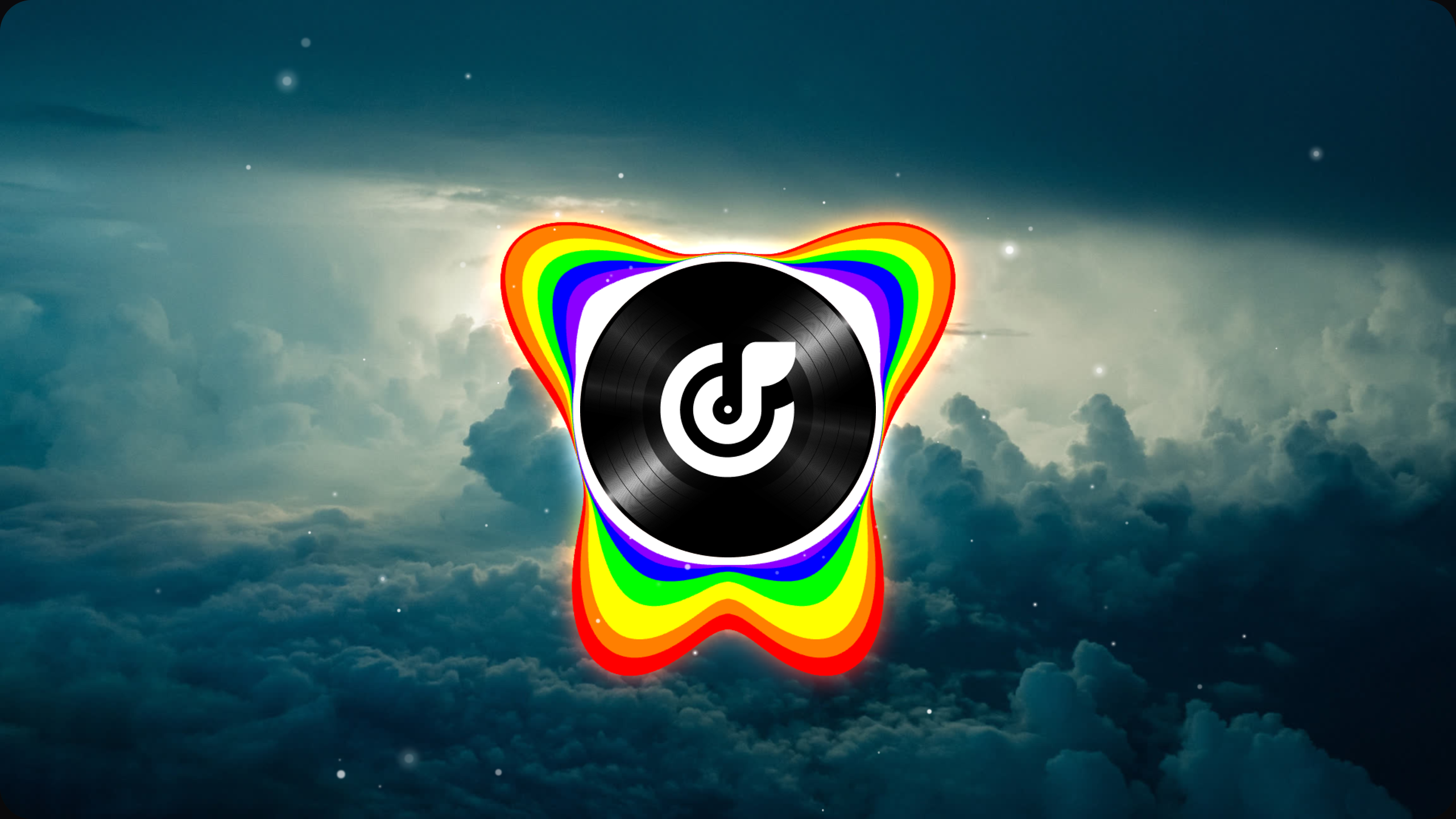
Chromatic
circle solid visualizer

Snowflake
circle solid visualizer

Range of Fire
flat solid visualizer

Seven Suns
circle point visualizer

Prismatic Shard
flat bar visualizer
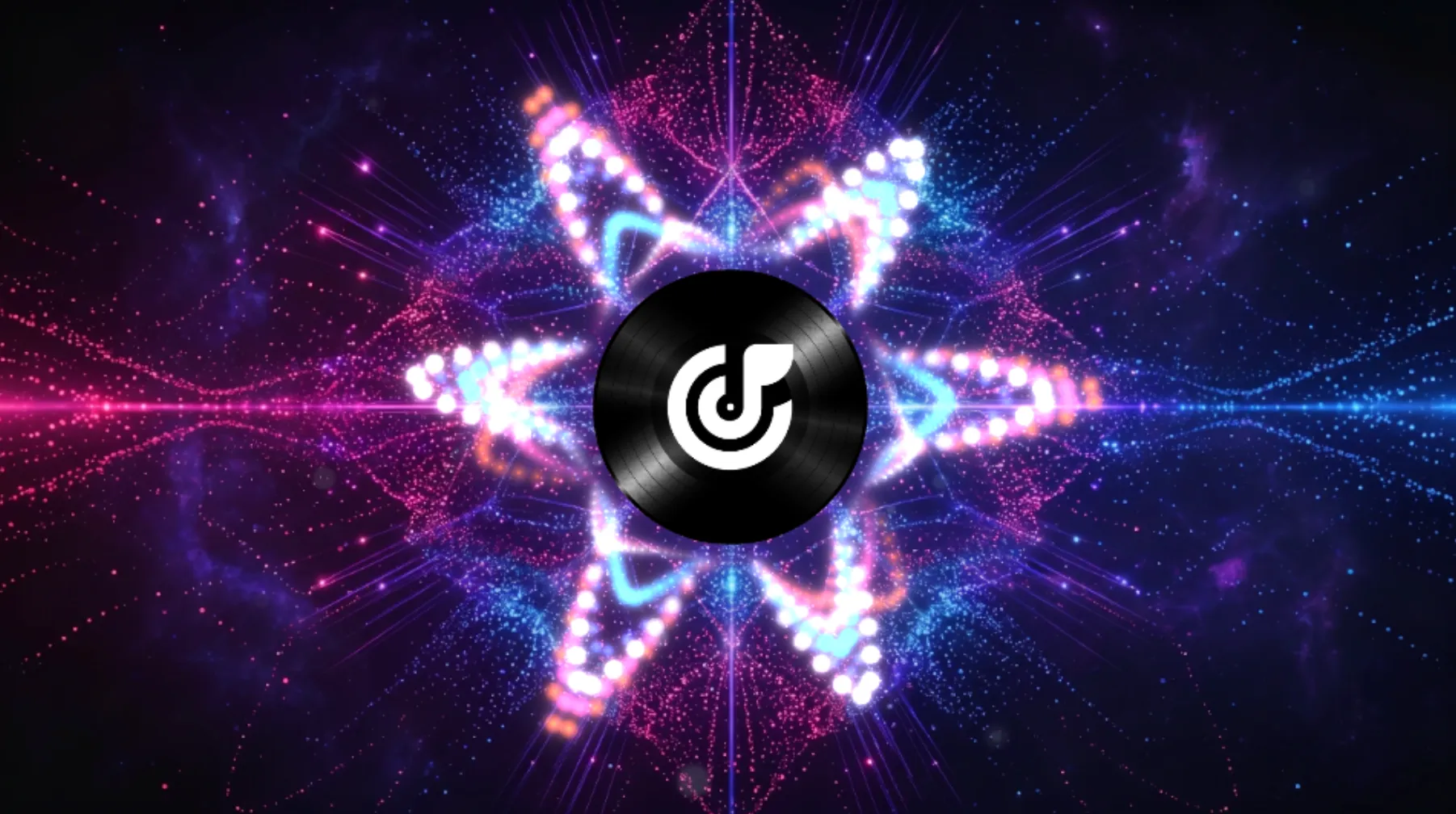
Pinky Pop
circle point visualizer
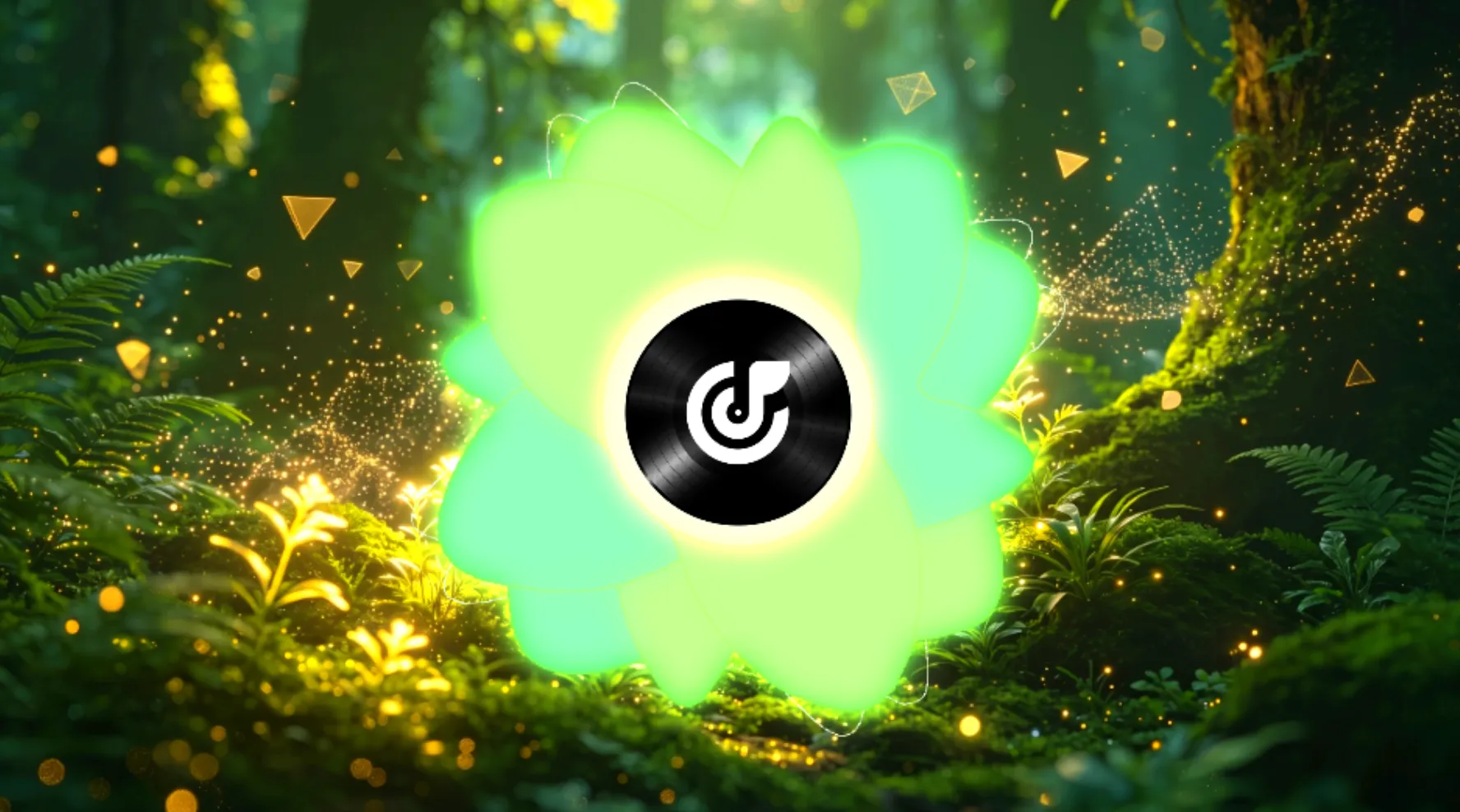
Lucky Clover
circle solid visualizer
Try AI Music Visualizer
Turn Audio Into Video With AI Music Visualizer
Upload your track, change the visual style, and download a finished video in a few simple steps. FreeMusic AI makes it easy to create music visuals for social posts, DJ sets, and other audio projects.
Upload Your Audio Track
Choose a track from your library or upload a local file to start your project. The system reads your audio first so the visuals can follow the rhythm of the track.
Customize Visual Elements
Adjust wave colors, motion styles, and text options to match the mood of your audio. You can try different looks before you export the final video.
Export Your Video
Preview the result, then download the finished video when it is ready. Use it for social platforms, music posts, or other sharing needs.
Easy Visual Editing
Why Creators Like This Music Visualizer
FreeMusic AI helps creators make music visuals faster in the browser. You can edit the look, try different styles, and export videos without a heavy setup.

Total Creative Control
Adjust wave motion, colors, lyric styling, and other visual details to match your track. You can try different looks without starting over.

Versatile Output Options
Create lyric videos, podcast visuals, DJ playback content, and other visualizer formats from the same workflow.

Seamless Workflow
Build and export visualizer videos in your browser without relying on a heavier desktop setup for every project.
Explore Visual Tools
Discover What Makes This AI Music Visualizer Unique
FreeMusic AI gives creators simple tools for sound waves, lyric text, and visual motion. You can change the look of your video and export it for different audio projects.
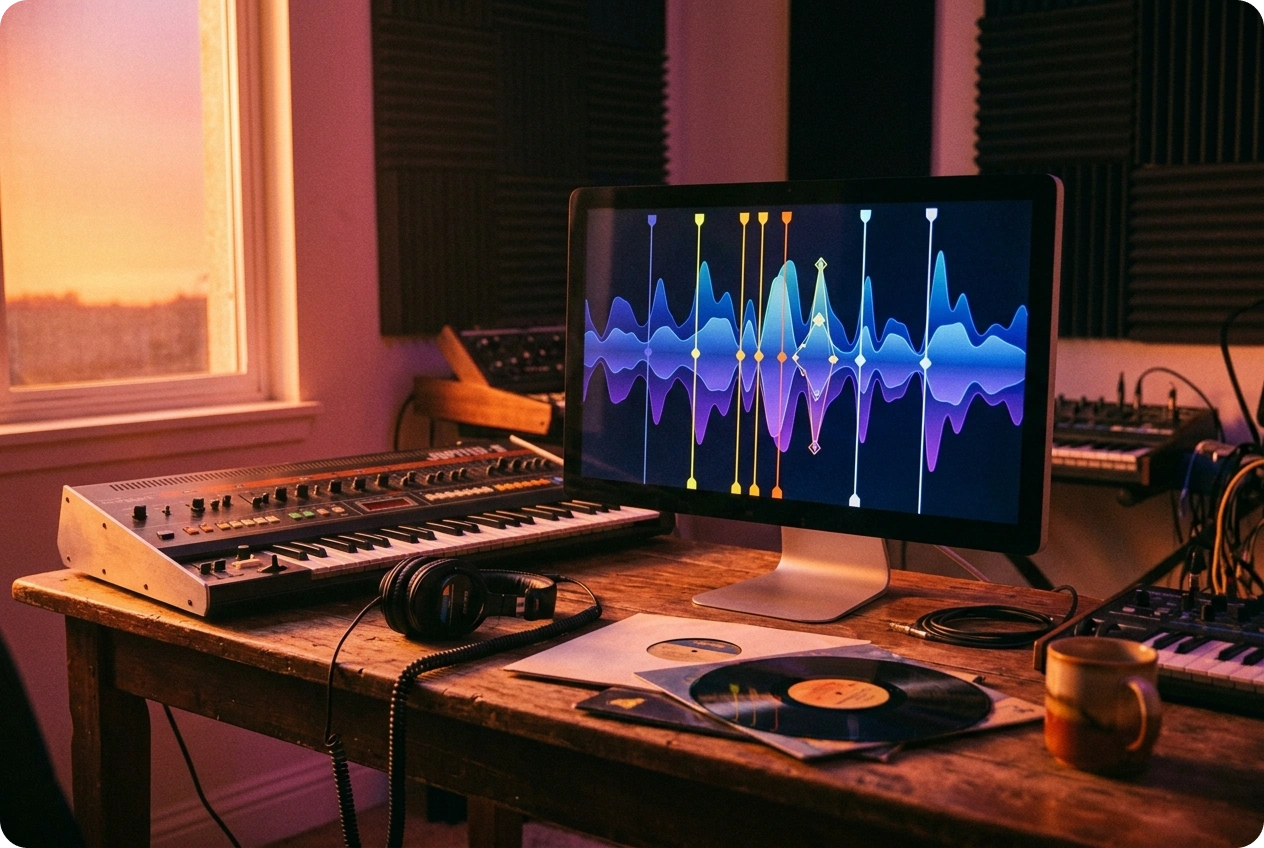
Smart Audio Analysis
The system reads beats and frequency changes to build visual timing around your track. This helps you create synced motion with less manual editing.
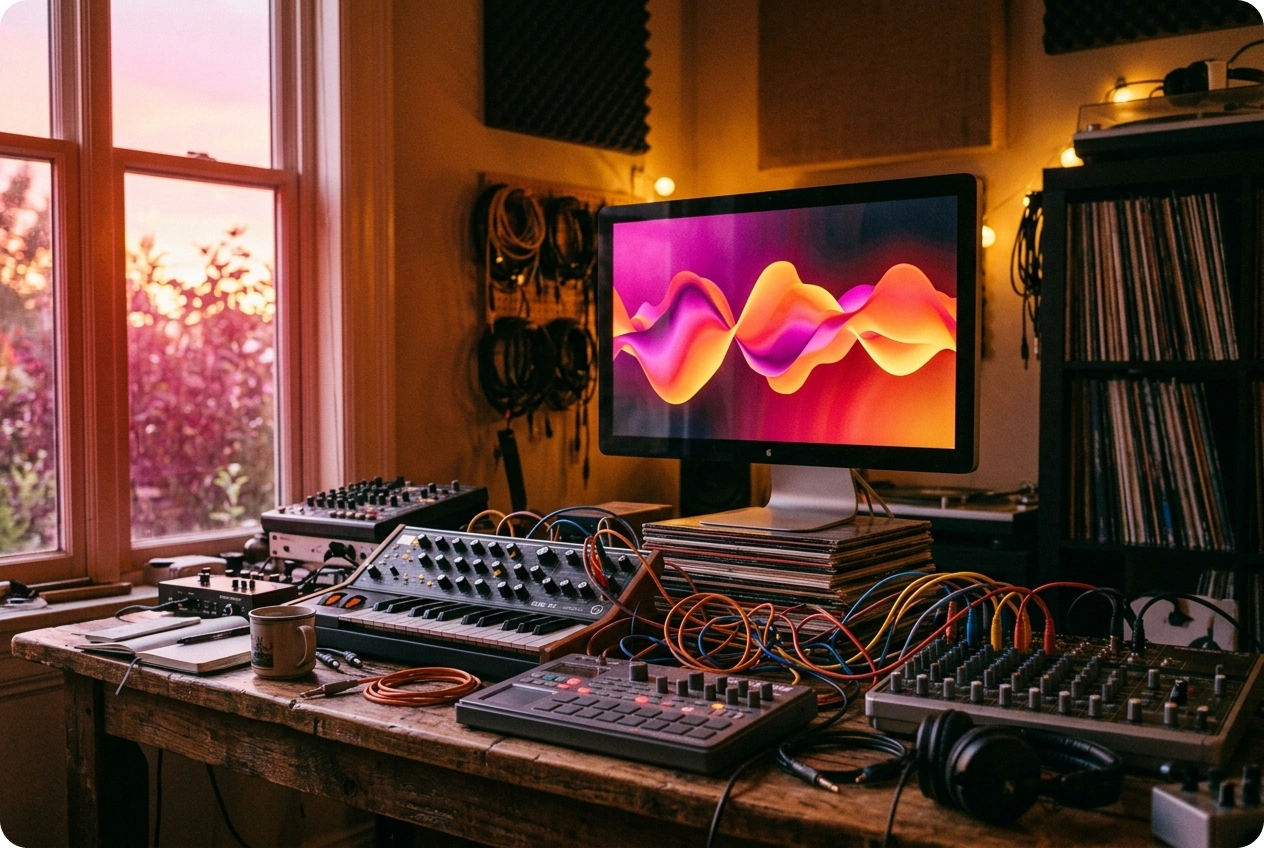
Custom Sound Waves
Adjust wave colors and shapes to match the mood of your audio. You can try different styles until the video feels right for your track.

Dynamic Lyric Subtitles
Add lyric text with font options that fit your song and video style. This makes it easier to build lyric videos and other audio-based content.
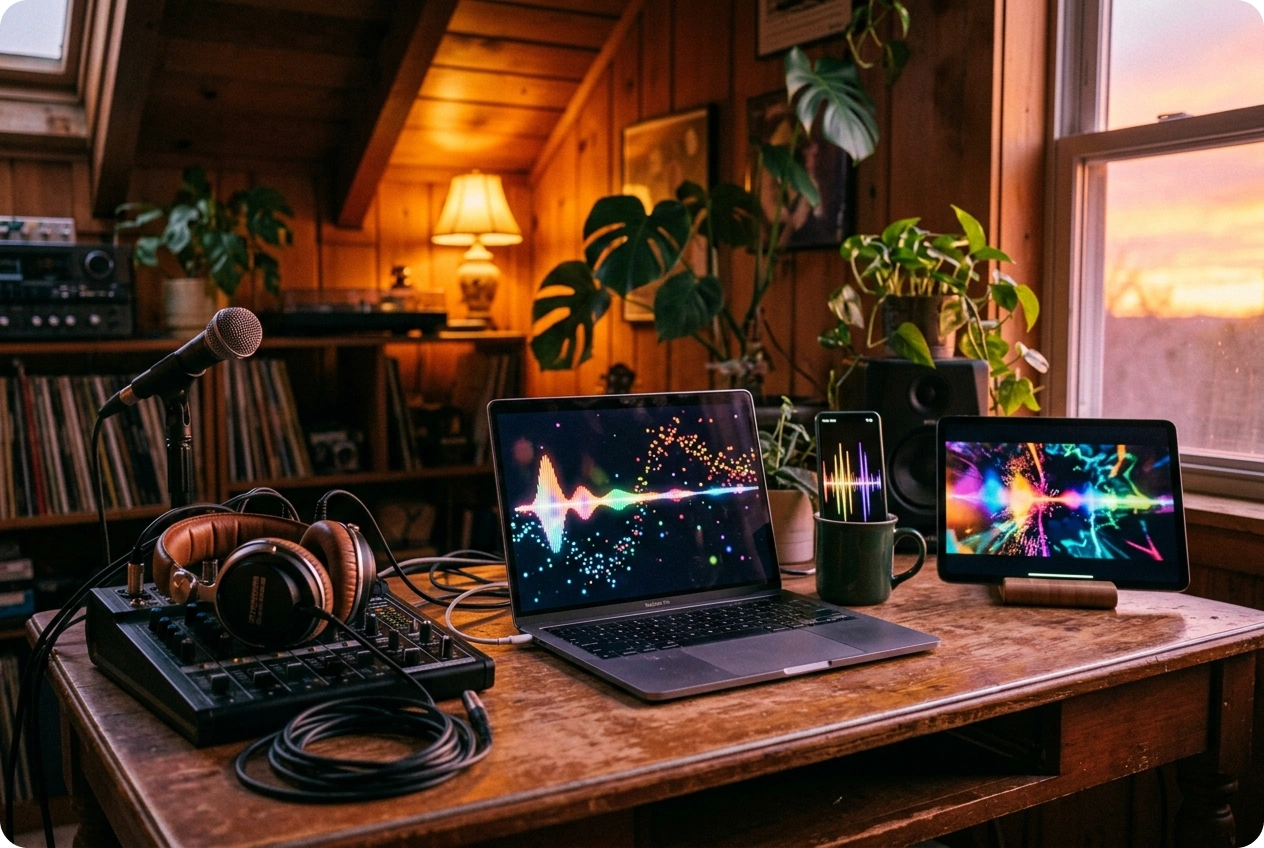
Multi Scene Adaptation
Create visuals for podcasts, music posts, DJ sets, and other formats from one workflow. This helps you reuse the same track in more places.
Frequently Asked Questions
What makes this one of the best music visualizers for creators?
AI Music Visualizer helps creators turn audio into responsive video more easily through waveform styling, lyric tools, browser-based editing, and flexible export options.
What is a music visualizer and how does it analyze audio files?
A music visualizer turns audio signals into animated graphics by reacting to beats, volume, and frequency changes during playback.
Can I use this music visualization software for commercial YouTube videos?
Videos created from your original audio can be used in creative or commercial workflows, depending on the materials you provide and how you plan to publish them.
Can I customize fonts for lyric subtitles?
Yes. You can adjust typography styles and subtitle presentation to better match your brand, track mood, or video format.
Can I export projects from this browser-based visualizer workflow?
Yes. You can render and download finished videos for publishing, sharing, or live playback after your project is ready.

Try AI Music Visualizer Now
Start using our music visualization tools today to visualize music and download stunning videos instantly.