Source Audio
Separation Mode
Best Free AI Instrumental Remover

Discover amazing backing tracks generated by our AI
Free AI instrumental remover
Who Needs an AI Instrumental Remover?
See how creators and audio professionals use our smart extraction tool to clean up their projects every single day.

DJs and Mixers
Extract crisp vocals on the go to build custom live mashups and keep the dance floor moving all night long.

Vocal Coaches and Singers
Delete the instruments to hear isolated vocal techniques, breathing, and raw emotion clearly for practice and study.

Music Producers
Isolate pure acapellas from fully mixed songs to create amazing new remixes and studio beats without any audio bleed.
Free AI instrumental remover
How to Use the AI Instrumental Remover
Extract voices and delete background beats in three incredibly simple steps using our smart interface.
Upload Source Audio
Click the upload button to add a local music file from your device or choose a track from your saved workspace.
Choose Separation Mode
Select the standard AI vocal remover to delete the music, or pick the advanced split to isolate drums and bass.
Separate Audio Instantly
Click the green generate button and let our smart engine process your audio into clean individual tracks immediately.
Free AI instrumental remover
Game Changing AI Instrumental Remover Features
Experience the ultimate convenience of our advanced technology that makes deleting background music faster and more accurate than ever.
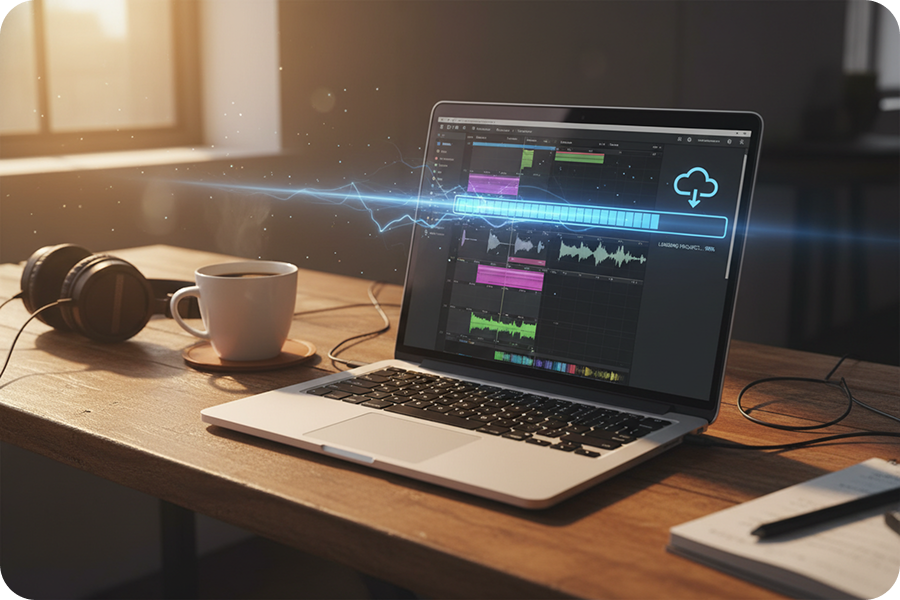
Pure Acapella Extraction
Turn any fully mixed song into a studio-ready acapella. Our intelligent AI effortlessly strips away heavy basslines, loud drums, and complex synths to leave you with perfectly isolated, mix-ready vocals.

Multiple Separation Modes
Go beyond basic audio extraction. Choose standard instrument deletion, a precise four stem split for drums and bass, or extract all detected stems perfectly for total mixing control.
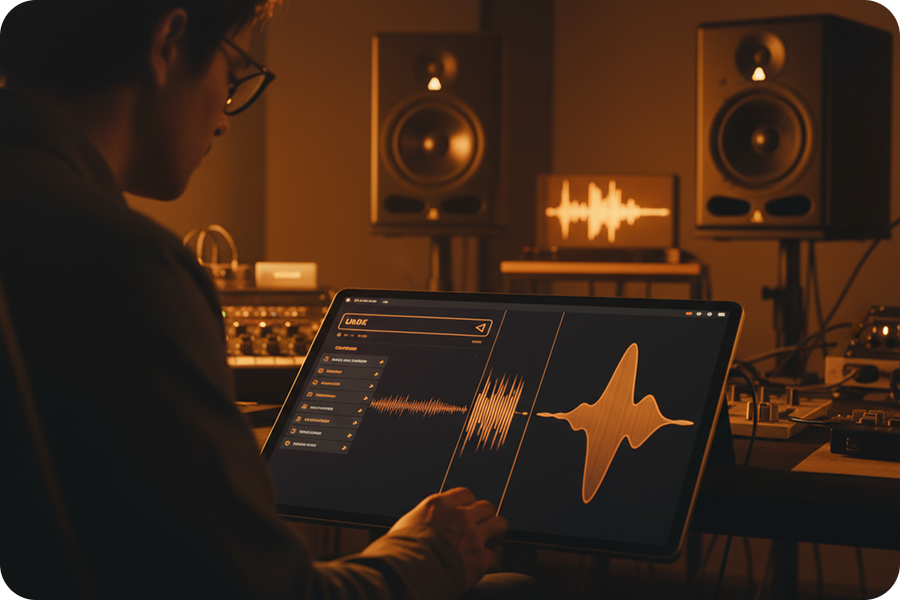
Broad Format Support
Upload your favorite audio files with absolute ease. Our system supports all popular formats including MP3, WAV, FLAC, AAC, and WMA for maximum creative flexibility without annoying conversions.

Lightning Fast Speed
Stop wasting your time waiting for heavy software. FreeMusic uses highly powerful cloud servers to process your uploaded files into separated vocal tracks in just a few seconds, keeping your workflow moving.
Frequently Asked Questions
What is the FreeMusic AI instrumental remover?
It is a smart online tool that allows you to upload an audio file and completely delete the background beat, leaving only the clean voice.
Is this AI instrumental remover free to use?
Yes, FreeMusic allows you to extract vocals and delete background tracks completely free of charge directly in your web browser.
Can I separate specific instruments like drums or bass?
Absolutely. Instead of basic removal, you can select the 4 Stem Split mode to isolate vocals, drums, bass, and other background instruments perfectly.
What audio formats does this tool support?
We support a wide variety of standard audio files for your convenience, including MP3, WAV, OGG, M4A, AAC, FLAC, and WMA.
Can I use this tool to remove vocals instead?
Yes. While it acts as an AI instrumental remover, the same tool can be used in reverse to keep the music and completely delete the singer.

Silence the Beat, Keep the Voice
Stop struggling with messy audio edits and loud background noise. Upload your music into FreeMusic right now and get crystal clear vocals instantly.